Delta Elec. Inc. HD86
Company Confidential Optoma___________________ Delta________________
63
2009/08/18
6. Calibration
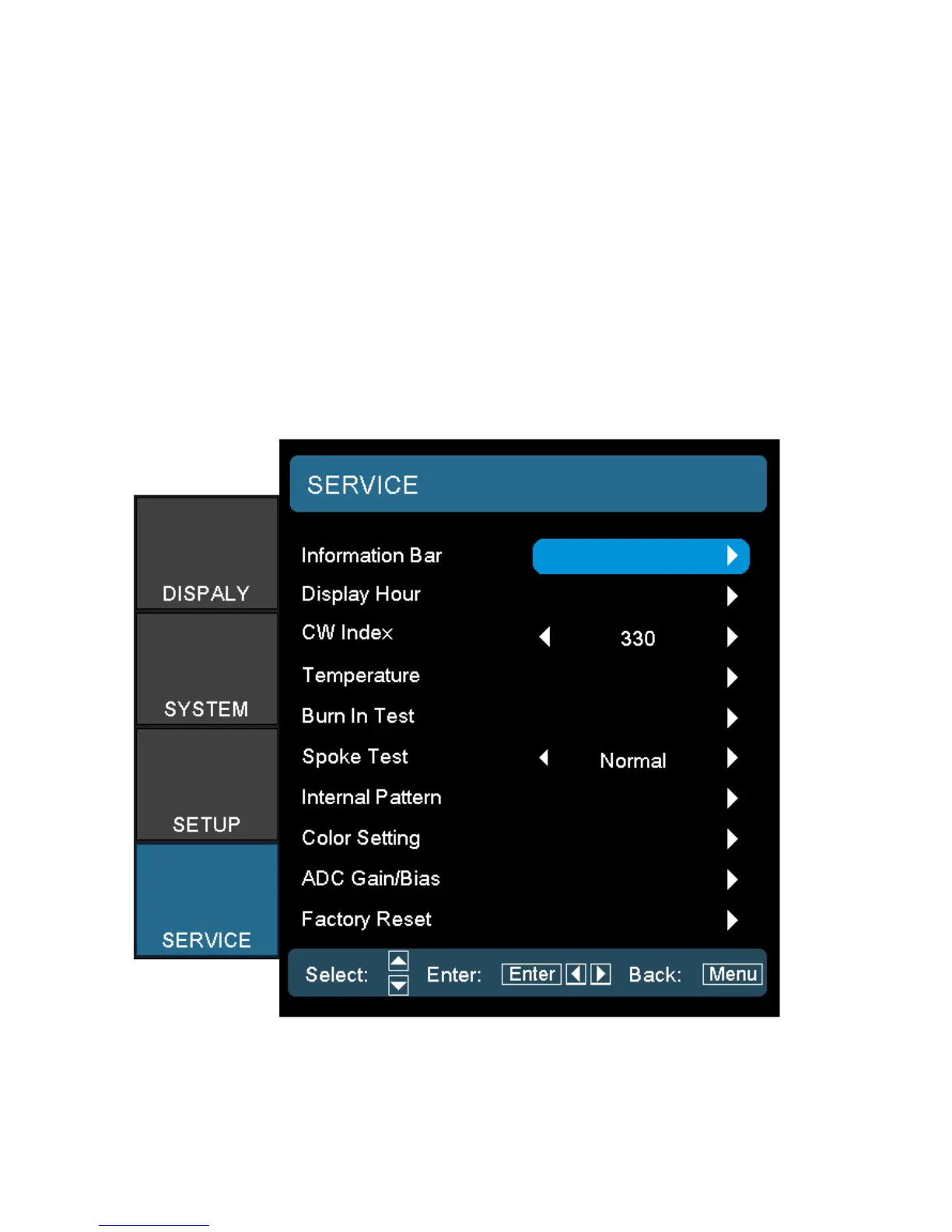
Step of into Service Mode
Step 1 : To turn on the projector, press the Remote controller to disappear the OSD,
. then press “Power” key => “Left” key => “Right” key => “Down” key => “Up” key.
Step 2
:
If password is correct then go into Service Mode.
Then OSD will pop up shows as follows:



 To Next Page