EasyManua.ls Logo

Optoma HD86 - Troubleshooting and Problem Solutions; Initial Troubleshooting Steps

Optoma HD86
93 pages
Print Icon
To Next Page IconTo Next Page
To Previous Page IconTo Previous Page
Loading...
Delta Elec. Inc. HD86
Company Confidential Optoma___________________ Delta________________
23
2009/08/18
3. TROUBLE SHOOTING
By checking operations during normal usage time, it is possible to carry out judgments on malfunction
to a certain extent. Carry out the following checks before disassembling the equipment.
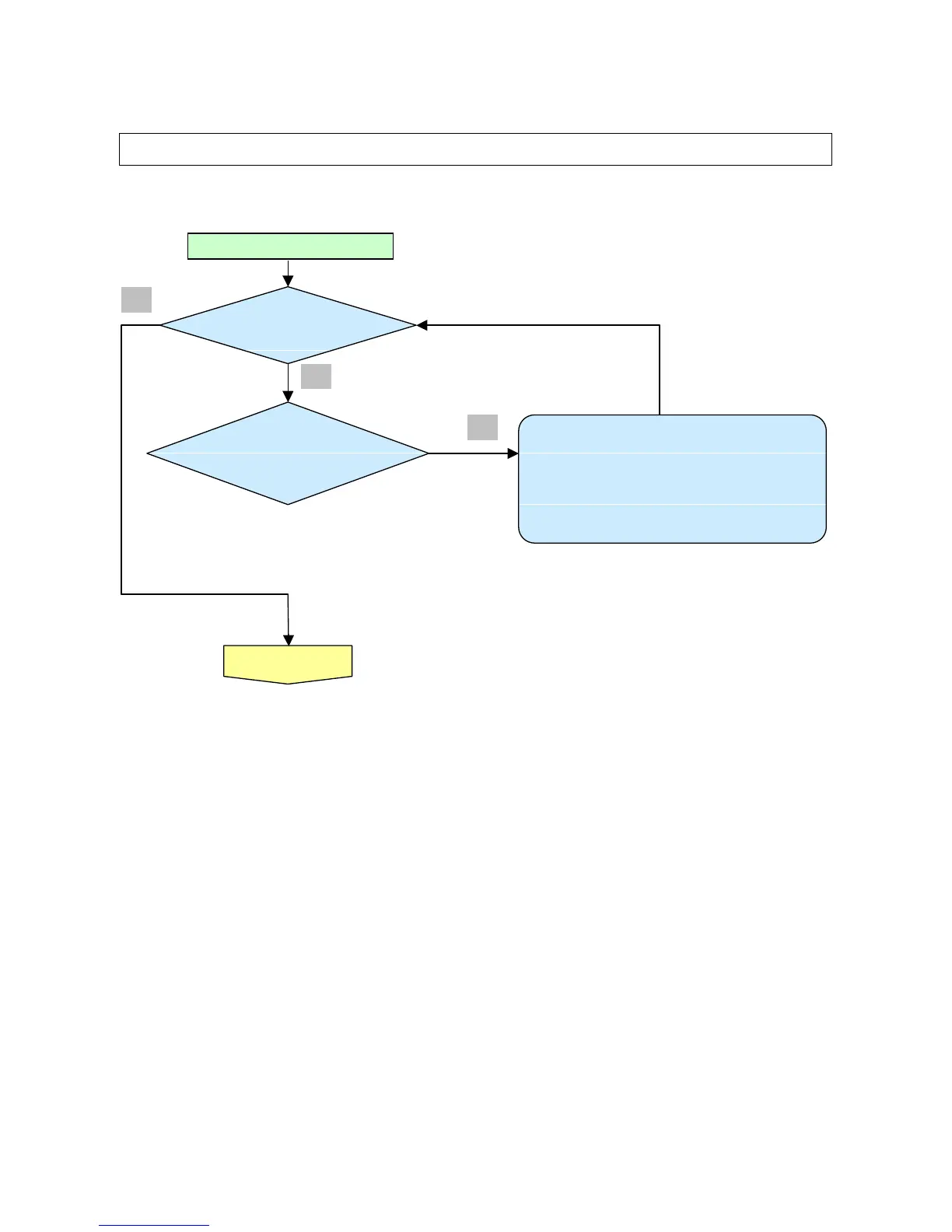
Waiting Power On
Connect the power cord
• Power Supply Unit malfunction
Check Power BD CN201 to Format CN900 connection
• Check Format P1 to MB CN550 connection
• Check MB CN111 to IO BD P8 connection
• Check MCU firmware is ok or not .
<
Stand
-
by >
Power: Light (RED)
Lamp
:
OFF
< Power
supply
Error>
Power: OFF
Heat: OFF
Lamp:
OFF
Yes
Yes
No

Related product manuals