Delta Elec. Inc. HD86
Company Confidential Optoma___________________ Delta________________
64
2009/08/18
6-1. Calibrate Analog RGB (1024 x 768 @ 60Hz):
A. Function Description
:
ADC Calibration - VGA
:
Calibrating Analog RGB signal
B. Calibrate Analog RGB (1024 x 768 @ 60Hz):
Step 1
:
Press “
Color Setting
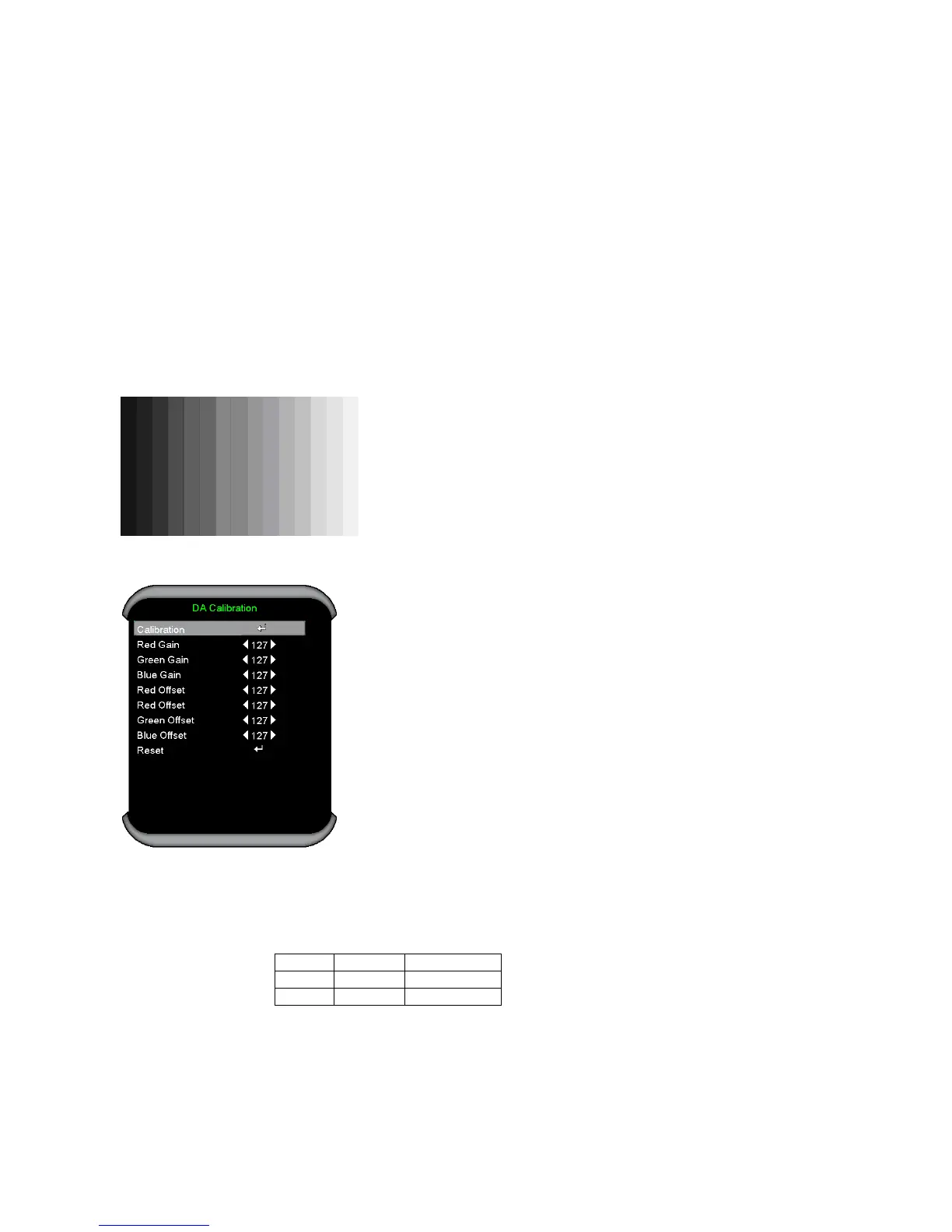
” to do DA Calibration
VGA In this menu input pattern with 16-grays scalar for calibration the VGA Source.
Input Pattern
After input ready press “
Enter
” key on Calibration item to calibration.
Step 2 : After complete, you can get the calibrated value that different with default value
(all 127). if calibration fail, you can get the calibrated vale of default (all 127)
Note : Offset & Gain Value
Default After ADC
Offset 127
Gain 127
Step 3 : Compare internal white pattern and RGB source white pattern,
if the brightness gap ratio of these two source is bigger than 3.5%.



 To Next Page