Delta Elec. Inc. HD86
Company Confidential Optoma___________________ Delta________________
66
2009/08/18
6-3. Color Wheel Index, DMD Contrast and Brightness Adjustment @ RGB source
A. Switch Timing to RGB (1024 x 768 @ 60Hz)
B. Then go into Service Mode.
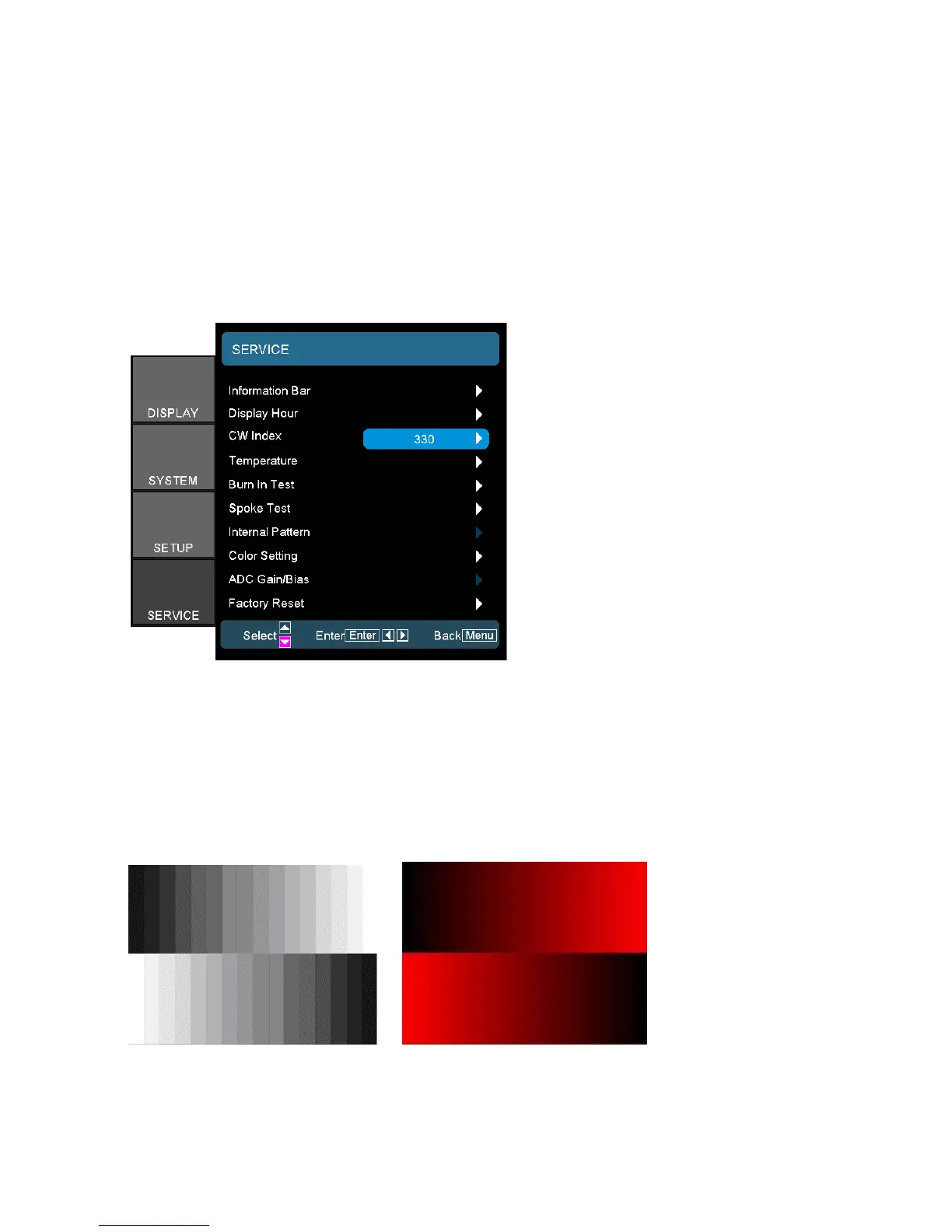
In the Service Mode.
C. Select “CW Index”.
The default value is 324. The range is 0~359.
D. Switch Pattern 49 “256 Gray Scale”. Fine-tune until the gray scale still distinct.
Decrease the color to the minimum, tune off G, B channel, check the smooth in brighter
level of the R 256 ramp. If not, fine tune “CW Index delay time” until R 256 ramp smooth.



 To Next Page