Condential
4-4
S310e/X312
1. Frequency and tracking boundary
Procedure - Test equipment: video generator.
- Test signal: analog 800x600@60Hzx600@60Hz@60Hz
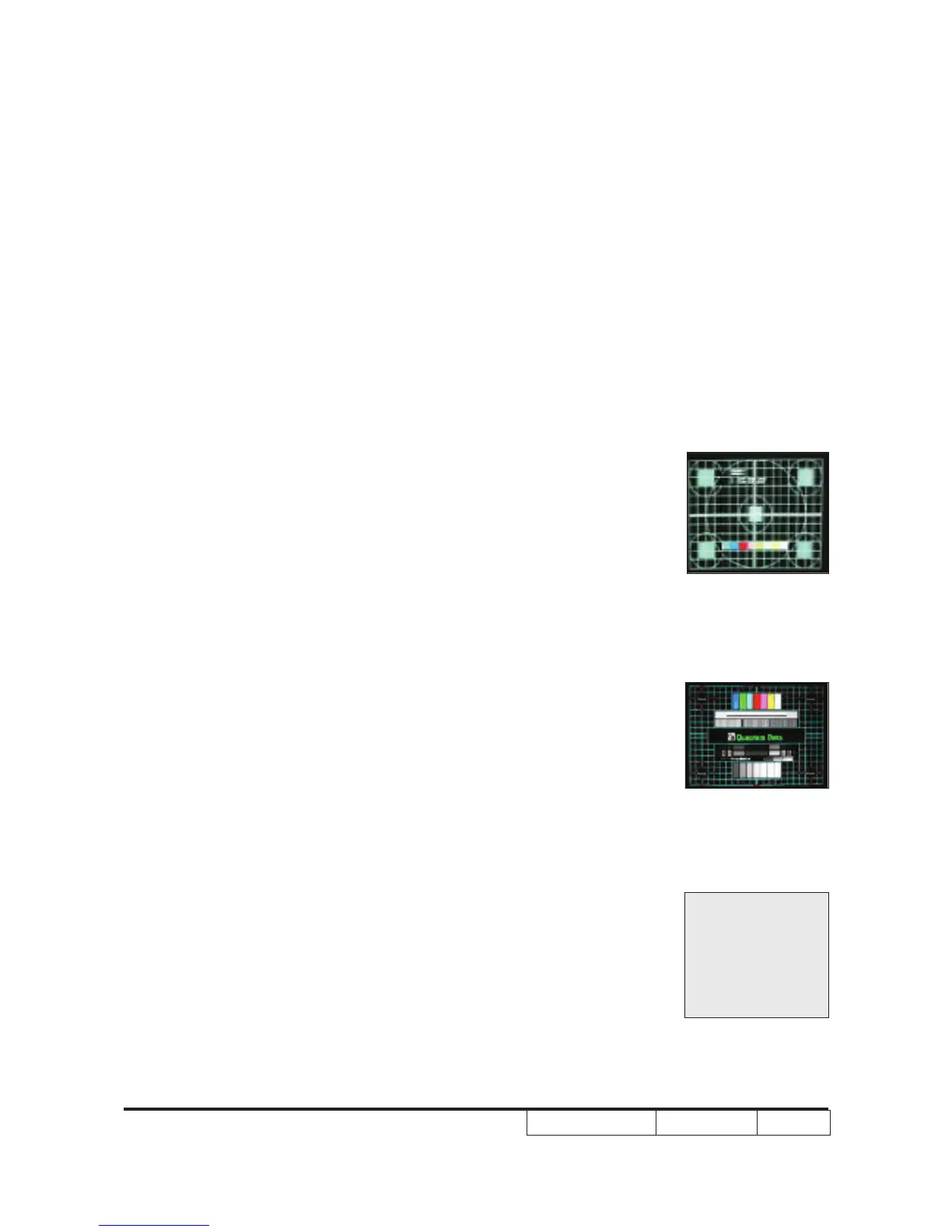
- Test Pattern: general-1 or master
- Check and see if the image sharpness is well
performed.
- If not, re-adjust by the following steps:
(1) Select “Frequency” function to adjust the image ap-
pears to icker vertically.
(2) Select “Phase” function and use right or left arrow
key to image appears to be unstable or ickers.image appears to be unstable or ickers.
- Adjust Resync or Frequency/Phase/H. Position/V.
Position to the inner screen.
Inspection item - Eliminate visual wavy noise by Resync, Frequency or
Tracking selection.
- Check if there is noise on the screen.
- Horizontal and vertical position of the video should be
adjustable to the screen frame.
Criteria - If there is noise on the screen, the product is consid-
ered as failure product.
- If there is noise on the screen, use auto or manual
“frequency” function or “tracking” function to adjust the
screen.
- The PC mode functionally sure be workable include
support format with frequency and auto detected func-
tional will be workable.
2. Bright Pixel
Procedure - Test equipment: video generator.
- Test signal: analog 800x600@60Hz
- Test Pattern: gray 10
Inspection item - Bright pixel check.
Criteria - Please refer to Pixel specication table.
Gray 10
Master
General-1



 To Next Page