Condential
4-8
S310e/X312
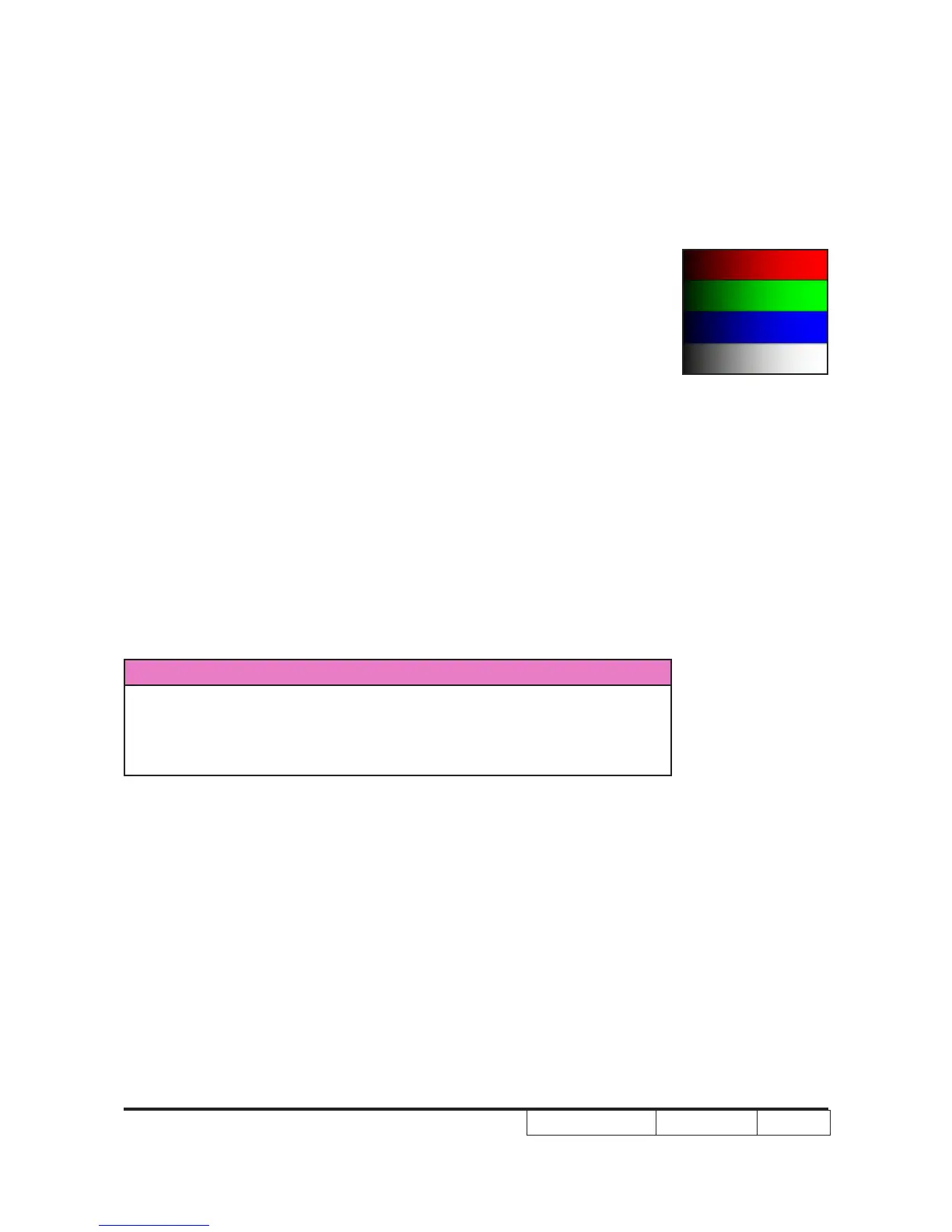
Criteria - Screen appears normal. It should not have any
abnormal condition, such as lines appear on the
screen and so on.
- Color appears normal.
- It is unacceptable to have few lines ashing.
- RGBW should all appear normal on the screen and
sort from R-G-B-W.
- Color levels should be sufcient and normal. (The
unidentied color levels on both left and right sides
should not over 4 color levels.)
- Gray level should not have abnormal color or heavy
lines.
- If color appears abnormal, please get into service
mode to do color wheel index adjustment.
9. Optical Performance
Inspection Condition
- Environment luminance: 2 Lux
- Product must be warmed up for 5 minutes
- Screen Size:
Screen size: 60 inches diagonal.
a. Measure setting
Procedure - Please get into OSD menu, select “Lamp Setting”
under “Options”, press “Enter” button, then select
“Brightness “mode,
- “Format” is “4:3”
- Test equipment: Select “Spoke Test”.
- Test signal: analog 1024x768@60Hz(For X312)
analog 1280x800@60Hz(For S310e)
64 gray RGBW



 To Next Page