Condential
4-7
S310e/X312
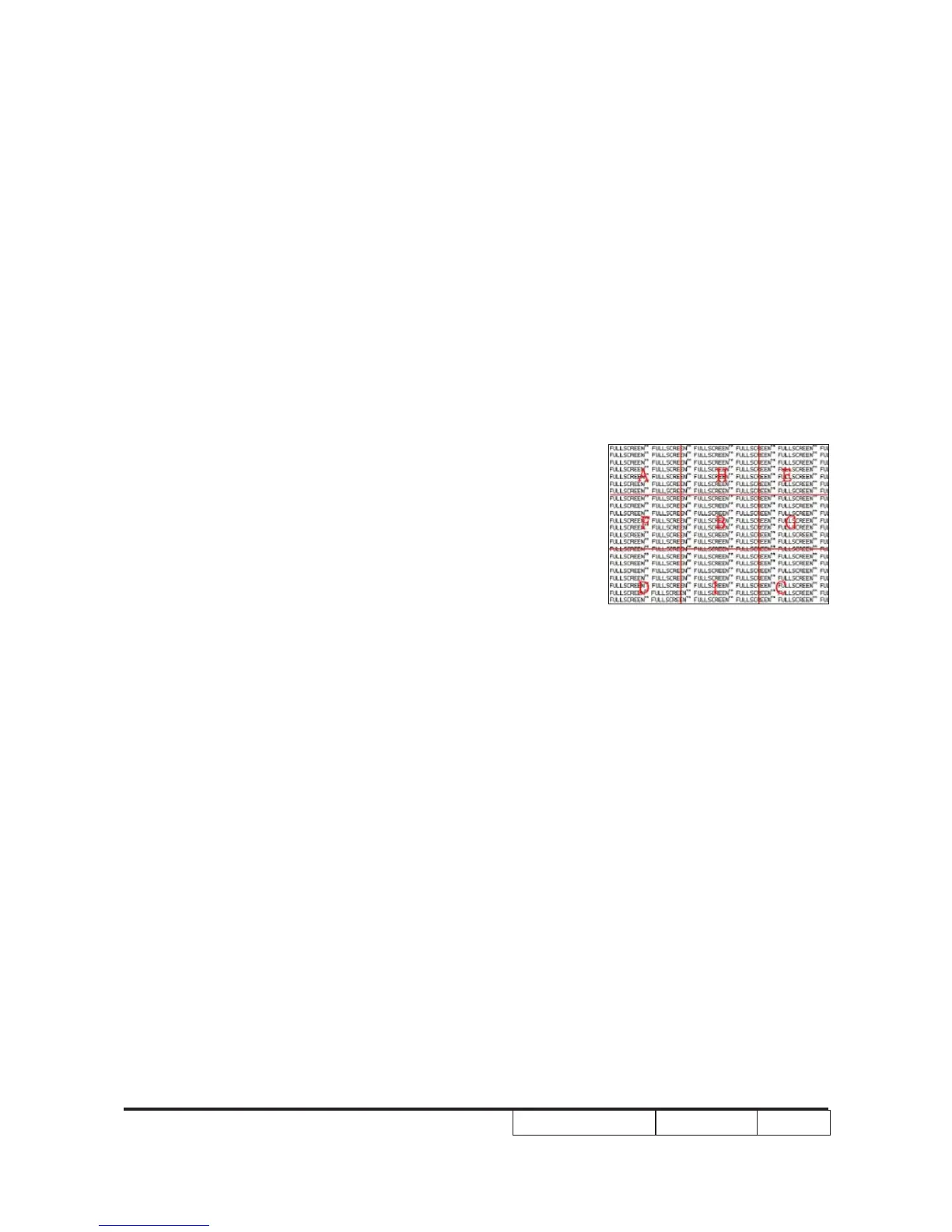
6. Focus Test
Procedure - Test equipment: video generator.
- Test signal: analog 800x600@60Hz800x600@60Hz@60Hz
- Test Pattern: full screen
Inspection item - Focus check
Criteria - look at the entire screen, focus shall be clear, crisp,
and sharp over the entire surface of the display
pattern. (Blur word on one of the corner after
adjustment is acceptable. However, the word should
at least be recognizable.)
7.Unbalance test
Procedure - Test equipment: video generator.
- Test signal: analog 800x600@60Hz
- Test Pattern: full screen
Inspection item - Unbalance check
Criteria - Test signal:analog 800x600@60Hz
- Unbalance <=37cm@60”
Note:If focus could not clarify,you can use the unbanlance test that you put
a white paper far away screen front or behind until the focus is best ,then
measure the distance from paper and screen within the specication.
8. Color Performance
Procedure - Test equipment: video generator.
- Test signal: 800x600@60Hz, 1080i800x600@60Hz, 1080i@60Hz, 1080i
- Test Pattern: 64 gray RGBW
Please get into service mode.Use
720p & 1080p signal, pattern to do color
performance. Color cannot discolor to purple and
blue.
Inspection item - Check if each color level is well-functioned.
- Color saturation
Full screen



 To Next Page