3
UM0972080 A 03
4.1.13. Camera type 13
4.1.14. Video stndrd 13
4.1.15. Backlight 13
4.1.16. Zero Lux 13
4.1.17. Stabilizer 14
4.1.18. Color LUT (look up table) 14
4.1.19. TIC DDE (TIC digital detail enhancement) 14
4.1.20. Spot meter 14
4.1.21. Pan/tilt 14
4.1.22. PIP/Split Screen* 14
4.2. Camera tags 15
4.3. System settings 15
4.3.1. Language 15
4.3.2. On Screen Display (OSD) 15
4.3.3. Keyboard 16
4.3.4. Power settings 16
4.3.5. CAN bus 16
4.3.6. LCD Backlight 17
4.3.7. Scanning 18
4.3.8. Camera switch 18
4.3.9. Front camera 18
4.3.10. Default settings 18
4.3.11. External device configuration 19
4.4. Info 19
5. Using the operator menu 19
5.1. Language 19
5.2. Camera settings 20
5.3. Video channel settings 20
6. System overview 21
7. Overview of menus 23
8. FAQ 24
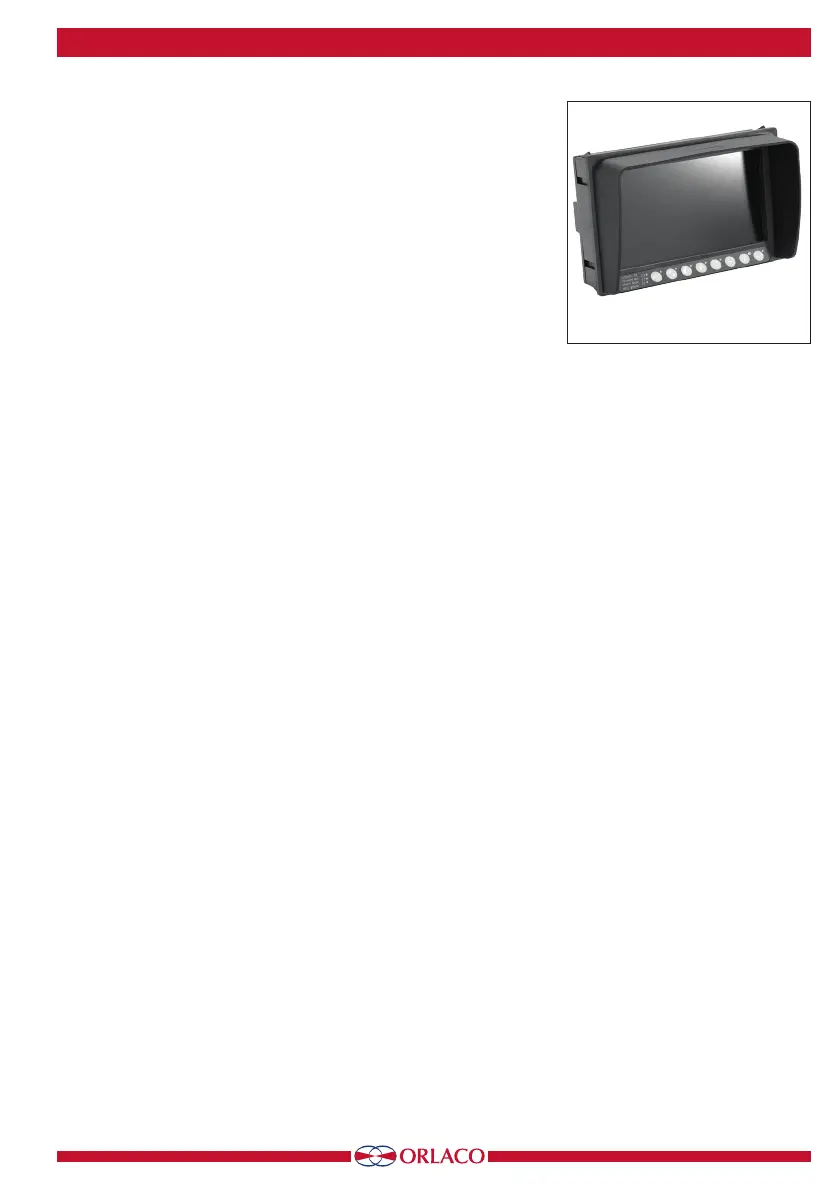
Monitor 7” LEDD
*Only for Orlaco monitors with
split screen (SP).


 To Next Page