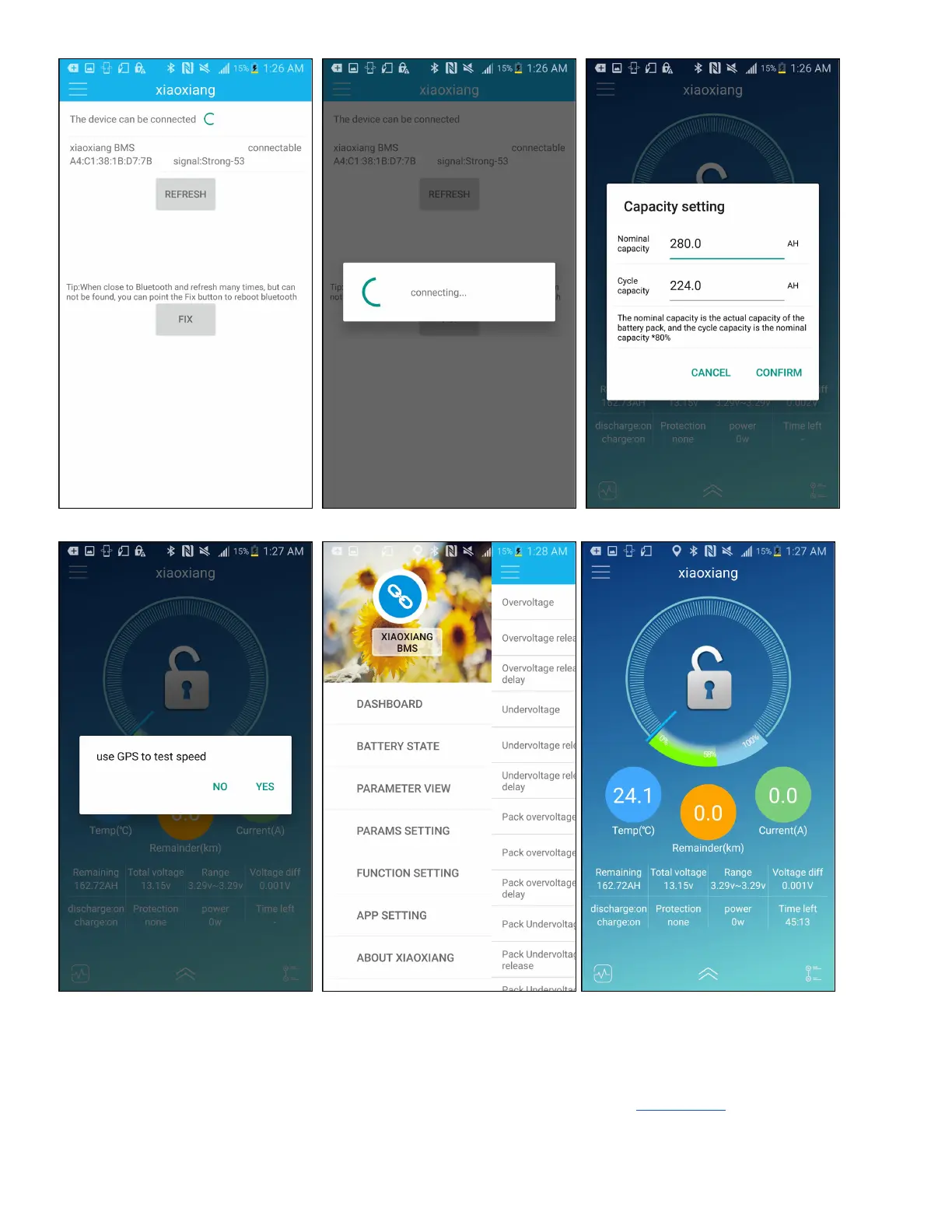
By clicking on the top-right nav icon, you can navigate to the app’s sub-pages:
1. Dashboard: This navigates back to the main menu
2. Battery State: In this screen, you can view individual cell voltages
3. Parameter View: In this screen, you can read the BMS settings. See Appendix A for recommended
settings.


 To Next Page
 Loading...