5.Advanced User Guidebook
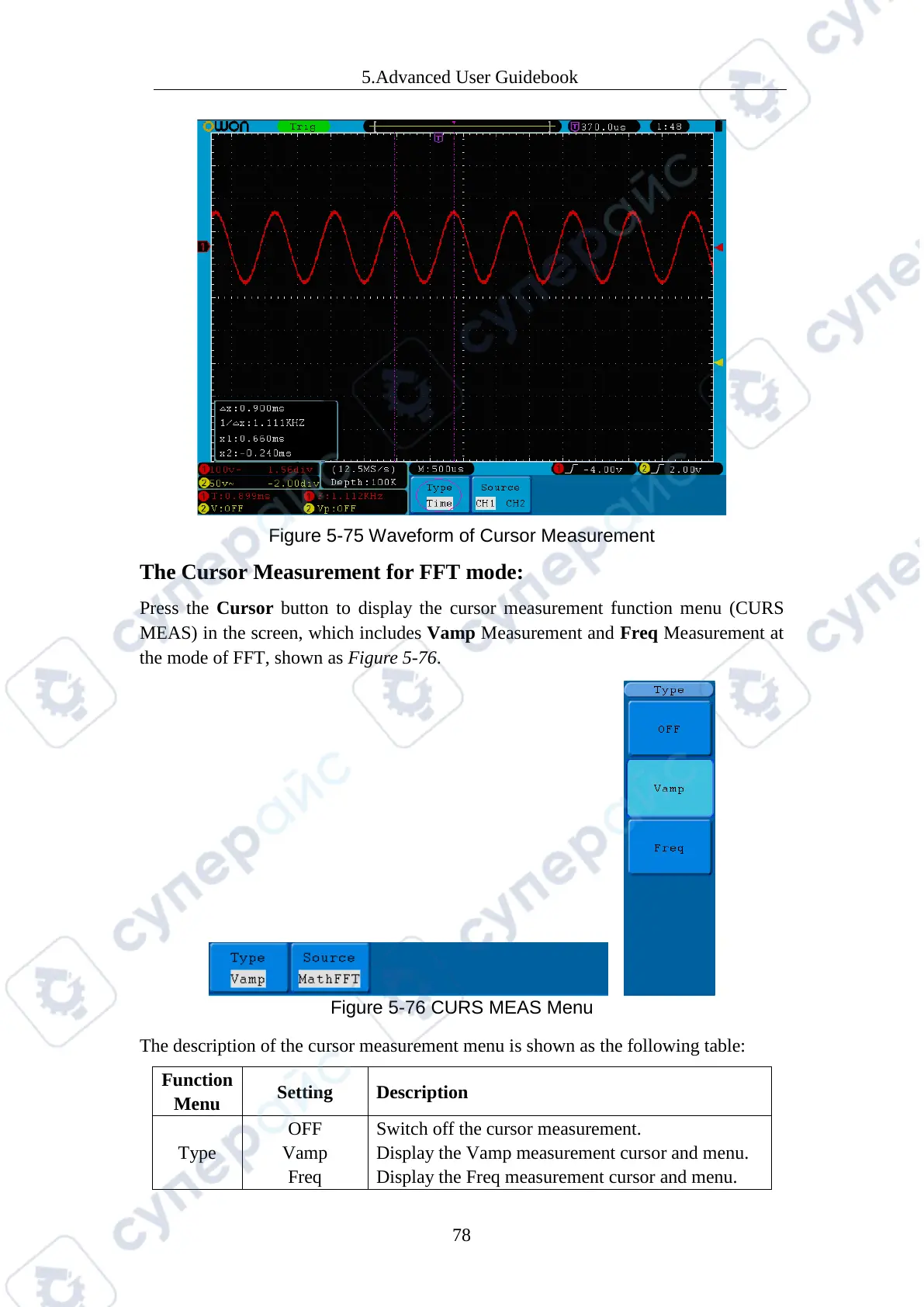
Figure 5-75 Waveform of Cursor Measurement
The Cursor Measurement for FFT mode:
Press the Cursor button to display the cursor measurement function menu (CURS
MEAS) in the screen, which includes Vamp Measurement and Freq Measurement at
the mode of FFT, shown as Figure 5-76.
Figure 5-76 CURS MEAS Menu
The description of the cursor measurement menu is shown as the following table:
Setting Description
Type
Vamp
Switch off the cursor measurement.
Display the Vamp measurement cursor and menu.
Display the Freq measurement cursor and menu.



 To Next Page