Chapter 5 Safety equipment
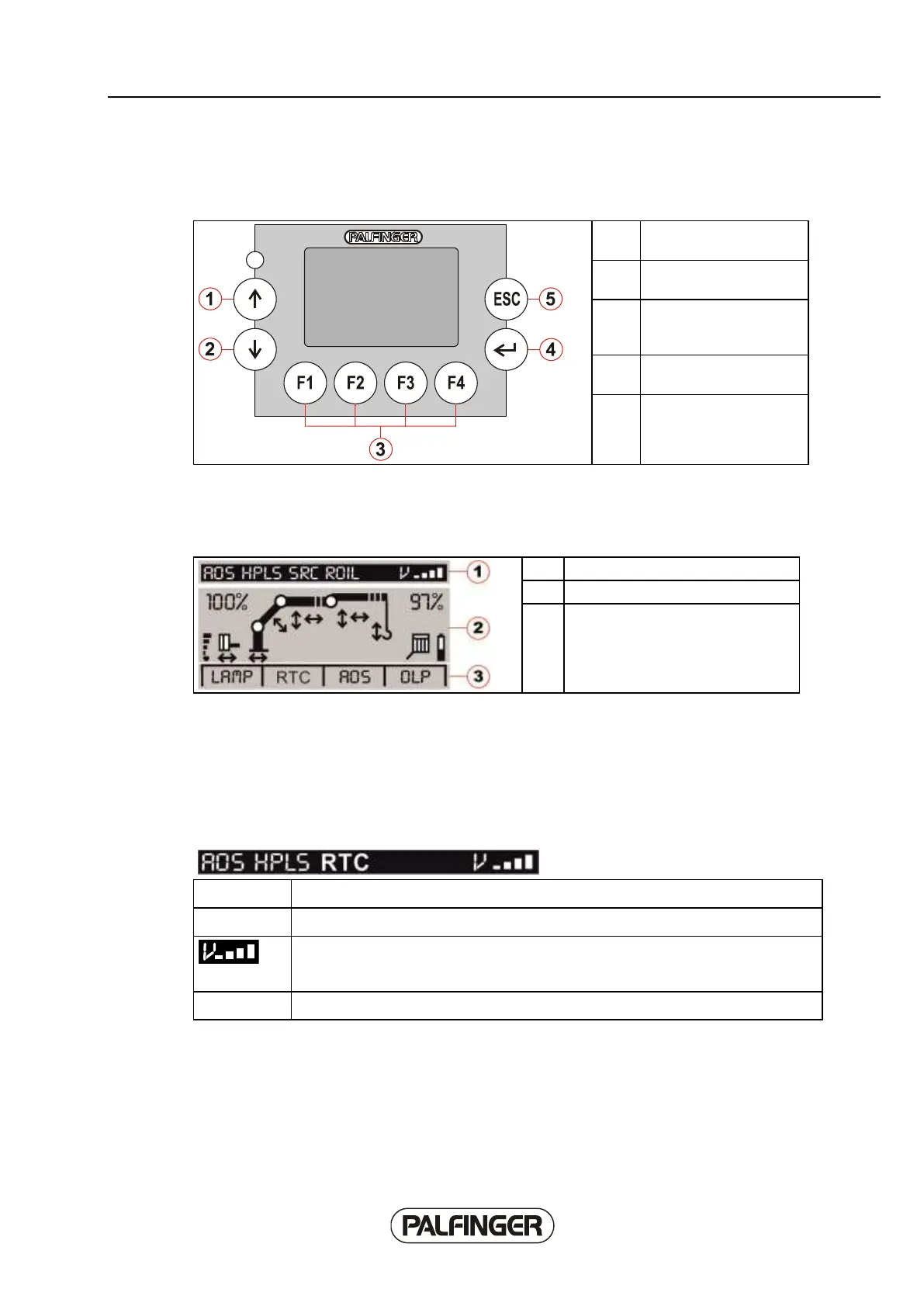
Operating and display unit
Function keys
for selecting the softkey
functions
General
The display on the screen of the Paltronic 150 consists of the following areas:
Graphical display of operating status
Status indicators
Normal operation
The selected crane speed setting and the crane functions that are currently active are shown by the
status indicator.
indicates that the AOS system is currently controlling.
indicates that the automatic HPLS system is currently controlling.
Display of selected crane speed setting. The display takes place in four stages, 25,
50, 75 and 100 %. The crane speed setting can be selected using the provided
switch on the handset.
Indicates that the RTC system is just controlling.



 To Next Page