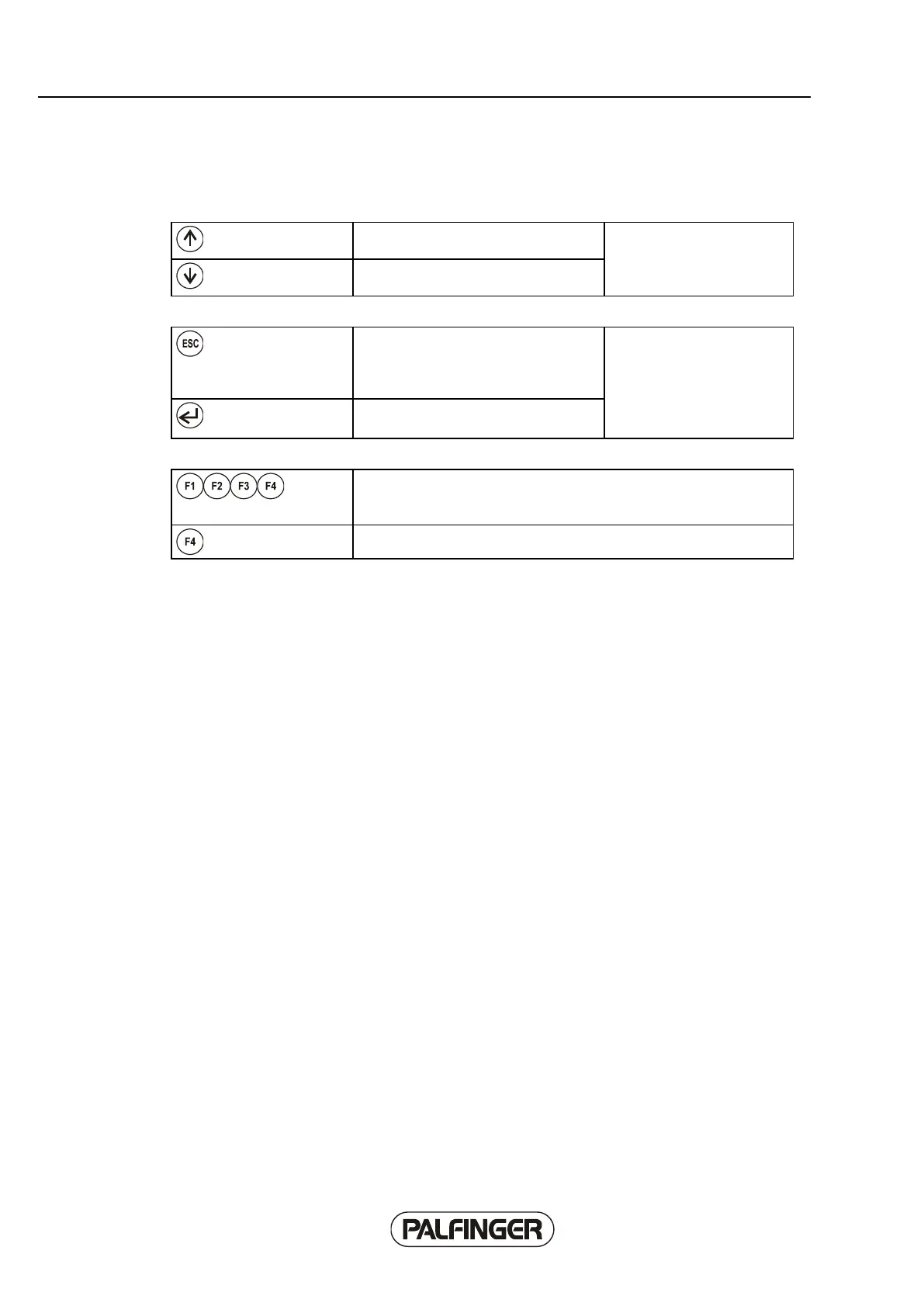
Function keys
The "Up" and "Down"
function keys make it
possible to switch between
softkey menu functions.
Makes it possible to leave the current
display and go to the previously
displayed menu after an automatic
display change.
The "Escape" and "Enter"
function keys are used to
obtain more explanation for
or exit displayed messages.
Confirm a query or obtain additional
explanation for a function.
Function keys F1 to F4 are used to select softkey functions. Pressing
the relevant key activates the softkey menu or softkey function that is
displayed above it.
Function key F4 is generally assigned to the OLP function.



 To Next Page