102 Section 2C: Using Your Device’s Organizer Features
Customizing Tasks
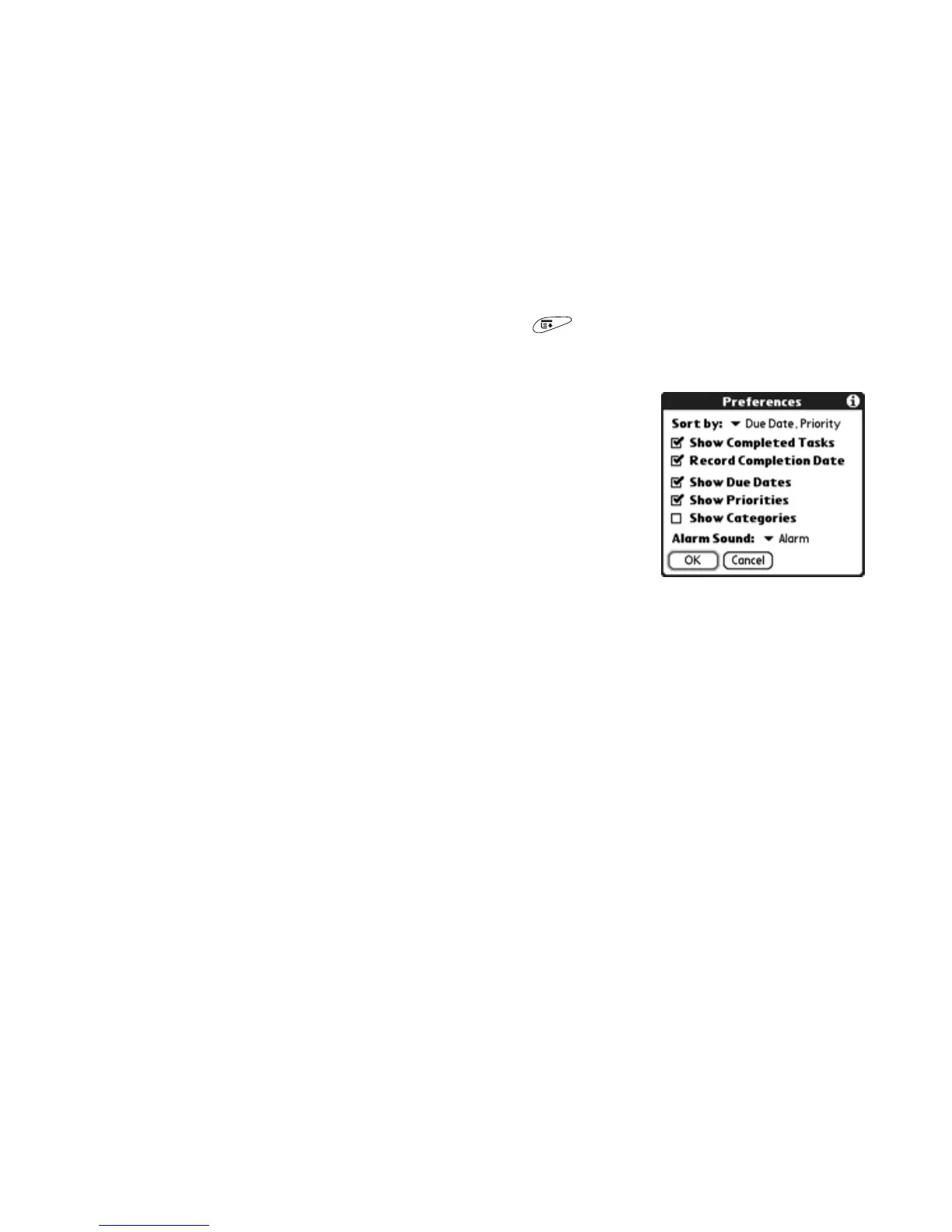
The Preferences dialog box enables you to control the appearance of the Tasks
list screen.
1. In the Tasks list screen, open the menus .
2. Select Options, and then select Preferences.
3. Set any of the following preferences:
䡲 Sort by indicates the order in which your
tasks appear in the list.
䡲 Show Completed Items displays tasks that
you checked off.
䡲 Record Completion Date replaces due date
with the completion date when you
complete (check) the task.
䡲 Show Due Dates displays task due dates and inserts an exclamation
point (!) next to overdue tasks. Turning on this option also enables you
to select the due date in the Tasks list to pick a new date.
䡲 Show Priorities displays the priority setting for each task.
䡲 Show Categories displays the category for each task.
䡲 Alarm Sound sets the sound for the alarms you assign to your tasks.
4. Select OK.



 To Next Page