86
For Long and Trouble-Free Operation: Warning and Error Messages
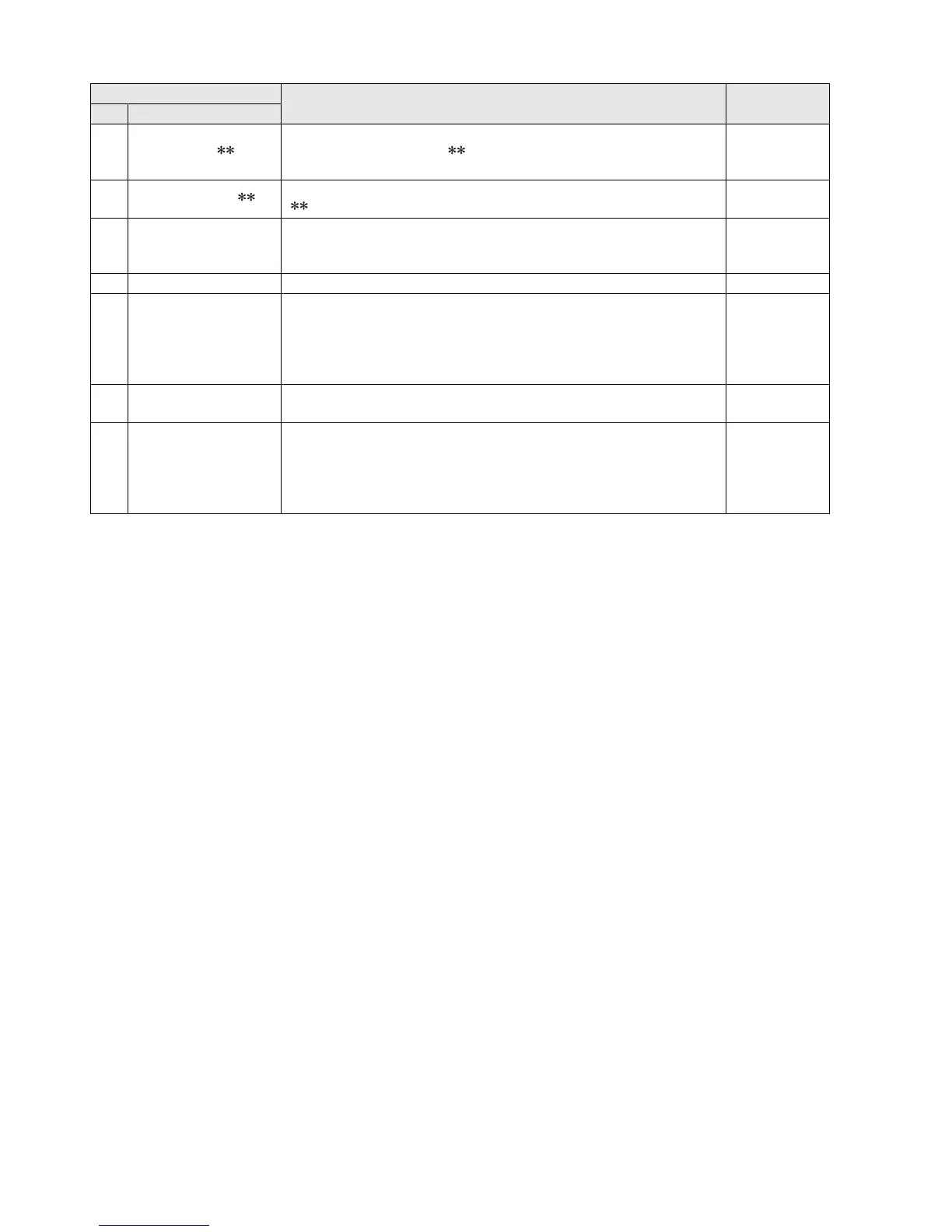
70 DIR NG CARD< >
The directory configuration is incorrect. Immediately back up card data and format
the card before using it again.( indicates the slot number where the error
occurred.)
Operation
continues
71 RUNDOWN CARD< >
The card has been rewritten the maximum number of times. Replace the P2 card.
( indicates the slot number where the error occurred.)
Operation
continues
60 HDMI MONI NOT ACCEPT
Displayed when the HDMI monitor cannot accept the machine’s 3D output video.
Use an HDMI monitor that accepts 3D video, or change the machine’s settings to suit
the monitor’s capabilities.
Operation
continues
62 SLAVE WARNING
A problem on the slave side prevented operation. Check status on the slave side.
STOP
63 SYNC POSI FAILED
Failed to synchronize clip location. Check the number and type of clips. If the
reference signal or input signal is corrupted during playback of a 3D clip, it may not
be possible to synchronize positions on the clip.
Press the STOP button to stop, check connections and input signals before restarting
playback.
Operation
continues
64 INPUT L / R MISMATCH
SDI input L/R signals and connected input connectors do not match. Check
connections and input signals.
Operation
continues
65 REF IN NOT DETECT
The reference signal could not be detected. Check connections and input signals.
Recording and playback cannot be started when this message is displayed.
STOP
Operation
continues during
playback and
recording
Display
Description Deck operation
No Character code





 To Next Page