3D Signal Recording and Playback: Turning Power On and Off
43
3D Signal Recording and Playback
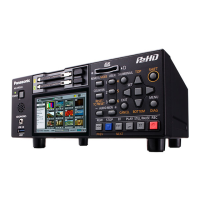
From the power-off state, hold the POWER button
for one second to turn the unit on.
When on, the POWER lamp lights green.
◆ NOTE:
• Turning on the master unit does not turn on the
slave. Turn on both the master and slave units.
• When the 3D REC/PB mode was selected
before power was turned off, it is automatically
enabled when power is turned back on.
• Upon power-on, the normal startup message
appears, followed by the 3D REC/PB mode
startup message.
From the power-on state, hold the POWER button
for two seconds to turn the unit off.
The POWER lamp blinks during shutdown
processing, until the unit turns off.
◆ NOTE:
• Both units turn off when either the master or
slave is turned off.
Turning Power On and Off
Turning On Turning Off






 To Next Page