Hardware Description
FP Web-Server V2.11
26
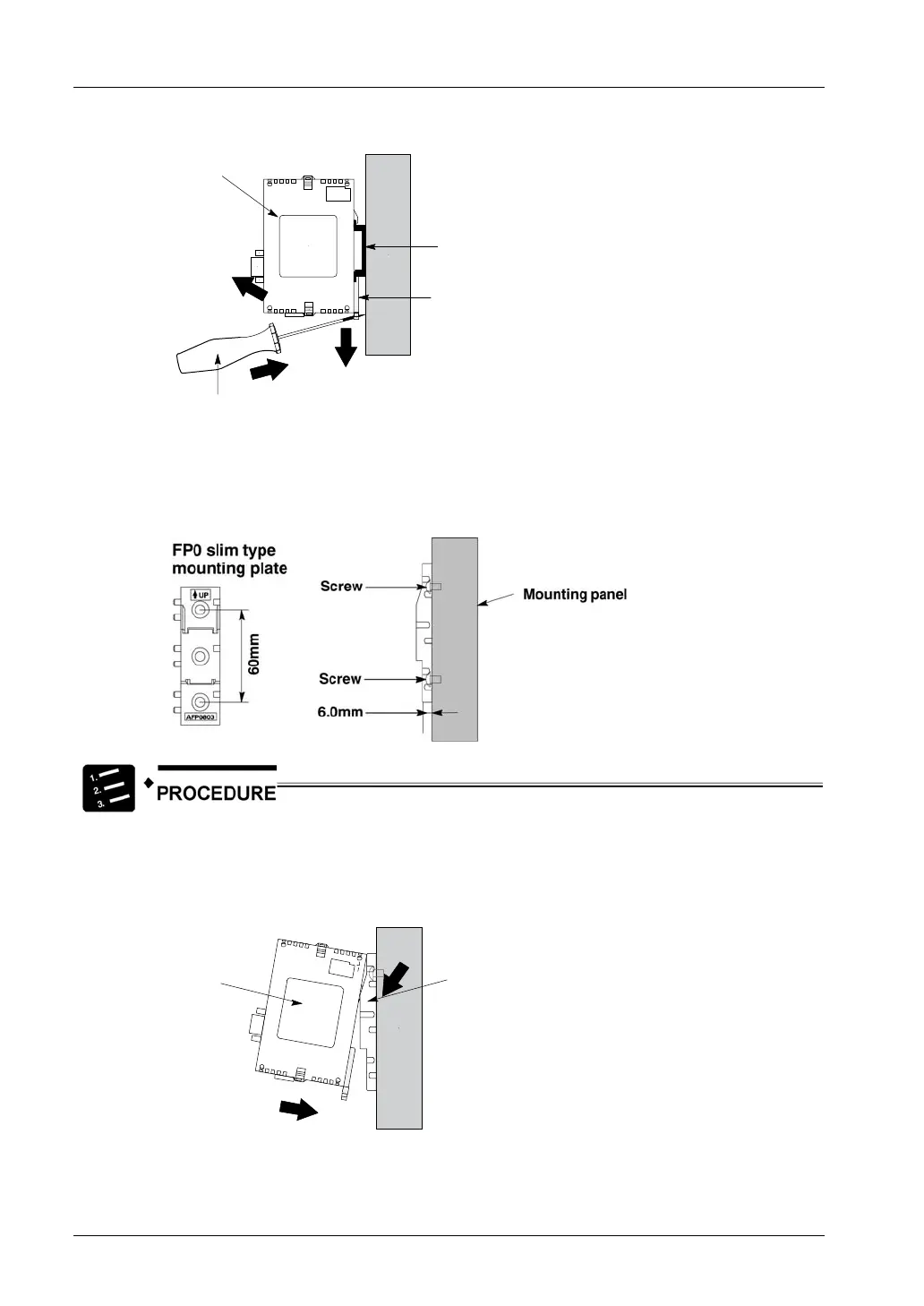
3. Lift up the FP0 unit and remove it from the rail
1
Device
DIN rail attachment
lever
Slotted screwdriver
DIN rail
2
3
d) Installation Using FP0 Slim Type Mounting Plate
• Use M4 size pan-head screws for attachment of FP0 slim type mounting plate
(AFP0803) to mounting panel.
1. Fit the upper hook of the FP Web-Server onto the FP0 slim type mounting
plate
2. Without moving the upper hook, press on the lower hook to fit the FP
Web-Server into position
1
Device
2
FP0 slim type
mounting plate
• When using an expansion unit, tighten the screws after joining all of the FP0 slim type
mounting plates to be connected. Tighten the screws at each of the four corners.



 To Next Page