33
(ENG) DVQX2553
This unit offers the following Wi-Fi functions when used in combination with another Wi-Fi
compatible device.
Before using any of these Wi-Fi functions, check the settings of your device and get it ready for use.
≥ Please refer to “Owner’s Manual (PDF format)” for detailed instructions for using the Wi-Fi
function and how to connect via Wi-Fi.
∫ This unit is WPS-compatible
WPS (Wi-Fi Protected Setup
™
) is a function that allows you to easily set up a connection with a
wireless LAN device and make security-related settings.
Wi-Fi
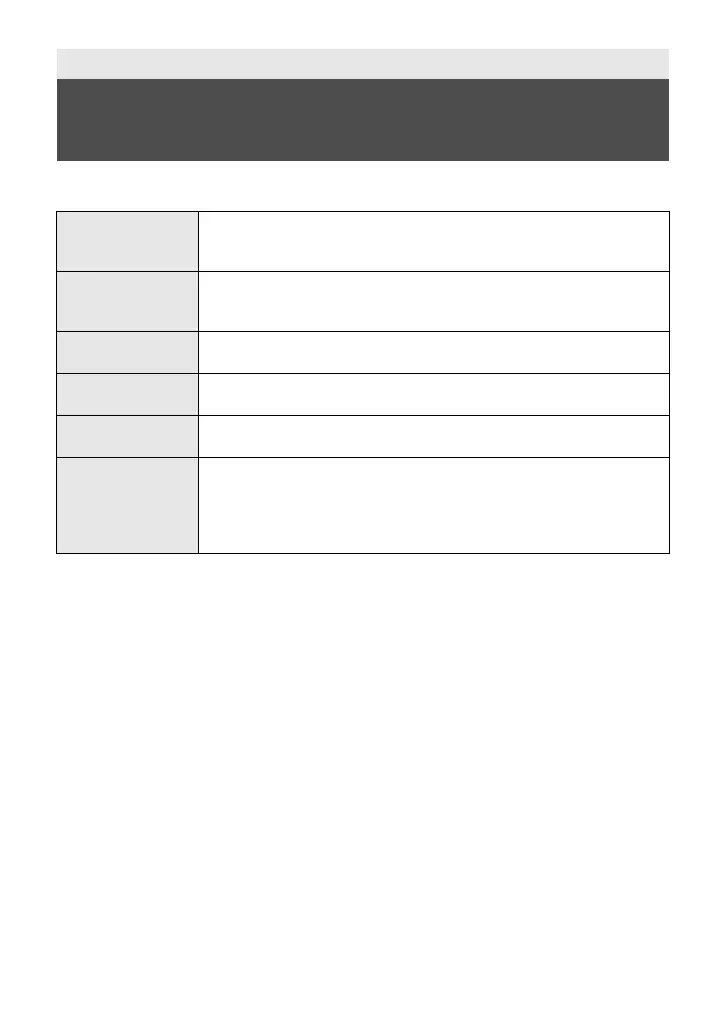
What you can do with the Wi-Fi
®
function
[TWIN CAMERA]
You can display the image transmitted from a Wireless Sub Camera
connected via Wi-Fi on this unit’s Sub Window and record it
simultaneously with the Main Camera’s image.
[Multi Camera]
Connecting multiple smartphones to this unit via Wi-Fi allows you to
simultaneously display two Sub Windows and record images in them.
Up to three smartphones can be connected simultaneously.
[Link to Cell]
Using a smartphone, you can perform record/playback operations from a
remote location.
[DLNA Play]
Connecting this unit to a DLNA (DMR) -compatible TV via Wi-Fi, you can
play back scenes and still pictures on the TV.
[Copy]
By setting up a Wi-Fi communication between this unit and a PC, you can
copy scenes and still pictures recorded with this unit to the PC.
[History]
Each use of a Wi-Fi function is stored in the Wi-Fi connection history.
Connecting from the history allows you to easily set up a connection
using the previous connection settings.
≥ Records of Wi-Fi connections made with the Wireless Multi-Camera
function are not saved.
HC-VX3_V900PP-DVQX2553_eng.book 33 ページ 2024年9月17日 火曜日 午後8時24分



 To Next Page