EasyManua.ls Logo

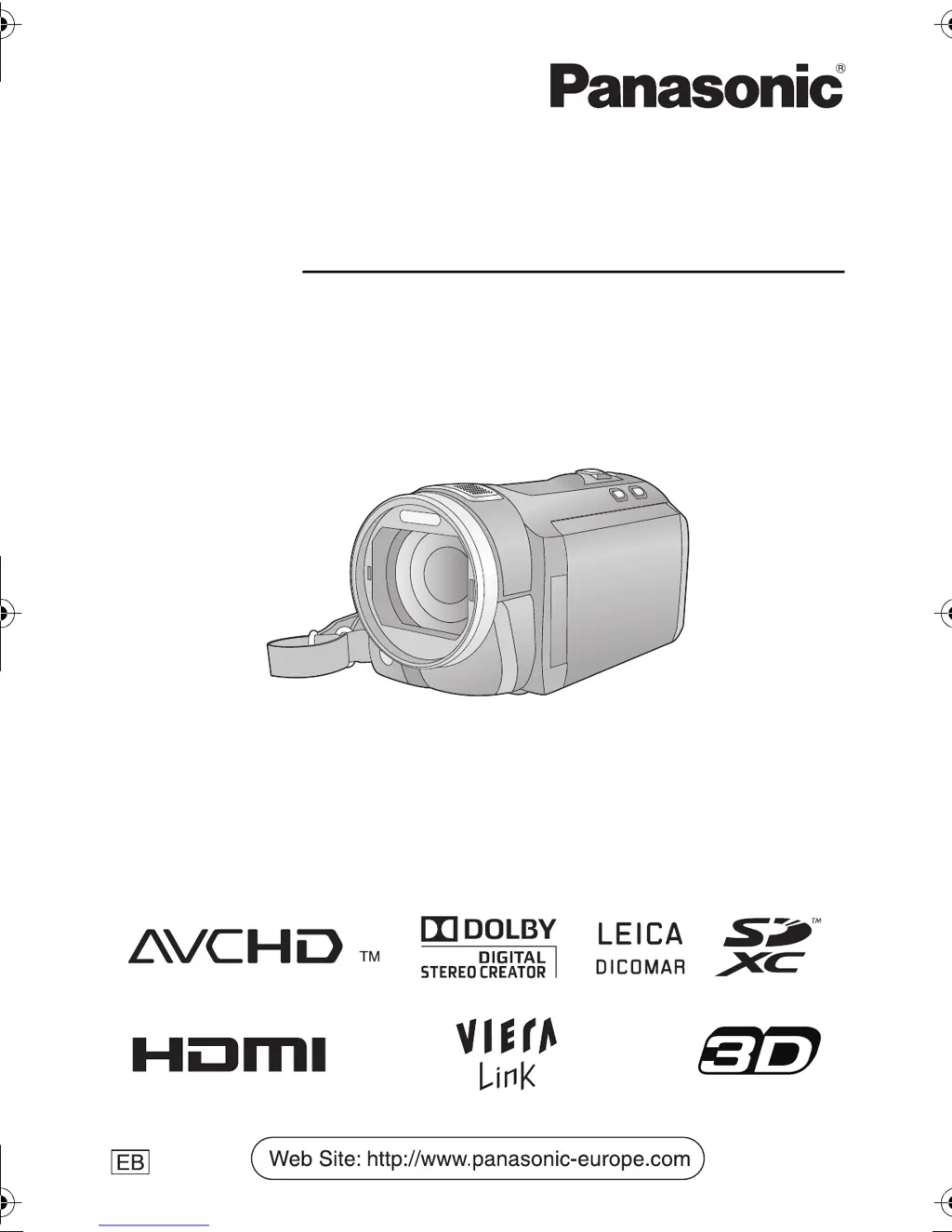
Panasonic HDC-SD800 - User Manual

Panasonic HDC-SD800
160 pages
Print Icon
To Next Page IconTo Next Page
Loading...
Operating Instructions
High Definition Video Camera
Model No. HDC-SD800
Before use, please read these instructions completely.
VQT3K43
until
2010/12/27
Model number suffix “EB” denotes UK model.
HDC-SD800EB_eng.book 1 ページ 2010年12月24日 金曜日 午前9時9分

Table of Contents

Other manuals for Panasonic HDC-SD800

Questions and Answers

  • T
    tamara96Sep 2, 2025
    What to do if my Panasonic HDC-SD800 cannot be operated?
    • S
      Samuel SinghSep 2, 2025
      Remove the battery or AC adapter, wait about 1 minute, and then reconnect it. Wait another minute before turning the unit on again. If normal operation isn't restored, detach the power and consult your dealer.
  • D
    Dr. Kimberly MatthewsAug 31, 2025
    How to fix colour balance on Panasonic Camcorder?
    • T
      timothythompsonAug 31, 2025
      If you are recording in a place with multiple light sources, such as a gymnasium, set the white balance setting to (Indoor mode 2). If you still cannot record clearly, set it to (Manual adjustment mode).
  • M
    Michael RodriguezAug 29, 2025
    Why does my Panasonic HDC-SD800 Camcorder arbitrarily stop recording?
    • K
      Kim GonzalezAug 29, 2025
      Make sure you are using an SD card suitable for motion picture recording. Format the SD card using the camcorder if the recordable time has shortened due to data writing speed deterioration or repeated recording and deletion. If [AGS] is [ON], record in the normal horizontal position or set [AGS] to [OFF].
  • H
    Heather Palmer MDAug 27, 2025
    How to fix Panasonic Camcorder when error occurred is displayed?
    • W
      wilsonnicholasAug 28, 2025
      Restart the unit by turning it off and then on again. If the error message continues to appear after restarting, repair is needed.
  • D
    Donald LynchAug 26, 2025
    Why does my Panasonic Camcorder battery run down quickly?
    • N
      Natalie LawrenceAug 26, 2025
      The battery may need to be charged again. In cold environments, the battery life can be shorter. Also, batteries have a limited lifespan, so if the operating time remains short after a full charge, the battery may need replacing.
  • S
    samanthasmithAug 25, 2025
    Why are images not seen on TV with Panasonic HDC-SD800?
    • R
      Ruben JuarezAug 25, 2025
      Select the correct channel on your TV that matches the input used for the connection. Change the [TV ASPECT] setting to match the aspect ratio of the TV. Also, adjust the unit's settings based on the type of cable connecting it to the TV.
  • C
    cranebrandonAug 22, 2025
    What to do if my Panasonic HDC-SD800 Camcorder turns off automatically?
    • C
      Casey PatelAug 22, 2025
      If the camcorder turns off when you turn off the TV using the TV remote, it may be due to VIERA Link. If you are not using VIERA Link, set the [VIERA Link] to [OFF]. Also, if the unit turns off automatically when connected to a DVD burner and the USB cable is removed while copying or playing back images, then this is the expected behavior.

Summary

Information for Your Safety

AC Mains Lead Safety

Safety precautions for the AC mains lead, including plug suitability and fuse replacement.

Fuse Replacement Procedure

Battery Information

Details about battery types and handling for the camera.

Compliance and Disposal Information

EMC and Magnetic Compatibility

Information regarding electromagnetic compatibility (CE marking).

Disposal of Equipment and Batteries

Guidelines for proper collection and disposal of used electronics and batteries.

Motion Picture Recording Formats

AVCHD Format

High-definition recording for TV viewing or disc saving.

1080;50 p Format

Highest quality recording mode for this unit.

iFrame Format

Format for Mac editing, faster import and smaller file size.

Compatible Memory Cards

SD Card Usage Instructions

Explains SD, SDHC, and SDXC card compatibility and usage.

Copy;Dubbing Operations

Managing Recorded Files

Operations for deleting, dividing, and protecting scenes/pictures.

Print Settings (DPOF)

Configure settings for printing still pictures.

TV Playback

Instructions for connecting the camera to a television for playback.

PC Connectivity and Software

Using HD Writer AE 3.0

Overview of PC software for data management and editing.

General Information and Support

Troubleshooting Guide

Solutions for common problems encountered with the device.

Cautions for Safe Use

Important warnings and precautions for operating the device.

Recording Mode Details

Explains different recording modes and their approximate times.

Technical Specifications

Detailed technical data and features of the video camera.

Panasonic HDC-SD800 Specifications

General IconGeneral
Filter size46 mm
Digital zoom700 x
Optical zoom20 x
Image stabilizerYes
Focal length range3.45 - 41.4 mm
Focal length (35mm film equivalent)35 - 420 mm
Sensor typeMOS
Total megapixels3.05 MP
Optical sensor size1/4.1 \
Effective megapixels (movie)2.63 MP
InterfaceUSB 2.0
Video out1
Power requirementsAC/DC, 7.2 - 9.3 V
Power consumption (typical)10.1 W
Display diagonal3 \
Maximum video resolution1920 x 1080 pixels
Image formats supportedJPG
Still image resolution(s)640 x 480, 1920 x 1080, 2560 x 1920, 2880 x 1920, 3072 x 1728, 3200 x 2400, 3600 x 2400, 3840 x 2160, 4032 x 3024, 4608 x 3072, 4864 x 2736
Audio systemDolby Digital
Camera shutter speed1/25 - 1/8000 s
Minimum illumination1 lx
USB 2.0 ports quantityUSB 2.0 ports have a data transmission speed of 480 Mbps, and are backwards compatible with USB 1.1 ports. You can connect all kinds of peripheral devices to them.
Compatible memory cardsSD, SDHC, SDXC
Product colorBlack
Bundled softwareHD Writer AE 3.0
Weight and Dimensions IconWeight and Dimensions
Depth133 mm
Width63 mm
Height66 mm
Weight330 g

Related product manuals