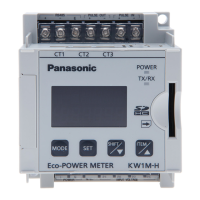
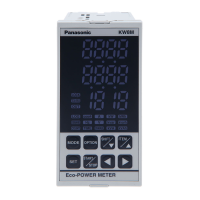
【KW8M with log function (AKW8111H)】
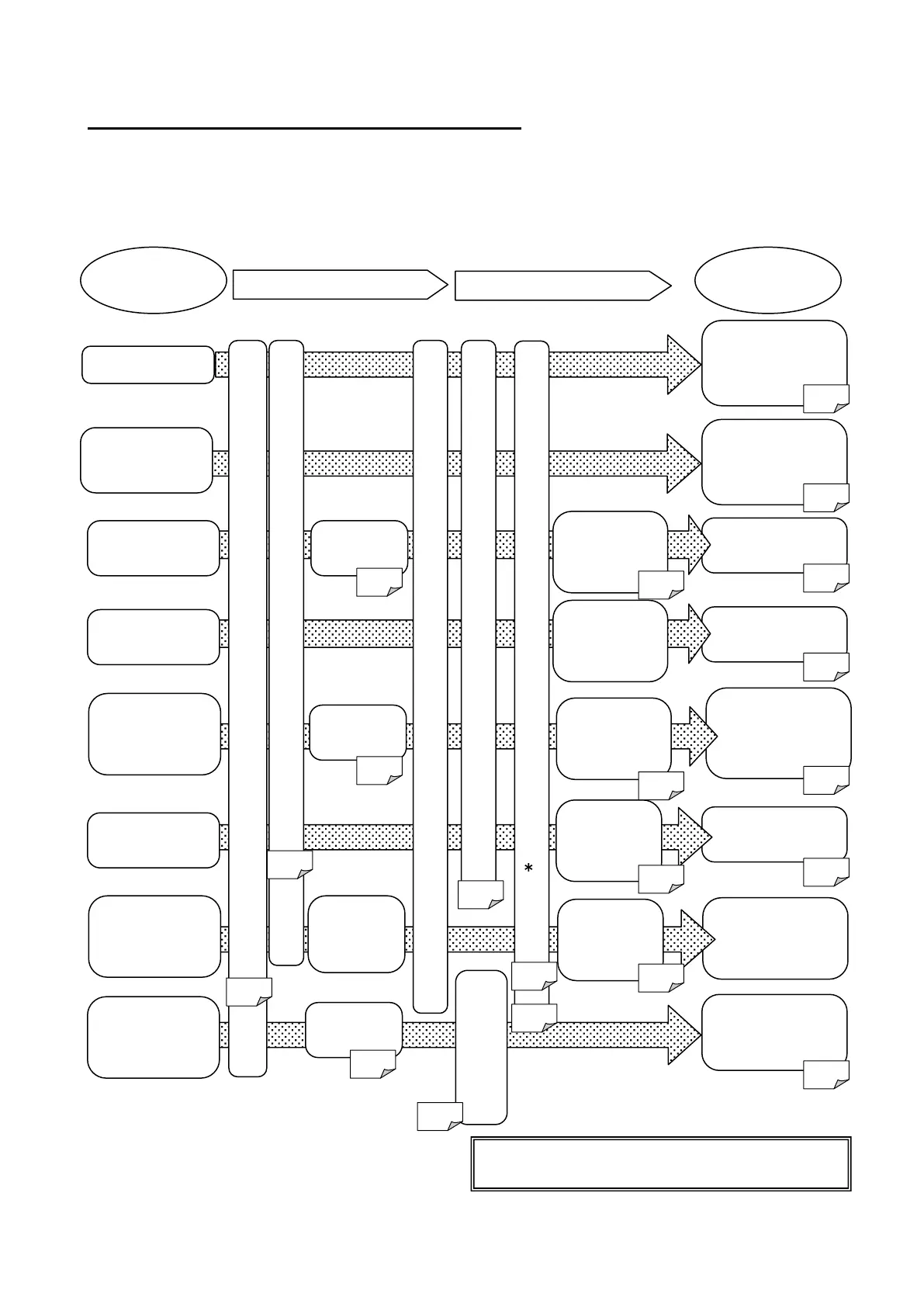
Basic setting to measure by Eco-POWER METER
When wiring the main unit and the current transformer (CT) and setting the basic setting after power on,
you can measure the power
The basic setting of MODE1 is necessary to measure.
In order to use the other functions, the settings of the each parameter are necessary.
*Be sure to set calendar timer (clock) and
initialize memory of main unit before measuring.
demand data
After measuring,
read out by using
software
with option mode
output
data via
communication
device
What to do
output from
other device
Output Alarm
Log data
Read out
log data
Wire the main unit
Connect the current transformer (CT)
line
Collect data
via RS485
the tool
software
line
Power on the main unit
Initialize memory of main unit (MODE4) and set calendar timer (
*
) (MODE5)
Set the parameter for
pulse measurement
setting
(MODE4)
data with power
monitoring mode
output
(MODE1)
Check count value
with power
monitoring mode
communication
setting
Set the basic settings (MODE1)
setting
(MODE4)
p.15
How to use
7
ON-time and
Check measured
time with power
monitoring mode
6.2
3
demand function
setting
(MODE1)









 To Next Page