55
KX-FT982LS-B / KX-FT984LS-B / KX-FT988LS-B
10 Test Mode
The codes listed below can be used to perform simple checks for some of the unit’s functions. When complaints are received
from customers, they provide an effective tool for identifying the locations and causes of malfunctions. To do this, you set the
Service mode (Refer to Operation Flow (P.59).) first, then operate the below test items.
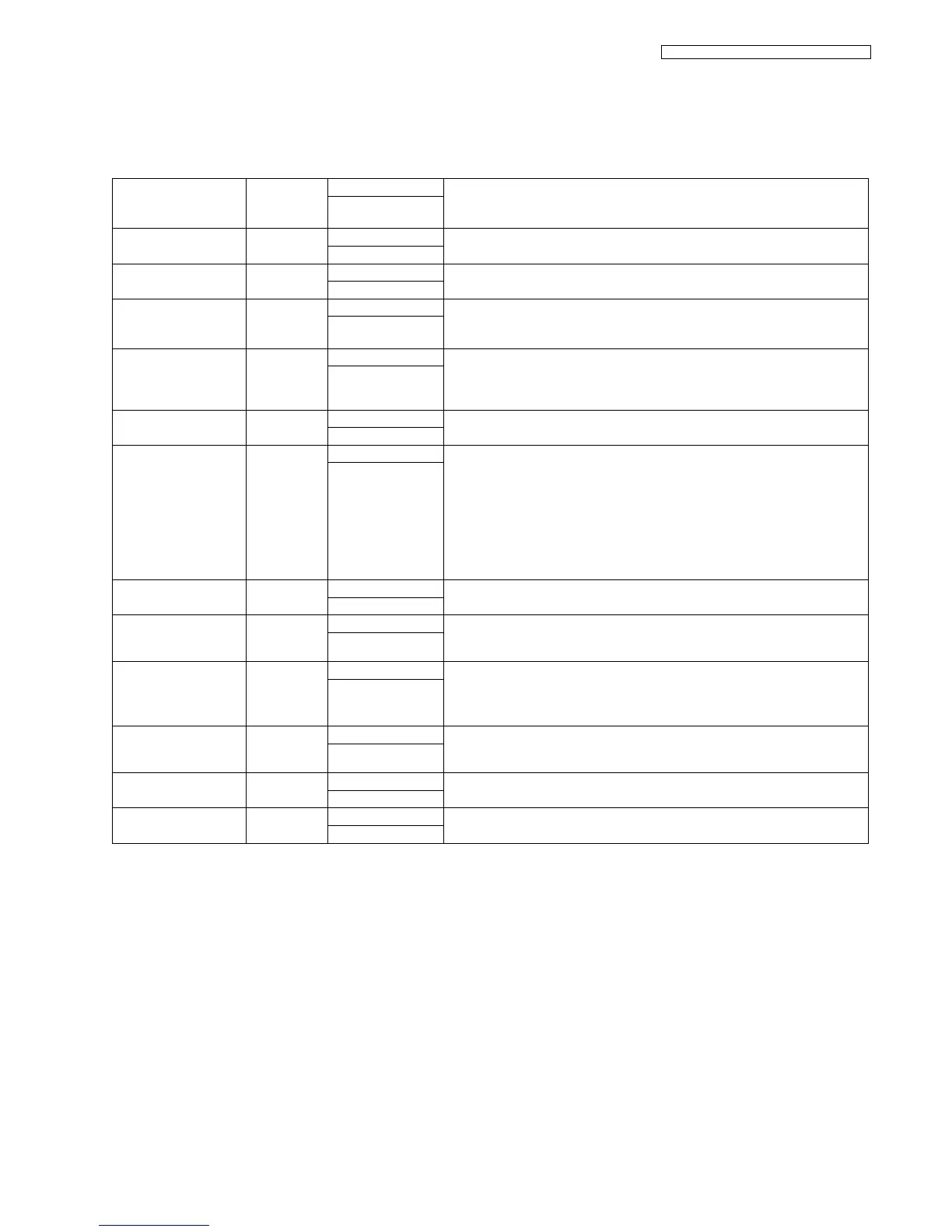
Test Mode Type of Mode Code Function
Operation after code
input
MEMORY CLEAR Service Mode [5] [5] [0] Refer to Memory Clear Specification (P.62).
[SET]
FLASH MEMORY
CHECK
Service Mode [5] [5] [1] Indicates the version and checks the sum of the FLASH MEMORY.
[SET]
DTMF SINGLE TONE
TEST
Service Mode [5] [5] [2] Outputs the DTMF as single tones. Used to check the frequencies of the individ-
ual DTMF tones. Refer to DTMF Single Tone Transmit Selection (P.56).
[1]: ON
[2]: OFF
MODEM TEST Service Mode [5] [5] [4] Telephone line circuit is connected automatically, output the following signals on
the circuit line.
1) OFF 2) 9600bps 3) 7200bps 4) 4800bps 5) 2400bps 6) 300bps 7) 2100Hz
8) 1100Hz
[SET]
SCAN TEST Service Mode [5] [5] [5] Turns on the LEDs of the CIS and operates the read systems.
Refer to CIS (Contact Image Sensor) Section (P.126).
[SET]
MOTOR TEST Service Mode [5] [5] [6] Rotates the transmission and reception motor to check the operation of the motor.
02: FAX TX / Reading memory
06: Cutter (KX-FT984/KX-FT988 only)
08: Recording paper is fed
10: Copy
13: Recording Paper reverse
Press [STOP] button to quit.
[SET]
LED TEST Service Mode [5] [5] [7] All LEDs above the operation panel board flash on and off, or are illuminated.
[SET]
LCD TEST Service Mode [5] [5] [8] Checks the LCD indication.
Illuminates all the dots to check if they are normal.
Refer to No LCD Indication (P.123).
[SET]
KEY TEST Service Mode [5] [6] [1] Checks the key operation except [STOP] key.
Indicates the button code on the LCD while the button is pressed, see Button
Code Table (P.57)
Refer to No Key Operation (P.123).
The available key is
any one that except
[STOP] key.
CUTTER TEST
(KX-FT984/KX-FT988
only)
Service Mode [5] [6] [2] Perform cutter test 10 times.
[SET]
MEMORY CLEAR
(except History data)
Service Mode [7] [1] [0] Refer to Memory Clear Specification (P.62).
[SET]
VOICE PROMPT TEST
(KX-FT988 only)
Service Mode [7] [8] [4] You can hear the voice prompt from speaker after pressing “SET” key.
[SET]












 To Next Page