Making/Answering Calls
30
For assistance, please visit http://www.panasonic.com/phonehelp
Flash time
The flash time depends on your
telephone exchange or host PBX. You
can select the following flash time: 80
ms, 100 ms, 200 ms, 300 ms, 400 ms,
500 ms, 600 ms, and 700 ms.
The default setting is “600 ms”.
mpor
an
:
L Make sure that the unit is in standby
mode.
1 Press {MENU/SET}.
2 Select “Phone Setup”, then press
{MENU/SET}.
3 Select “Flash Time”, then press
{MENU/SET}.
4 Select the desired setting, then press
{MENU/SET}.
5 Press and hold {MENU/SET} to
return to standby mode.
o
e:
L To return to the previous menu, press
{<}.
L If you are connected via a PBX, a
longer flash time may be necessary to
use PBX functions (transferring a call,
etc.). Consult your PBX installer for
the correct setting.
Temporary tone dialing (for
rotary/pulse service users)
You can temporarily switch the dialing
mode to tone when you need to access
touch tone services (for example,
answering services, telephone banking
services, etc.).
Press {*} (TONE) before entering
access numbers which require tone
dialing.
➔
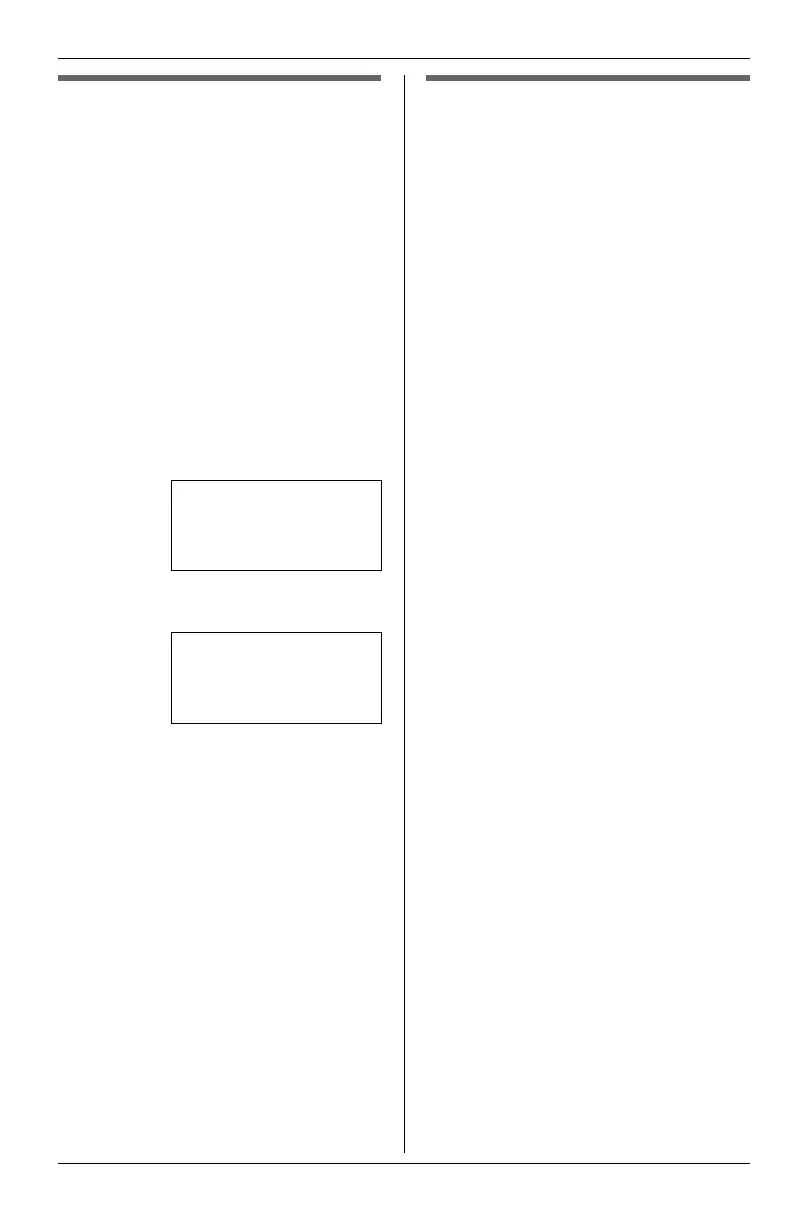
Flash Time
Hold Reminder
Handsfree Mode
[V/^]:Scroll
Flash Time
=600 ms
[SET]:Save
[V/^]:Change
KXT4100OI.bookPage30Friday,September1,20068:54AM








 To Next Page