Preparation
For assistance, please visit http://www.panasonic.com/phonehelp 9
Preparatio n
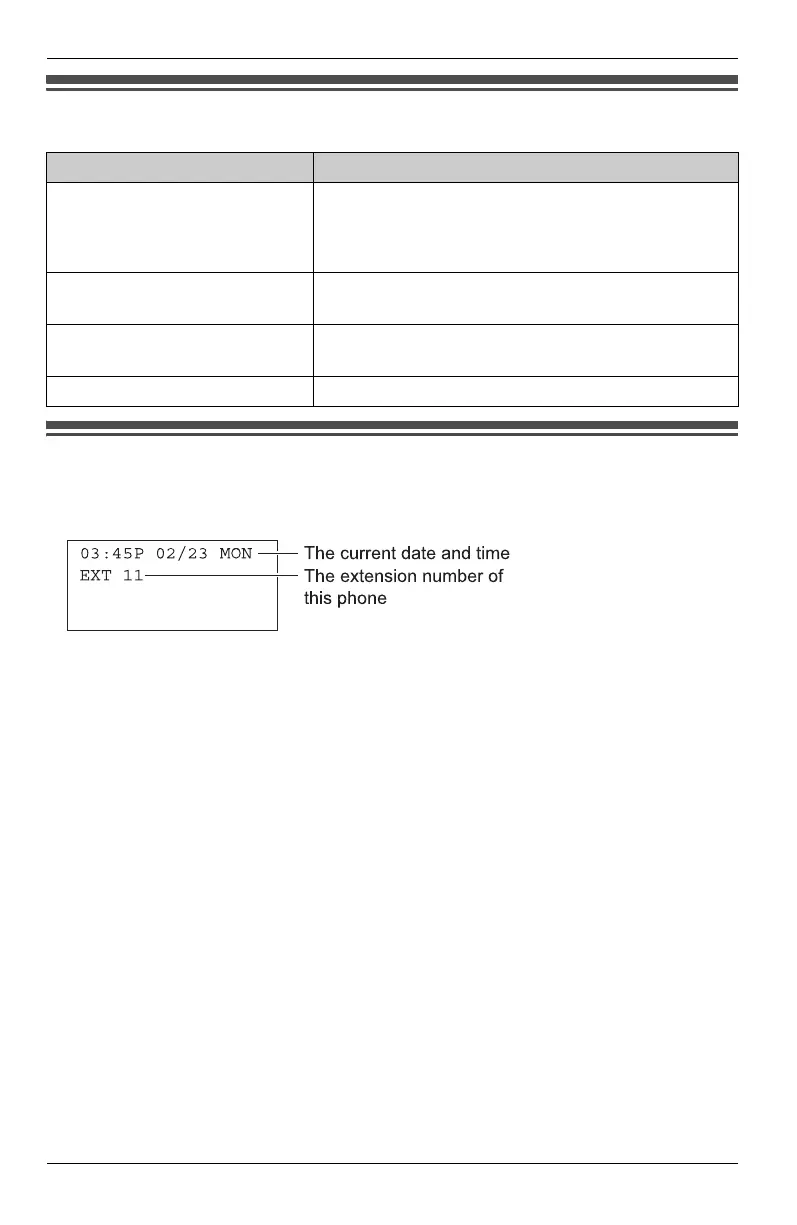
Symbols used in these operating instructions
Display
Example:
Symbol Meaning
{ }: button name
Example:
{MENU/SET}, {SP-PHONE}
The words in the brackets indicate button names on
the unit.
Example:
“Ringer Type”
The words in quotations indicate the menu on the
display.
Example:
Select “Phone Setup”.
Press {V} or {^} to select “Phone Setup”.
{V} {^} {<} {>} Press down, up, left, or right on the navigator key.
KXT4100OI.bookPage9Friday,September1,20068:54AM








 To Next Page