22
7 Troubleshooting Guide
7.1. Wi-Fi Module (Top P.C.B. Unit)
7.1.1. How to Remove Wi-Fi Password Protection
To prevent incorrect operation or use of the Wi-Fi function by a third party and to protect saved personal information, this unit
protects the Wi-Fi function with a password.
It is unable to service with password locked condition. When accepting for repair, the unit has been set the Wi-Fi password by
customer, run the [Reset Wi-Fi Settings] for removing Wi-Fi password, then check the operation.
[Reset Procedure of Wi-Fi Settings]
1. Press the [ MENU/SET ] button, and select the [ SETUP ] mode by Cursor buttons, then press the [ MENU/SET ] button.
2. Select [ Reset Wi-Fi Settings ] by Cursor buttons, then press the [ MENU/SET ] button.
3. Select [ YES ] and press the [ MENU/SET ] button in several times.
4. (The [ Reset Wi-Fi Settings ] performs not only resetting Wi-Fi Password but also resetting other all Wi-Fi Settings.)
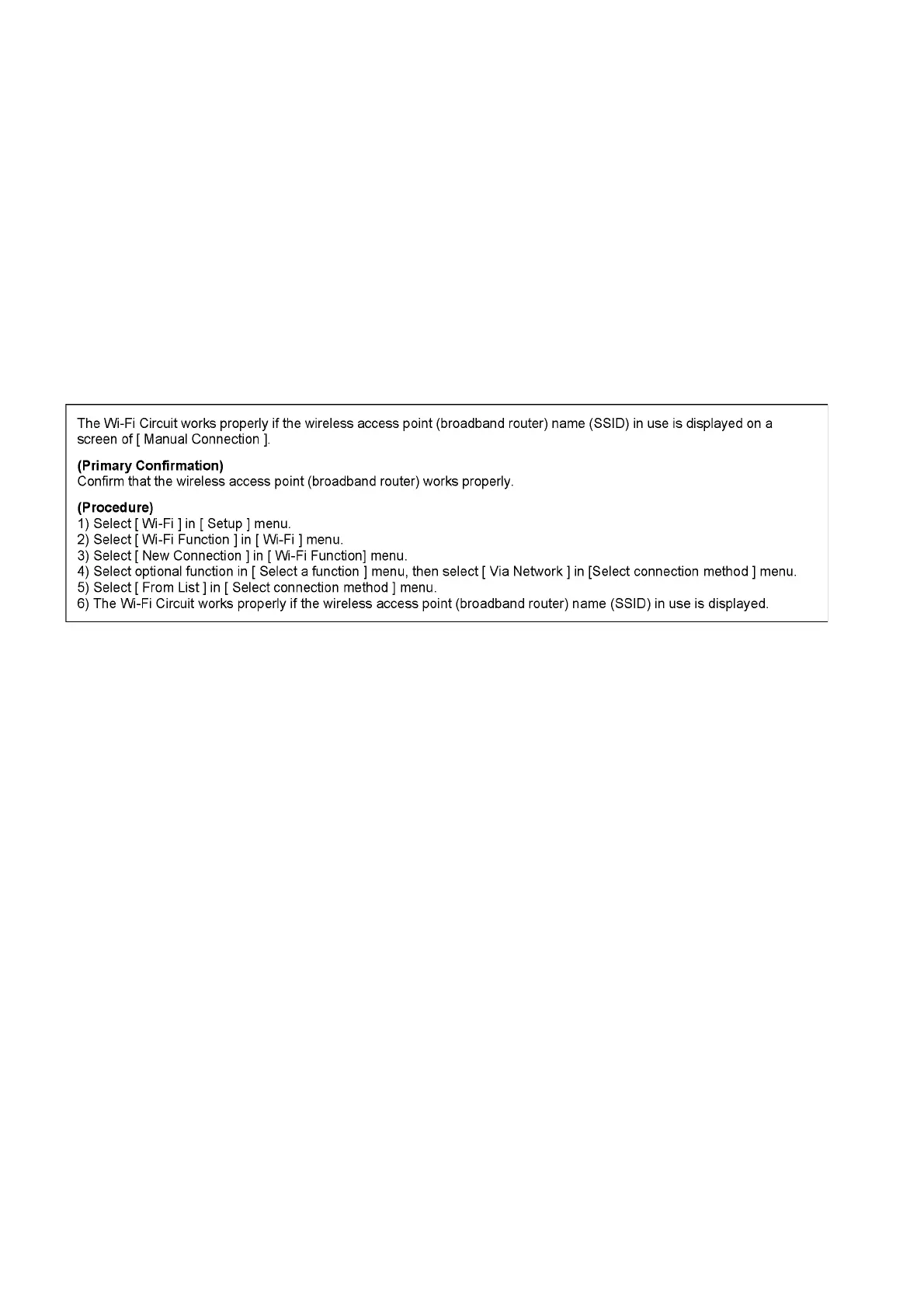
7.1.2. Checking of trouble caused by Wi-Fi Module on Top P.C.B. Unit or not
* Replace the Top P.C.B. Unit, when the above checking detected the abnormal of Wi-Fi module.


 To Next Page
 Loading...