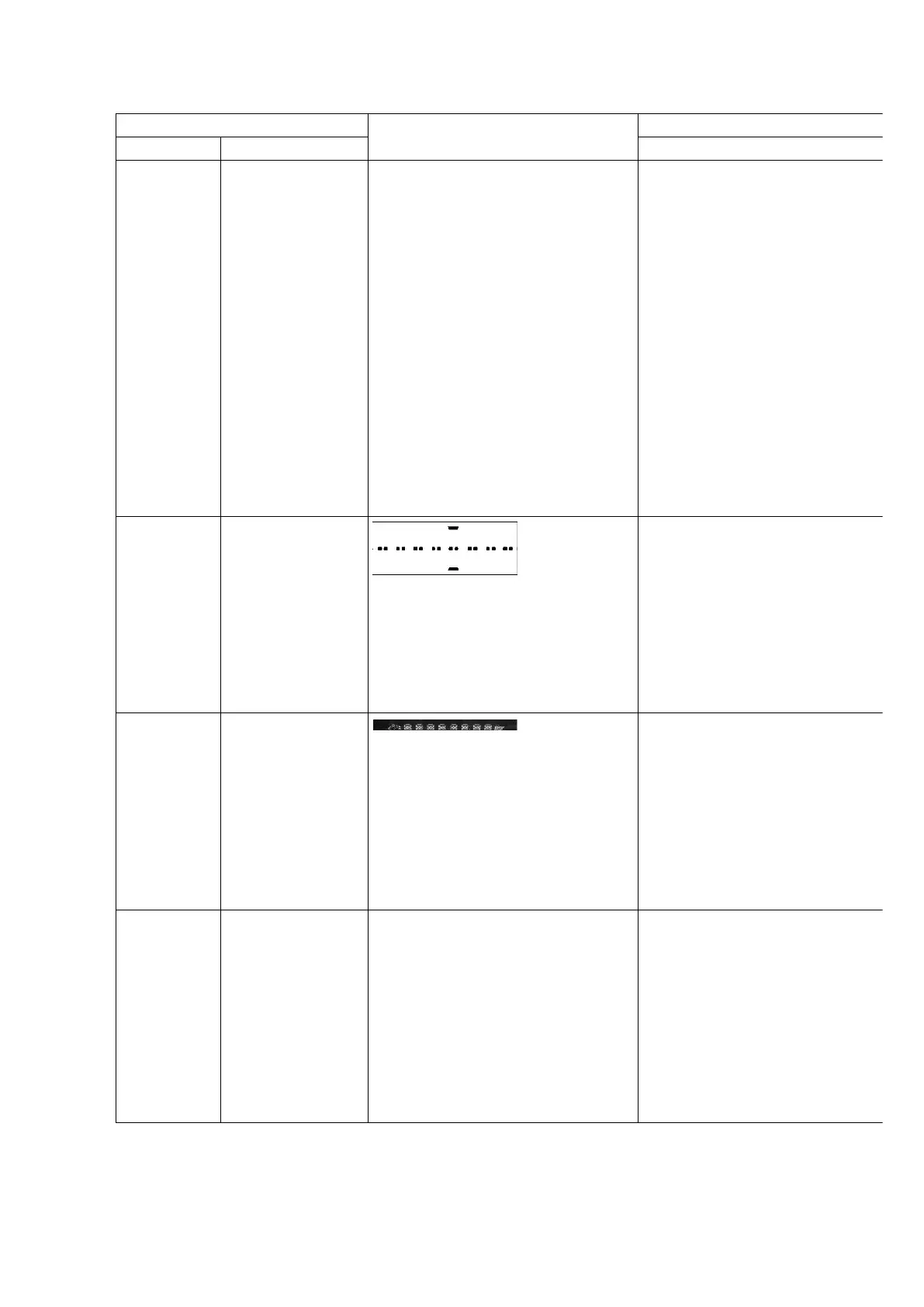
Item FL Display Key Operation
Mode Name Description Front Key
Doctor Mode To enter into
Doctor Mode for
checking of
various items and
displaying
EEPROM and
firmware version.
(For more
information, refer
to section 8.1.3)
Note: The micro-
processor version
as shown is an
example. It will be
revise when there
is an updates.
1.
2.
1. The Check Sum of EEPROM and firmware
version will be display for 1 sec.
* ROM correction
** Firmware version No:
In any mode:
1. Press [ ]
on main unit follow by [4] and [7] on remote
control.
To exit, press [ENTER] button
remote control or
button on main unit or remote
control.
Cold Start To activate cold
start ipon next AC
power up.
Note: This test do not work when
selector is in Tuner.
In doctor mode:
1. Press [4] button on remote control.
To exit, press [ENTER] button
remote control or
button on main unit or remote
control.
FL Display
Test
To check the FL
segments display
(All segments will
light up)
In doctor mode:
1. Press [DIMMER] button on remote control.
To exit, press [ENTER] button
remote control or
button on main unit or remote
control.
CD to TAPE
Recording
Test Mode
To Inspect the
recording process
from CD to TAPE
for the unit
(For more
information, refer
to section 8.1.4)
In doctor mode:
1. Set to CD mode
2. Press [5] button on remote control.
To exit, press [ENTER] button
remote control or
button on main unit or remote
control.
14












 To Next Page