EasyManua.ls Logo

Panasonic SC-HTR310 - User Manual

Panasonic SC-HTR310
40 pages
Print Icon
To Next Page IconTo Next Page
Loading...
Operating Instructions
Home Theater Audio System
Model No. SC-HTR310
SC-HTR210
RQTX0151-B
Thank you for purchasing this product.
For optimum performance and safety, please read these instructions carefully.
Before connecting, operating or adjusting this product, please read the instructions completely.
Please keep this manual for future reference.
Dear customer
“EB” on the packaging indicates the United Kingdom.
Note
EB E
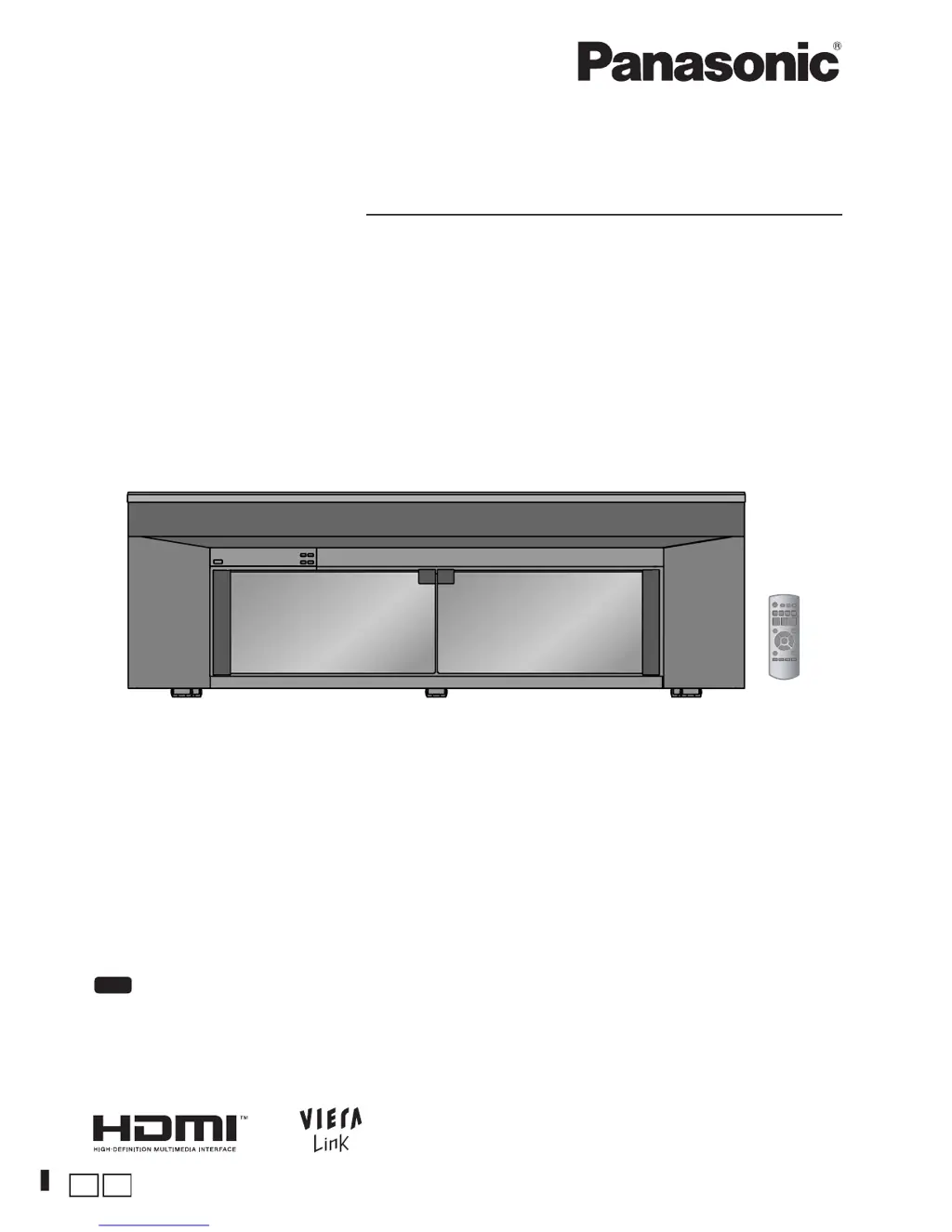
The illustration shows SC-HTR310.

Questions and Answers

  • D
    Douglas SmallJul 29, 2025
    Why does my Panasonic Home Theater System sound stop and display 'F61'?
    • A
      acostaerinJul 29, 2025
      If the sound stops and 'F61' appears on the display of your Panasonic Home Theater System, it could be due to straining of the speakers through excessive volume or power, or using the system in an extremely hot environment.
  • J
    john43Aug 2, 2025
    How to fix no DTS audio output on Panasonic SC-HTR310 Home Theater System?
    • J
      Joshua RogersAug 2, 2025
      If there is no DTS audio output from your Panasonic Home Theater System, set the DTS Digital Audio Output setting on the DVD player, Blu-ray Disc player or DVD recorder to 'Bitstream'. Also, set 'DTS' in 'Setting input signals'.
  • C
    clarkfrederickAug 7, 2025
    Why I cannot use Dolby Virtual Sound Speaker, Dolby Pro Logic or SFC on Panasonic SC-HTR310?
    • A
      awuAug 7, 2025
      If you cannot use Dolby Virtual Sound Speaker, Dolby Pro Logic or SFC on your Panasonic Home Theater System, it may be because you cannot use these features with PCM signals with sampling frequency over 48 kHz, so make analogue connection to AUX3. Also, you cannot use for Dolby Digital dual sounds.
  • W
    William LeeAug 11, 2025
    What to do if there is no sound or image after playback starts on Panasonic SC-HTR310 Home Theater System?
    • C
      Cheryl GreenAug 11, 2025
      If you experience no sound or image after playback starts on your Panasonic Home Theater System, check connections to other equipment, set 'DIG ' or 'ANLG ' in 'Setting input signals', set 'AUTO' in 'Setting input signals', or turn the system off then on again. The system cannot playback PCM signal with sampling frequency over 96 kHz.
  • N
    Nicholas McculloughAug 15, 2025
    How to resolve sound cut off with HDMI on Panasonic SC-HTR310?
    • S
      Shannon LopezAug 15, 2025
      If you are experiencing cut off of the first few seconds of sound when using an HDMI connection with your Panasonic Home Theater System, change the audio output setting on the Blu-ray Disc player, DVD recorder or DVD player from 'Bitstream' to 'PCM'. Also, change input signal setting to 'PCM' in 'Setting input signals'.
  • T
    Taylor KempAug 20, 2025
    How to fix no sound from microphone input on Panasonic SC-HTR310?
    • C
      Christopher LunaAug 20, 2025
      To get sound from the microphone input on your Panasonic Home Theater System, change the connection to the DVD player to an analogue connection or make an analogue connection to AUX3.
  • K
    Kelly GonzalezAug 25, 2025
    How to enable surround sound on Panasonic Home Theater System?
    • I
      iyatesAug 25, 2025
      To get sound in surround mode on your Panasonic Home Theater System, set to Dolby Virtual Speaker, Dolby Pro Logic or SFC.

Summary

System Setup and Safety Guidelines

AC Mains Lead Safety Precautions

Essential safety instructions for connecting the AC mains lead, including fuse replacement and wiring details.

General Placement and Safety Rules

Guidelines for safe placement, voltage, AC mains lead handling, foreign matter, and servicing.

Remote Control Operation Basics

Instructions for battery insertion, remote signal sensor, and basic remote control usage.

Installing the Home Theater Rack and System

Rack Assembly and Component Installation

Detailed steps for assembling the rack, installing panels, shelves, and doors.

Basic Audio and Video Connections

Instructions for making fundamental connections using HDMI, AV, and digital audio cables.

Operating the System and Adjusting Sound

Exploring Sound Field and Surround Modes

Understanding Dolby Virtual Speaker, Dolby Pro Logic II, and SFC for enhanced audio experiences.

Troubleshooting, Specifications, and Maintenance

Resolving Common System Problems

Solutions for issues including power, sound, remote control, and HDMI connectivity problems.

Panasonic SC-HTR310 Specifications

General IconGeneral
BrandPanasonic
ModelSC-HTR310
CategoryHome Theater System
LanguageEnglish

Related product manuals