Language code list
About DivX VOD content
DivX Video-on-Demand (VOD) content is encrypted for copyright protection. In order to play DivX VOD content on this unit, you
first need to register the unit.
Follow the online instructions for purchasing DivX VOD content to enter the unit’s registration code and register the unit. For more
information about DivX VOD, visit www.divx.com/vod.
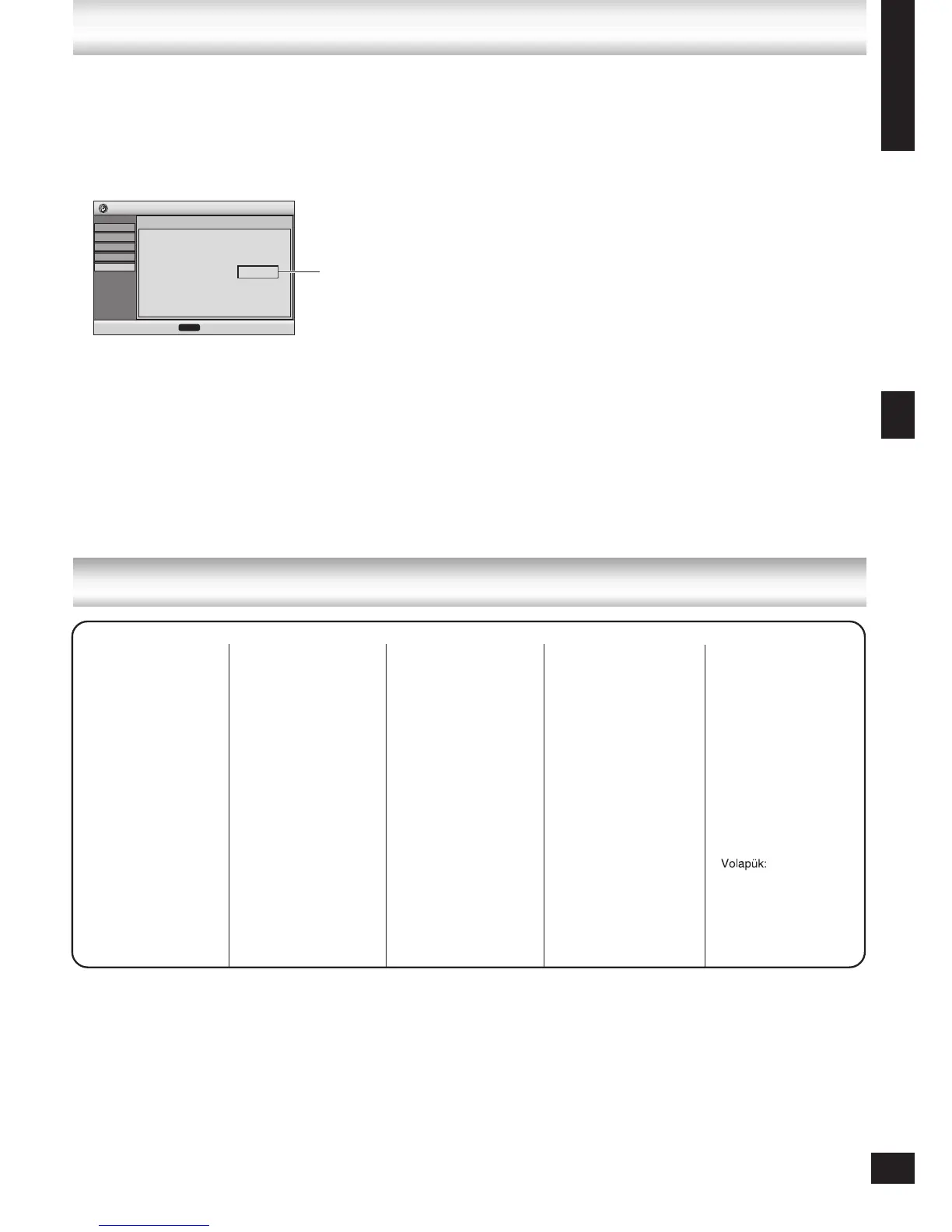
Display the unit’s registration code
(➡ “DivX Registration” in “Others” tab, page 22)
We recommend that you make a note of this code for future
reference.
After playing DivX VOD content for the first time, another
registration code is then displayed in “DivX Registration”. Do
not use this registration code to purchase DivX VOD content.
If you use this code to purchase DivX VOD content, and
then play the content on this unit, you will no longer be able
to play any content that you purchased using the previous
code.
•
•
If you purchase DivX VOD content using a registration code
different from this unit’s code, you will not be able to play this
content. (“Authorization Error” is displayed.)
Regarding DivX content that can only be played a set
number of times
Some DivX VOD content can only be played a set number
of times. When you play this content, the remaining number
of plays is displayed. You cannot play this content when the
number of remaining plays is zero. (“Rented Movie Expired”
is displayed.)
When playing this content
The number of remaining plays is reduced by one if
you turn off the unit or press [-SETUP].
you press [g, STOP]. (Press [h, PAUSE] to pause play.)
you press [u, i] or [t, y] etc. and arrive at another
content or the start of the content being played.
Resume (➡ Stop, page 13) and Marker (➡ Play Menu, page
19) functions do not work.
•
•
–
–
–
•








 To Next Page