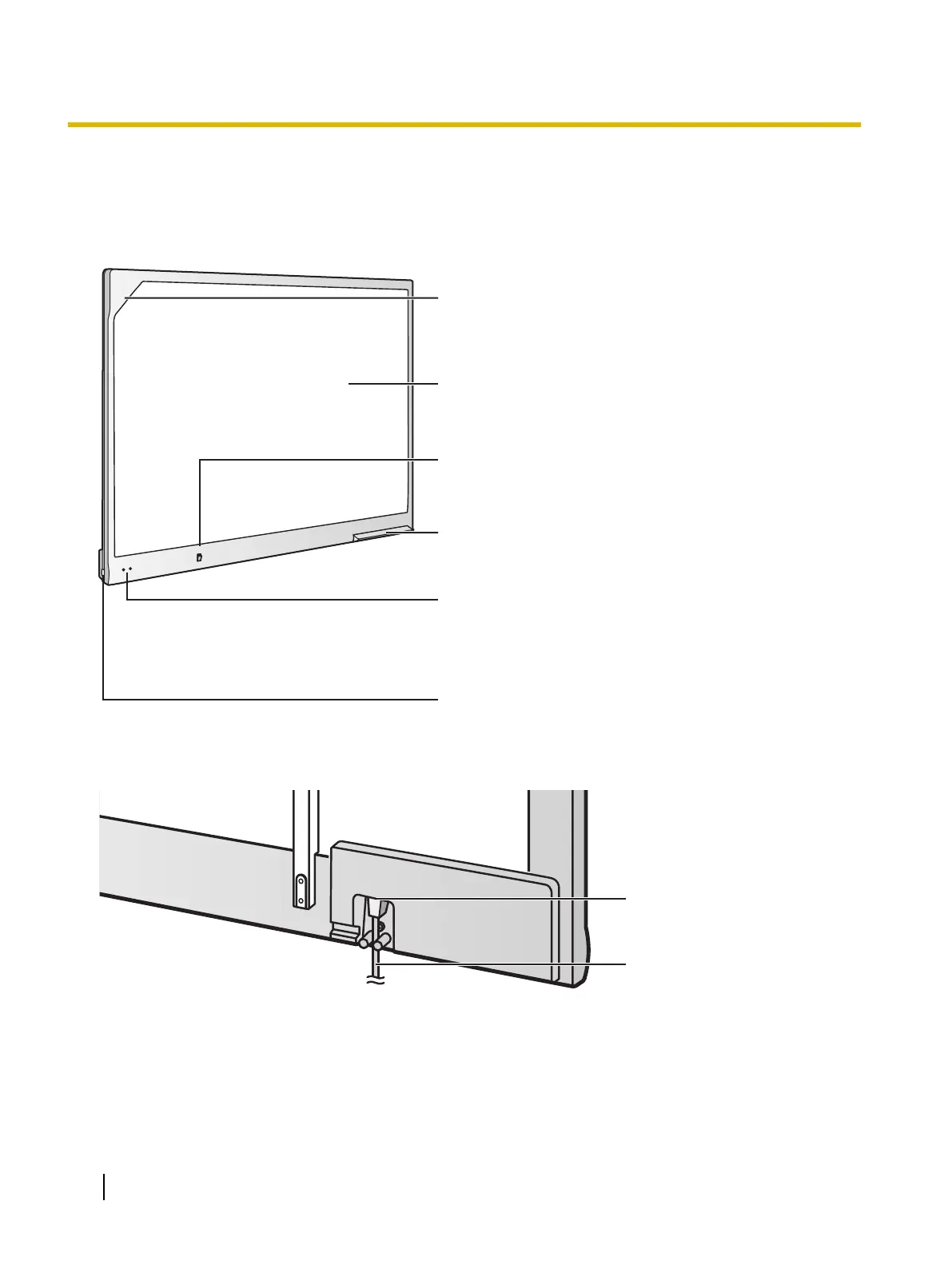
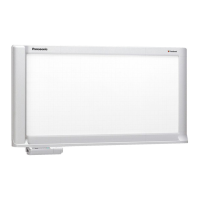
Position Sensor
Detects the position of the electronic pen. Do
not block the sensor while operating the elite
Panaboard.
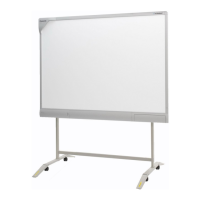
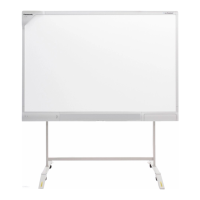
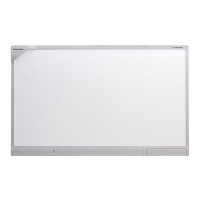
Screen Board
Project the contents of a computer screen using a
projector.
Power Switch
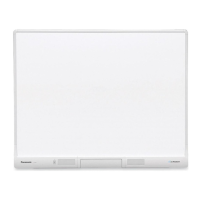
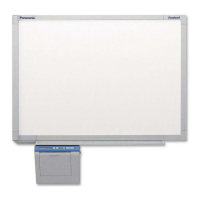
Pen Tray
Push the center of the door to open the pen tray,
which can hold up to 2 electronic pens.
Status LEDs
Left: Power LED (green)
Lights green when the power is on.
Right: Error LED (red)
Lights red when an error occurs.
USB Port
Directly connect a computer using a USB cable
(included).




 To Next Page