Daily Care
When cleaning the elite Panaboard or inside the elite Panaboard, make sure to switch off the power and unplug
the power cord from the AC outlet.
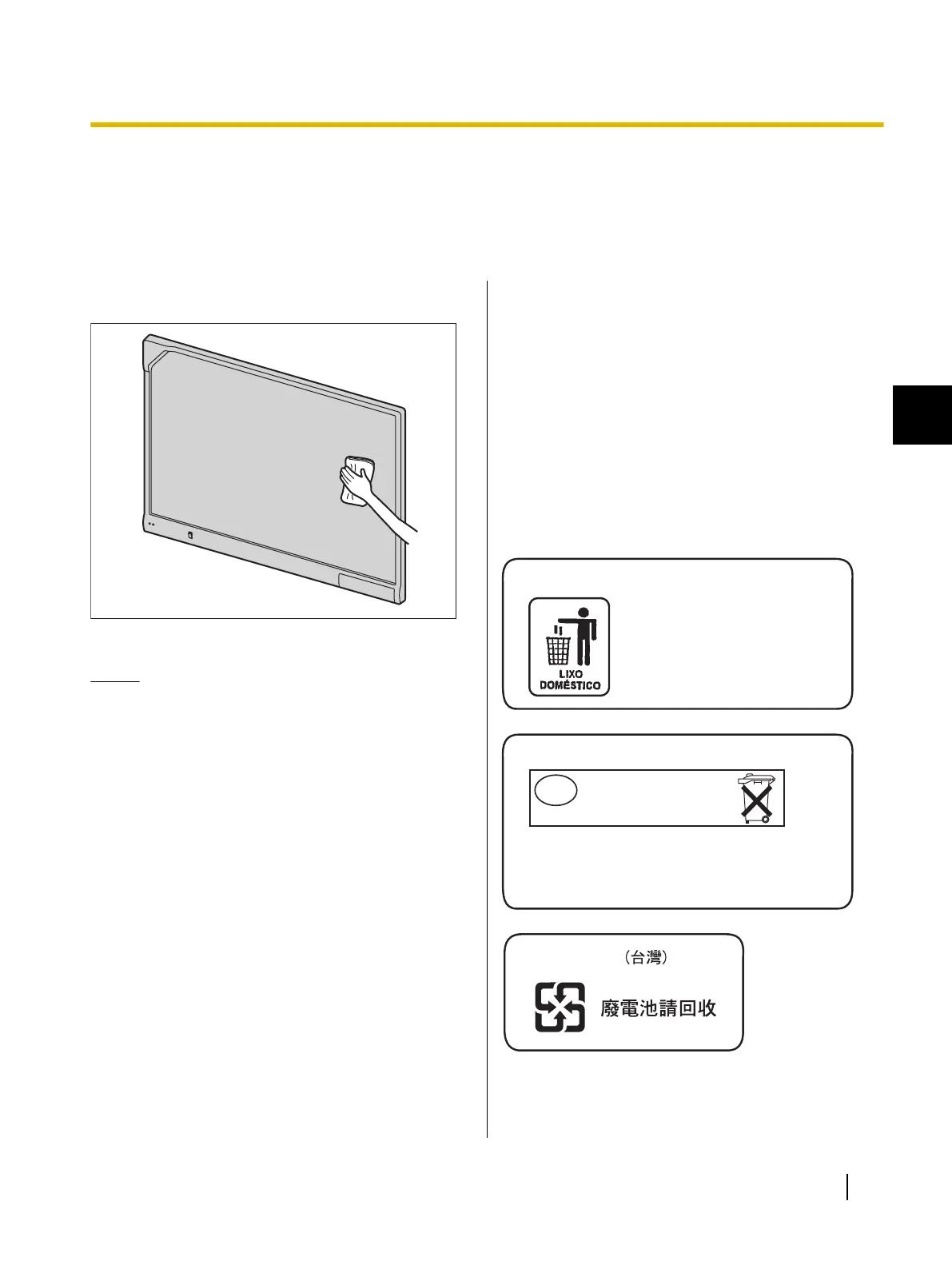
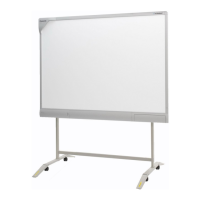
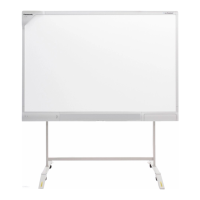
Cleaning the elite Panaboard
Gently wipe the elite Panaboard with a soft, moist cloth.
Notice
• For spots that are difficult to remove, use
commercially available white-board cleaner or
neutral household cleaner diluted with water.
• The elite Panaboard is designed exclusively for
projector images. If you write on the screen
board with a white-board marker, you cannot
erase it with a standard eraser. Use a
commercially available melamine foam eraser
to erase.
• Do not wipe the screen board with a dry cloth.
(Doing so can cause static electricity build-up.)
• Do not use thinner, benzene, or abrasive
chemicals to clean.
(Doing so can result in discoloration.)
Replacing the Battery in the
Electronic Pen
When the charge in the battery in the electronic pen is
low, the message, "The pen battery is low. Replace the
battery soon." will be displayed on the computer screen.
Continued use of the electronic pen can lead to poor
performance. Replace the battery as soon as possible.
See "Inserting (Exchanging) Batteries" (page 14) for
details on replacing the battery.
• Promptly remove used batteries and properly
dispose of them following your local laws and
regulations.
Após o uso as pilhas / baterias
contidas neste produto poderão
ser dispostas em lixo doméstico.
For Brazil
Bij dit produkt zijn batterijen geleverd.
Wanneer deze leeg ziju, moet u ze niet
weggooien maar inleveren als KCA.
For Netherlands
Niet weggooien,
maar inleveren
als KCA.
NL
Operating Instructions (For Basic Operations) 23
1
Appendix
Appendix




 To Next Page