Setting the Projector
Set up your projector as instructed below.
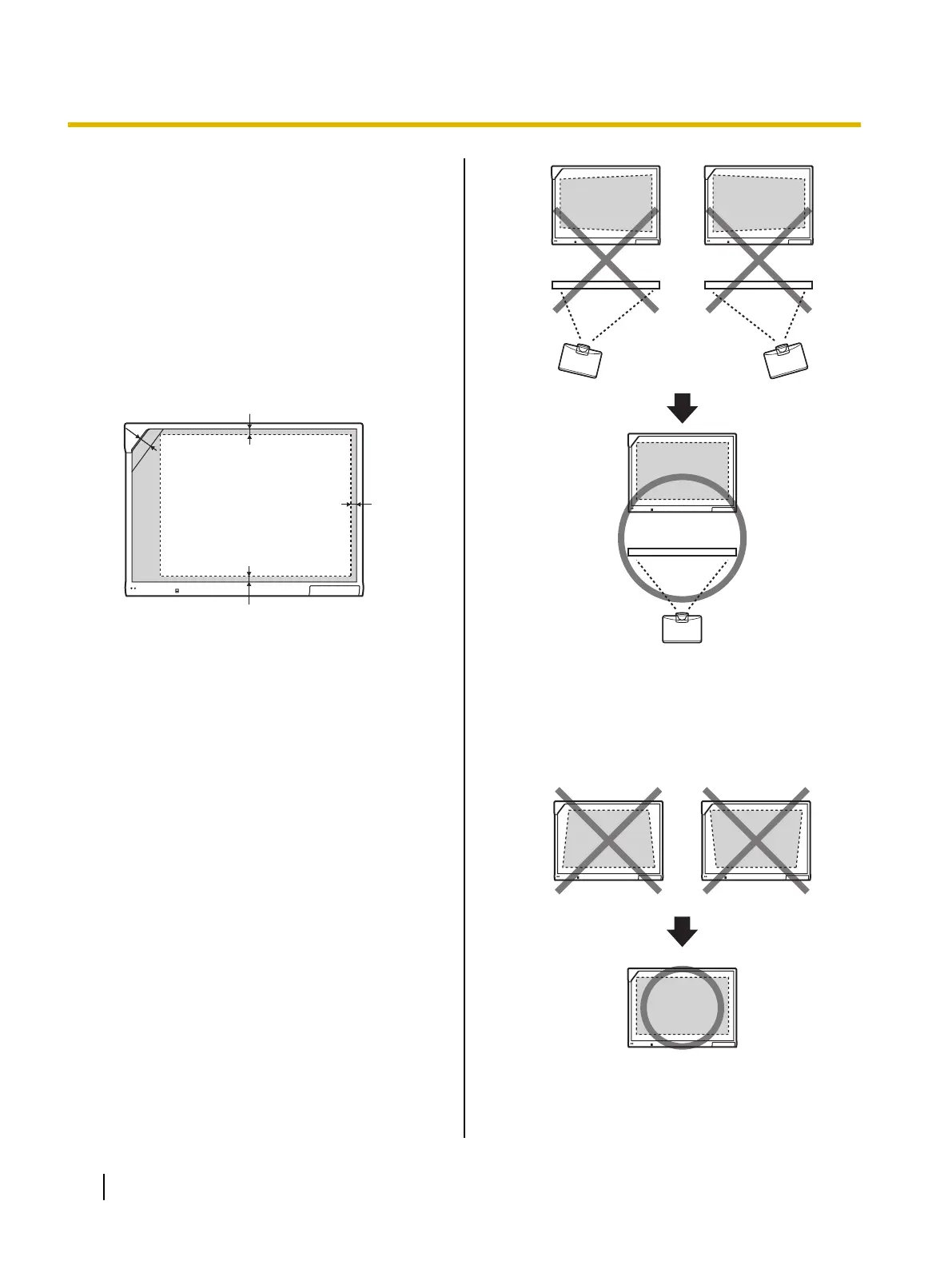
About Positioning the Image
• When you are projecting an image, make sure that
the edge of the projected image is at least 5 mm
(
1
/4 in.) from the screen frame. The electronic pen
may not function correctly within 50 mm (2 in.) of the
position sensor in the upper-left corner of the screen
board.
Projectable Area
5 mm (
1
/
4
in.)
5 mm
(
1
/
4
in.)
50 mm (2 in.)
5 mm (
1
/
4
in.)
Project the Image as a Rectangle
• Adjust the location of the projector to project at a
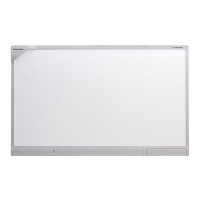
right angle with the elite Panaboard.
• If the image is projected trapezoidally, the position
of the electronic pen may not be read correctly.
Adjust the projector so that the projected image is
a rectangle. Refer to your projector's
documentation for information on adjusting the
projected image.
18 Operating Instructions (For Basic Operations)
Usage




 To Next Page