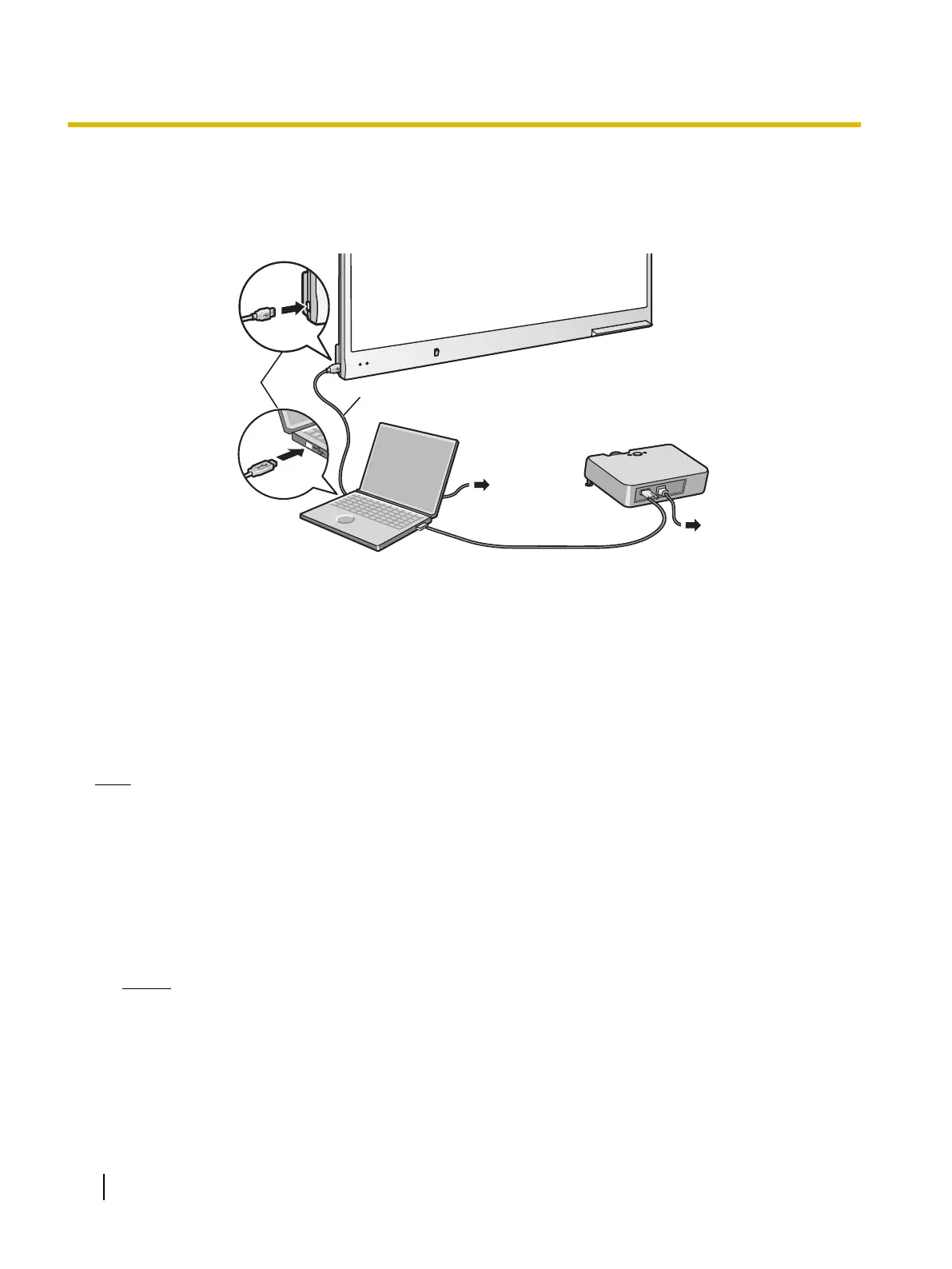
2. Connect the elite Panaboard to a computer using the USB cable (included).
• elite Panaboard: Plug the B connector (smaller connector) into the elite Panaboard's USB port.
Computer: Plug the A connector (larger connector) into a USB port on the computer.
• Do not connect the elite Panaboard via a USB hub. This could result in erroneous operation.
USB Cable
(Included)
Video Cable
Projector
Computer
To USB Port
AC
AC
3. Connect the computer to a projector.
• For instructions on connecting your computer and projector, refer to the respecting instruction manuals.
About the Usage Location
• Do not place the elite Panaboard where it is directly exposed to sunlight, near a stove, near to a heating/
cooling vent or exposed to strong winds.
• Do not use the elite Panaboard in a location less than 10 °C (50 °F) or in a location subject to extreme
changes in temperature.
Note
• If you use the elite Panaboard under the conditions above, there is a risk that the elite Panaboard will
not operate correctly.
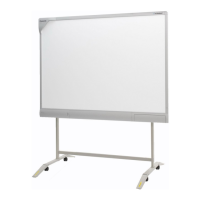
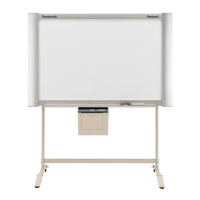
Moving the elite Panaboard When Using the Stand (Sold Separately)
1. Make sure that the power switch is set to "O" (OFF), and disconnect the power cord and USB cable.
2. Release the locks on the casters.
3. Move the elite Panaboard, taking care not to bang or shake it.
Notice
• Always move the elite Panaboard with 2 people.
• Do not drag or step on the cable.
4. Lock the casters.
16 Operating Instructions (For Basic Operations)
Usage




 To Next Page