63
PERSONAL INFORMATION
CALENDAR
ADDING AN ACCOUNT
You should have an account to use the calendar. For details on Google account, refer to the page 25.
CREATING AN EVENT
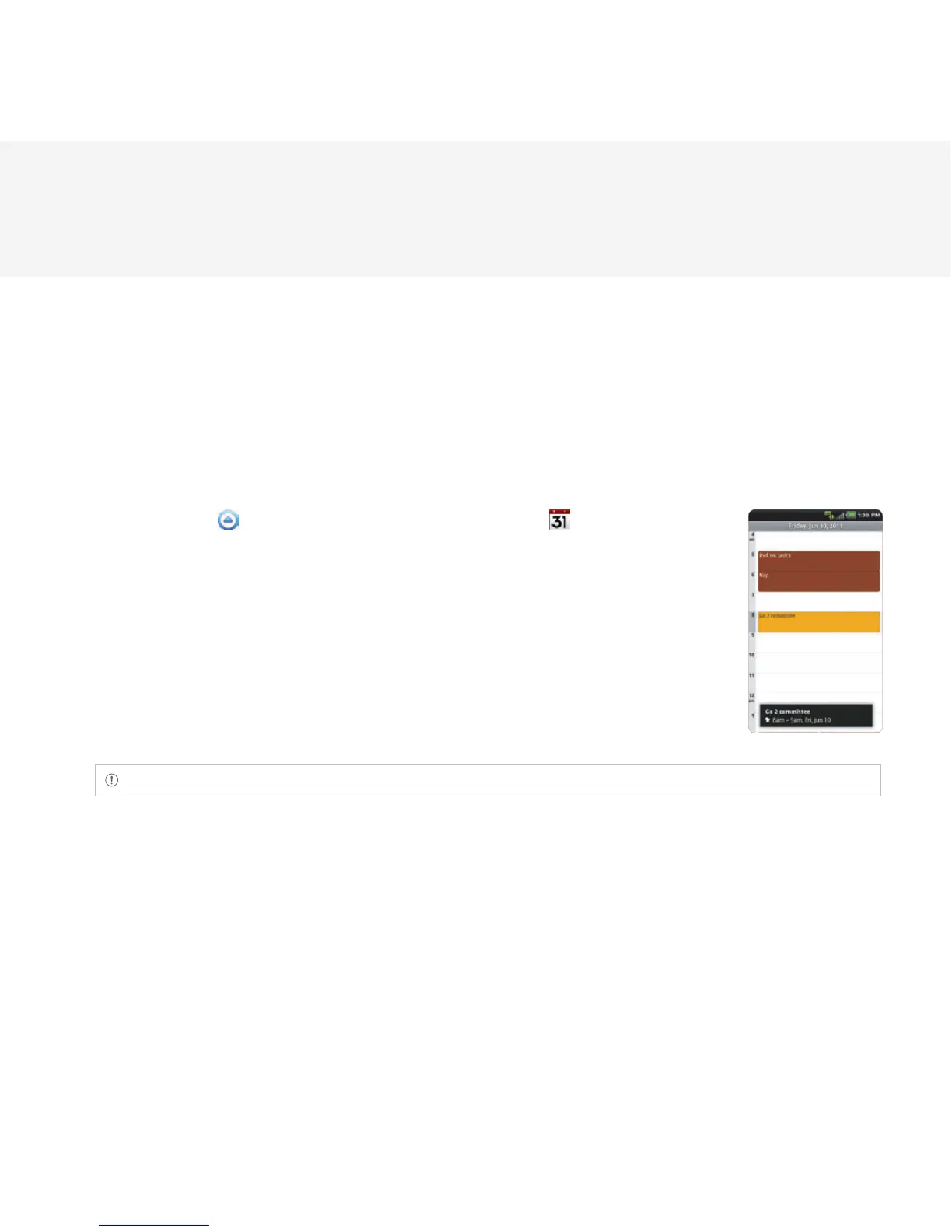
1 Touch Apps from the Home Screen. Touch Calendar .
2 Touch a day in the calendar.
3 Double-touch an hour that you want to add an event.
4 Enter necessary information. Press the Menu Key B and touch Show
extra options if you need more options.
5 Touch Done.
Note You can also create an event by pressing the Menu Key B and touching More > New event.



 To Next Page