84
ENTERTAINMENT
CHANGING SETTINGS
1 Touch on the screen or press the Menu Key B while in the camera mode.
2 Touch SET > Settings.
3 To change camera settings:
x Touch ON or OFF for View after Saving. If you touch ON, the picture will appear after saved.
x Touch ON or OFF for Anti Shake. If you touch ON, you can prevent pictures from being shaken
when they are taken.
x Touch WIDE or CENTER for Photometry. If you touch WIDE, the light will be distributed to the
picture equally. If you touch CENTER, the light will be focused mainly on the center of the
picture.
x Touch ON or OFF for GPS Receive. If you touch ON, geo-information will be attached to the
picture.
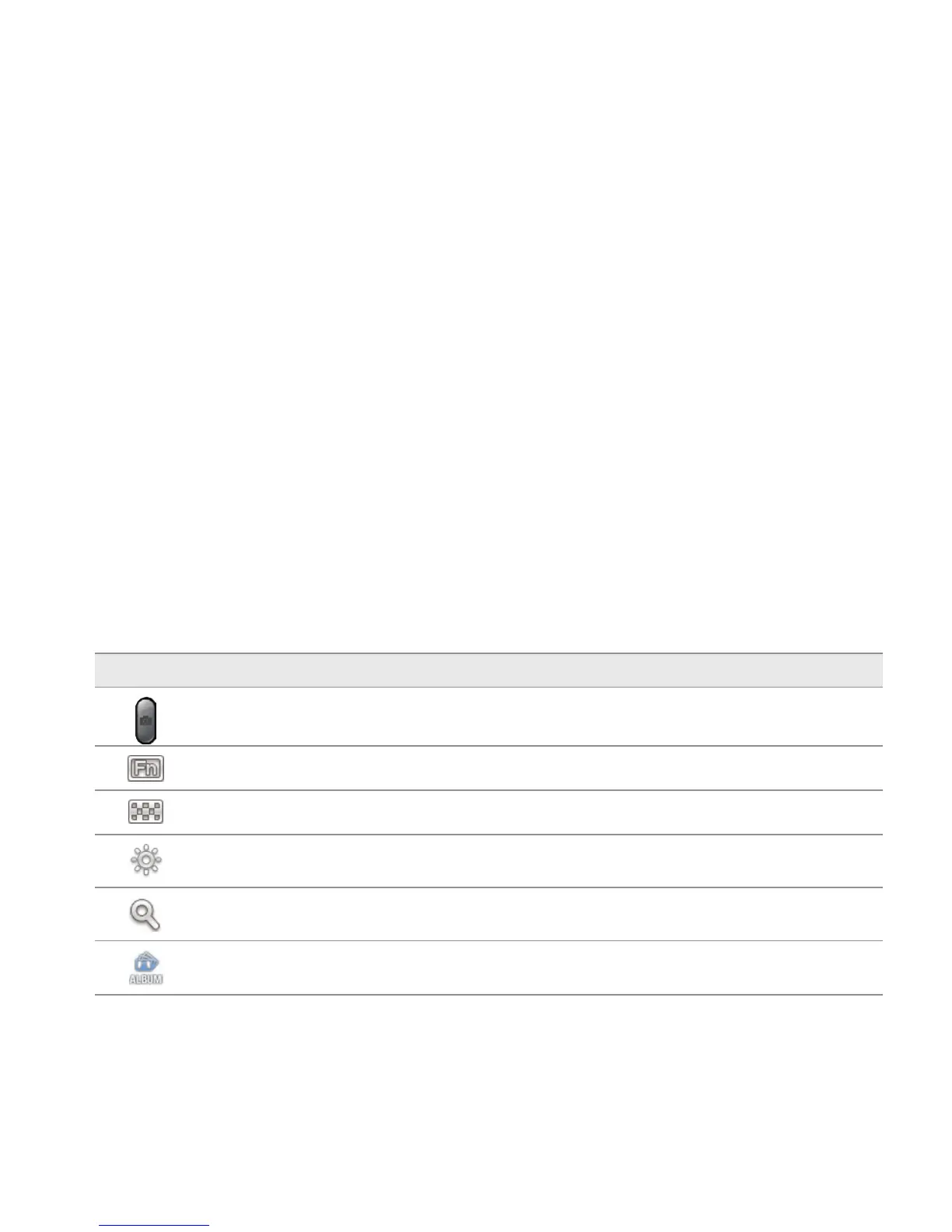
CAMERA MENU OPTIONS
Icon Description
Shutter: Takes a picture
Function: Adds special effects: White Balance, Filter; and sets timer and focus mode
Shot: Selects shot modes: Single Shot, Multi Shot, Instant, Division Shot
Brightness: Adjusts brightness
Zoom: Zooms the object in or out
Album: Views saved pictures



 To Next Page