85
ENTERTAINMENT
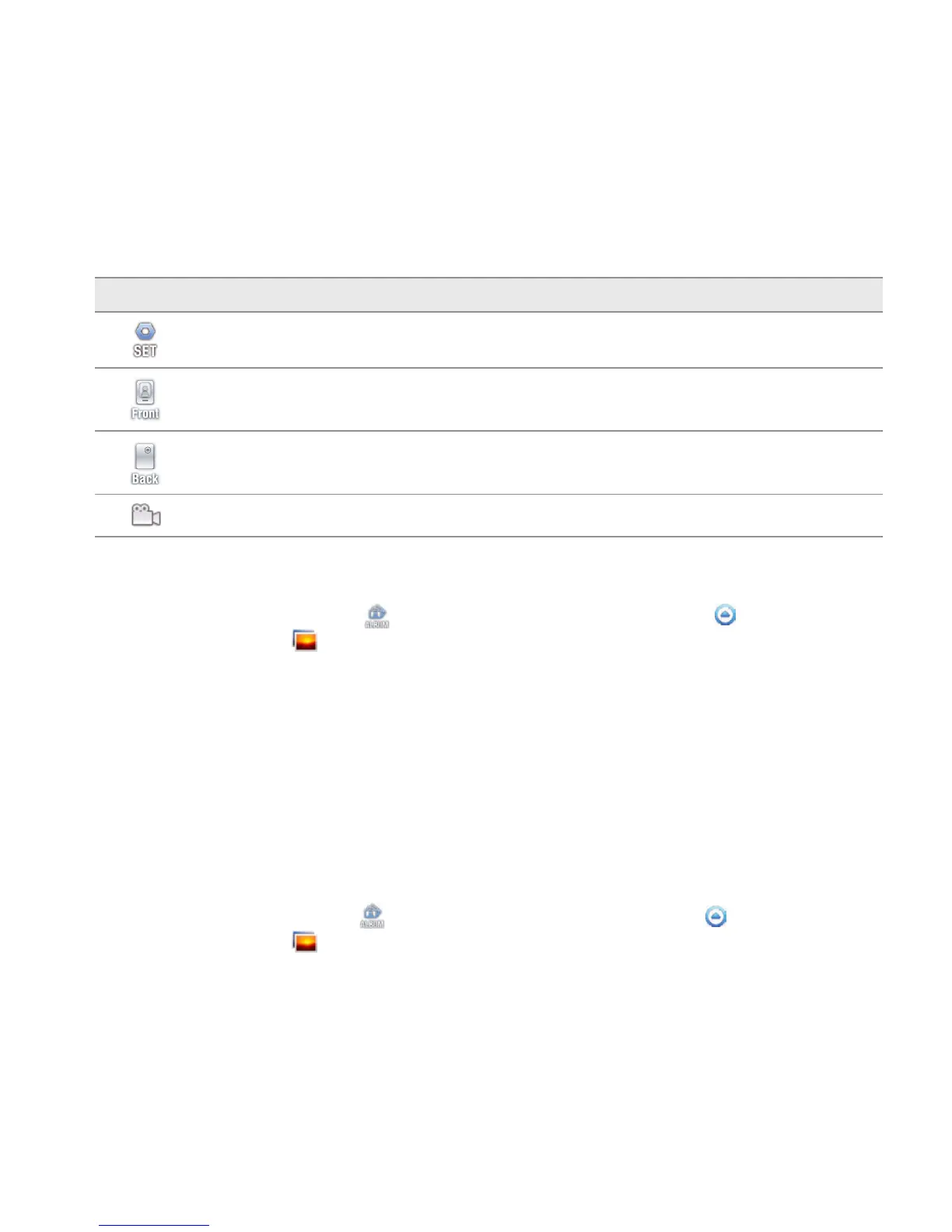
Icon Description
Setting: Changes settings: Resolution, Scene, View after Saving, Anti Shake, Photometry,
GPS Receive
Front camera: Uses the front camera
Back camera: Uses the back camera
Video mode: Changes to the camcorder mode
SHARING PICTURES
1 Touch on the screen and touch while in the camera mode, or touch Apps from the Home
Screen. Touch Gallery .
2 Touch and hold a picture to share. If you want to share all pictures, touch Select All. You can also
select a few pictures.
3 Touch Share.
4 Touch Bluetooth, Picasa, Online Album, Net Media, Gmail, V CAST Media Manager, Email,
or Messaging and take necessary steps. If you have selected more than one picture, Picasa,
Messaging, Bluetooth and Gmail are available.
SETTING A PICTURE AS WALLPAPER
1 Touch on the screen and touch while in the camera mode, or
touch Apps from the Home
Screen. Touch Gallery
.
2 Select and touch a picture to set as wallpaper.



 To Next Page