89
ENTERTAINMENT
3 To change camcorder settings:
x Touch ON or OFF for View after Saving. If you touch ON, the video will appear after saved.
x Touch ON or OFF for Voice Recording. If you touch ON, the video will be recorded with voice
included.
x Touch NOR or MMS for Recording Time. The recording time will increase as you reduce the
resolution for videos from NOR to MMS.
CAMCORDER MENU OPTIONS
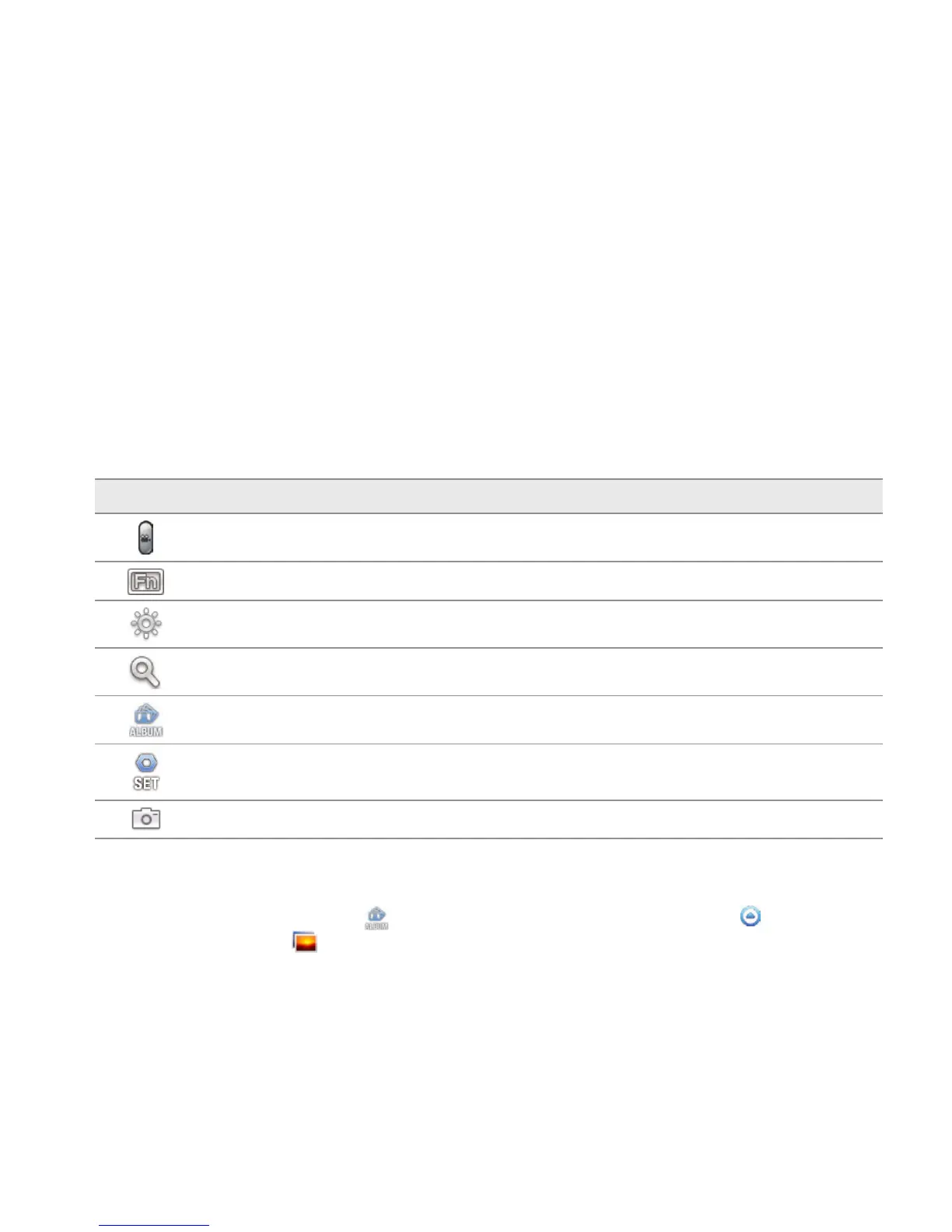
Icon Description
Video: Records a video
Function: Uses functions: White Balance, Filter, Timer
Brightness: Adjusts brightness
Zoom: Zooms the object in or out
Album: Views saved videos
Settings: Changes settings: Resolution, View after Saving, Voice Recording, Recording
Time
Camera mode: Changes to the camera mode
SHARING VIDEOS
1 Touch on the screen and touch while in the camcorder mode, or touch Apps from the Home
Screen. Touch Gallery .
2 Touch on the first video on the screen.



 To Next Page