90
ENTERTAINMENT
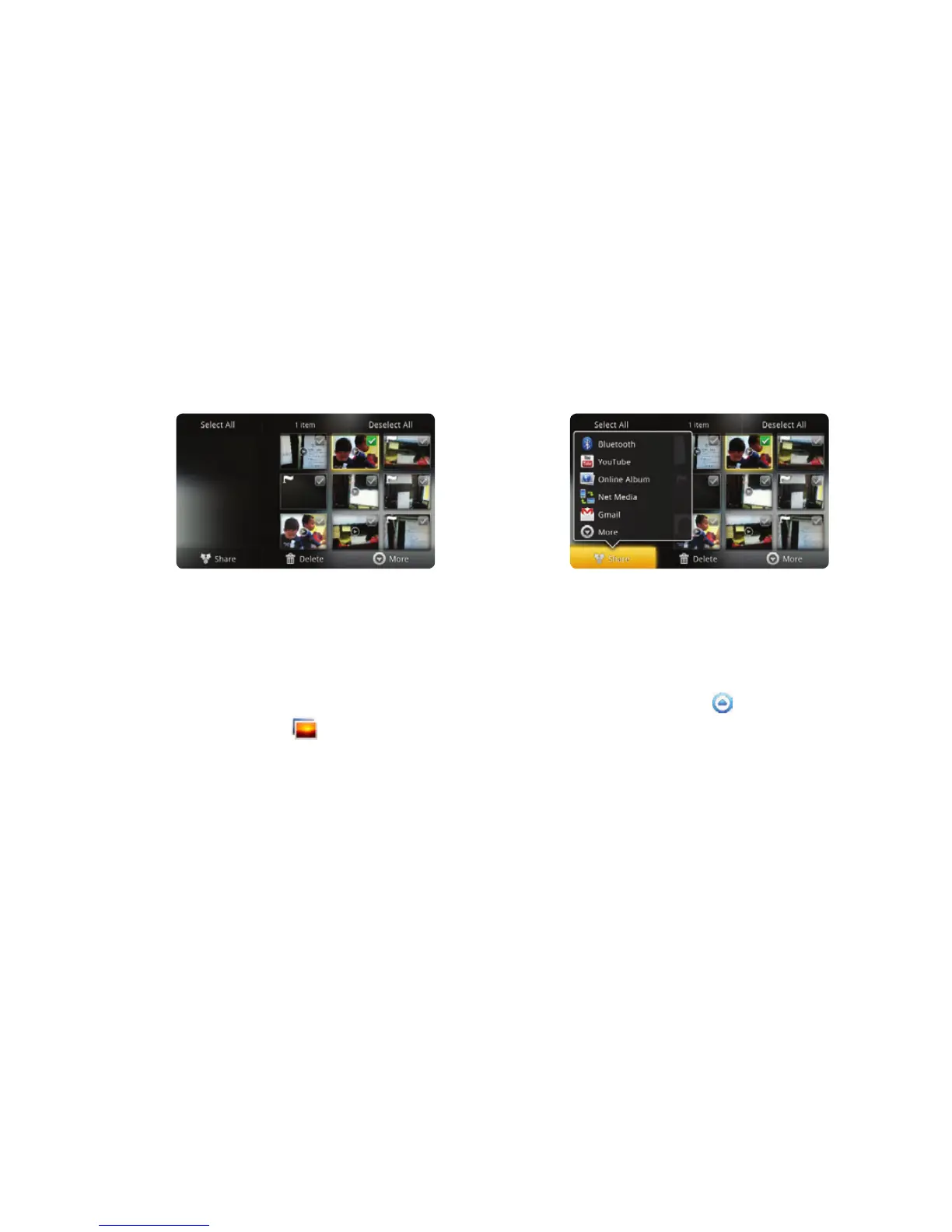
3 Touch and hold a video to share. If you want to share all videos, touch Select All. You can also select
a few videos.
4 Touch Share.
5 Touch Bluetooth, YouTube, Online Album, Net Media, Gmail, V CAST Media Manager or Messaging.
Selecting a video Sharing a video
DELETING VIDEOS
1 Touch on the screen and touch while in the camcorder mode, or touch Apps from the Home
Screen. Touch Gallery .
2 Touch on the first video on the screen.
3 Touch and hold a video to delete. If you want to delete all videos, touch Select All. You can also
select a few videos.
4 Touch Delete > Confirm Delete.



 To Next Page