34 CHAPTER 3 INSTALLING DRIVERS AND SOFTWARE
Intel Chipset Graphics Driver
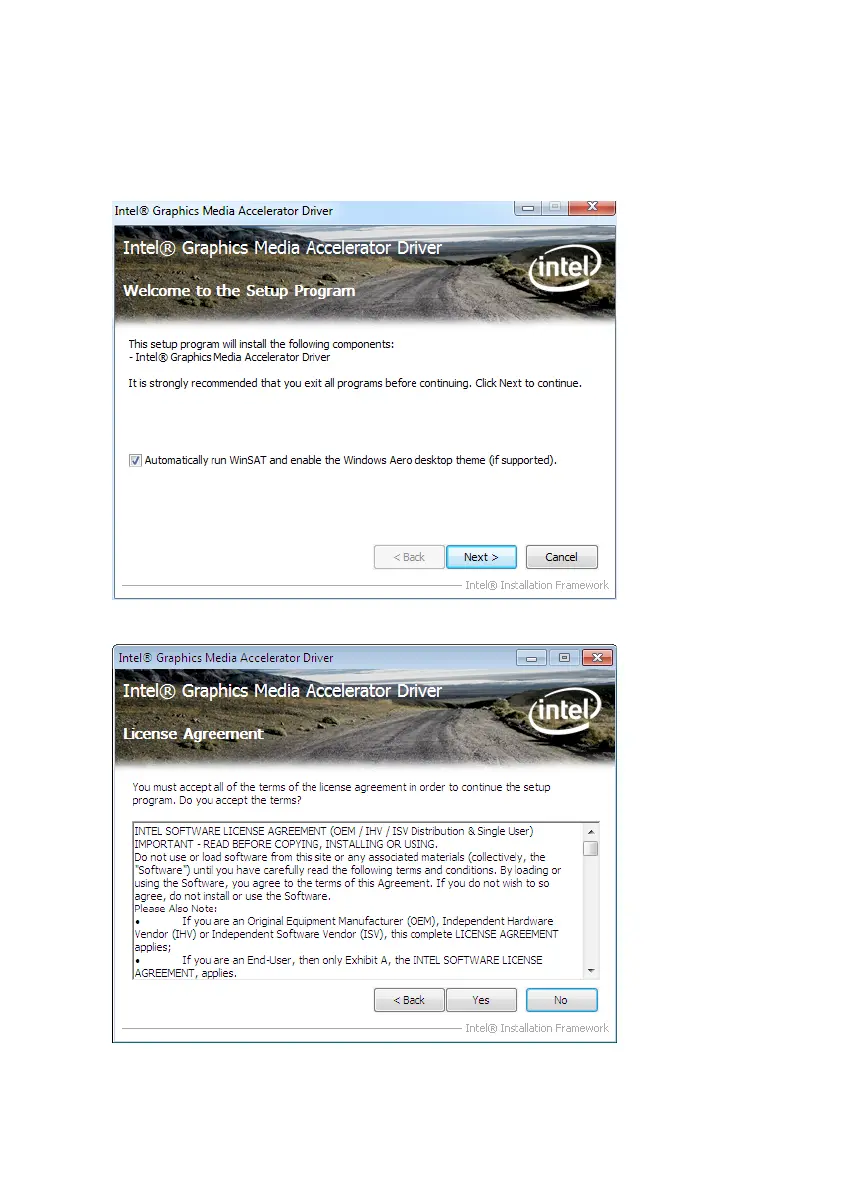
This utility installs the Intel Extreme Graphics 2 drivers for Windows XP/2000. To install the drivers.
1. Browse to the \DRIVER\VGA\intel\ folder.
2. Double-click the executable le. The following screen appears. Click Next to continue.
3. Read the license agreement, then click Yes .



 To Next Page