60 CHAPTER 5 REPLACING FIELD REPLACEABLE UNITS (FRUs)
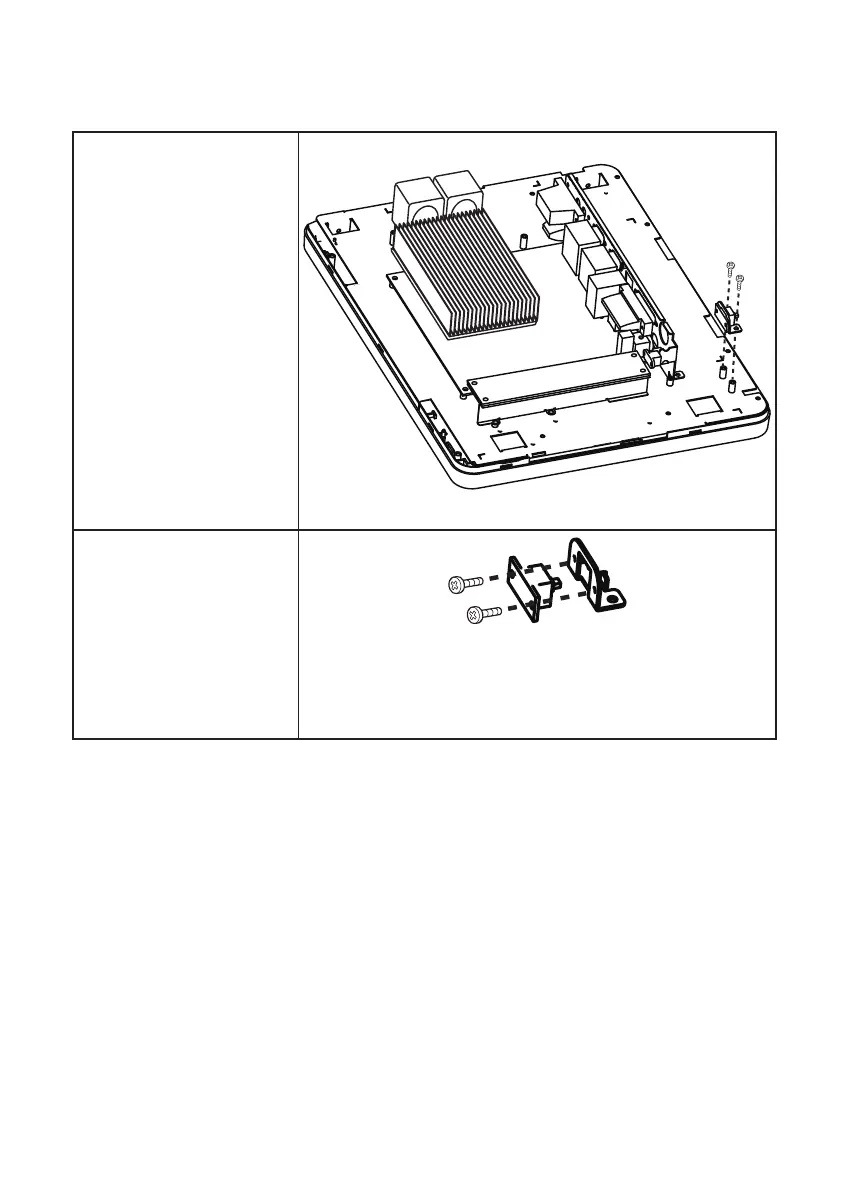
Power Button
Before proceeding, remove the
following FRUs.
• “SP-1030 Panel” on page 51.
• “Panel Back Cover” on page
52.
1. Remove two screws from the
power button bracket.
2. Remove two screws.
3. Disconnect the cable from
the mainboard.
4. Remove the power button.



 To Next Page