www.parweld.com
20
7.9 Saving to Memory
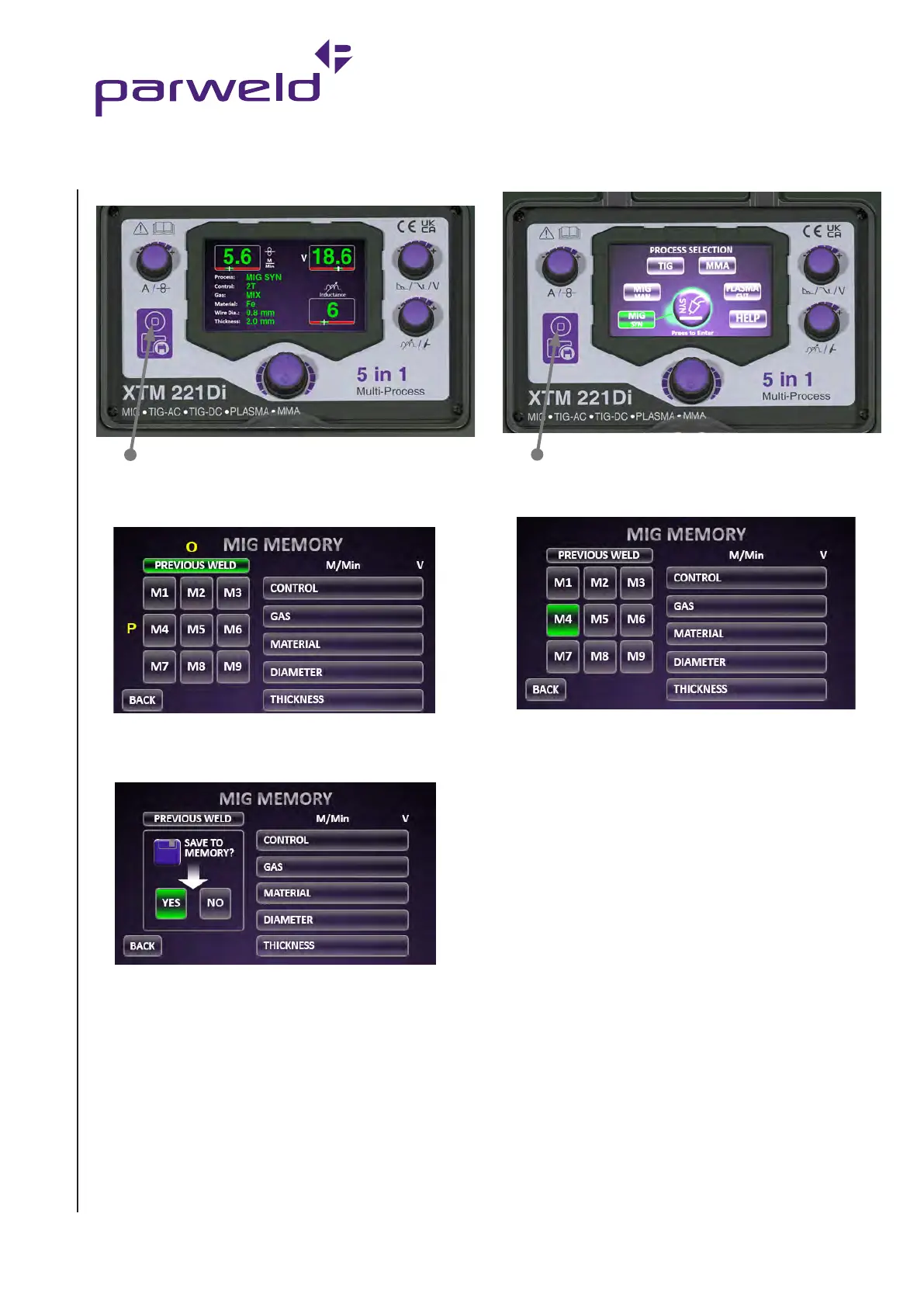
In any welding screen press the memory button.
From here you can see the last weld setting used (O) or select one
of the memory locations (P) to save the job to.
Memory button
After selecting a memory location, the following screen loads and
gives the option to save to memory.
Memory button
To recall from memory location, from main menu, press the memory
button.
Select job to recall by rotating the control knob to the required
memory location and pressing the knob to select.
7.10 Process Switch
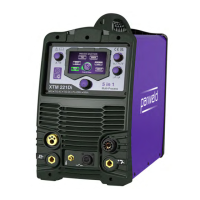
The XTM221Di allows instant swapping between the MIG, TIG
and Plasma processes which is ideal for pipe applications or multi
process workshops.
Connect the MIG, TIG and Plasma torches as previously described.
Ensure all gas types are connected to the rear of the machine.
Set the machine from the main menu for the MIG,TIG and Plasma
as required.
Switching the process. Press the torch trigger briefly to select the
process.


 To Next Page