Peak Atlas DCA Pro User Guide June 2019 – Rev 1.7
Page 30
PC Software Installation
The DCA Pro can be used in conjunction
with a PC running Windows XP or later.*
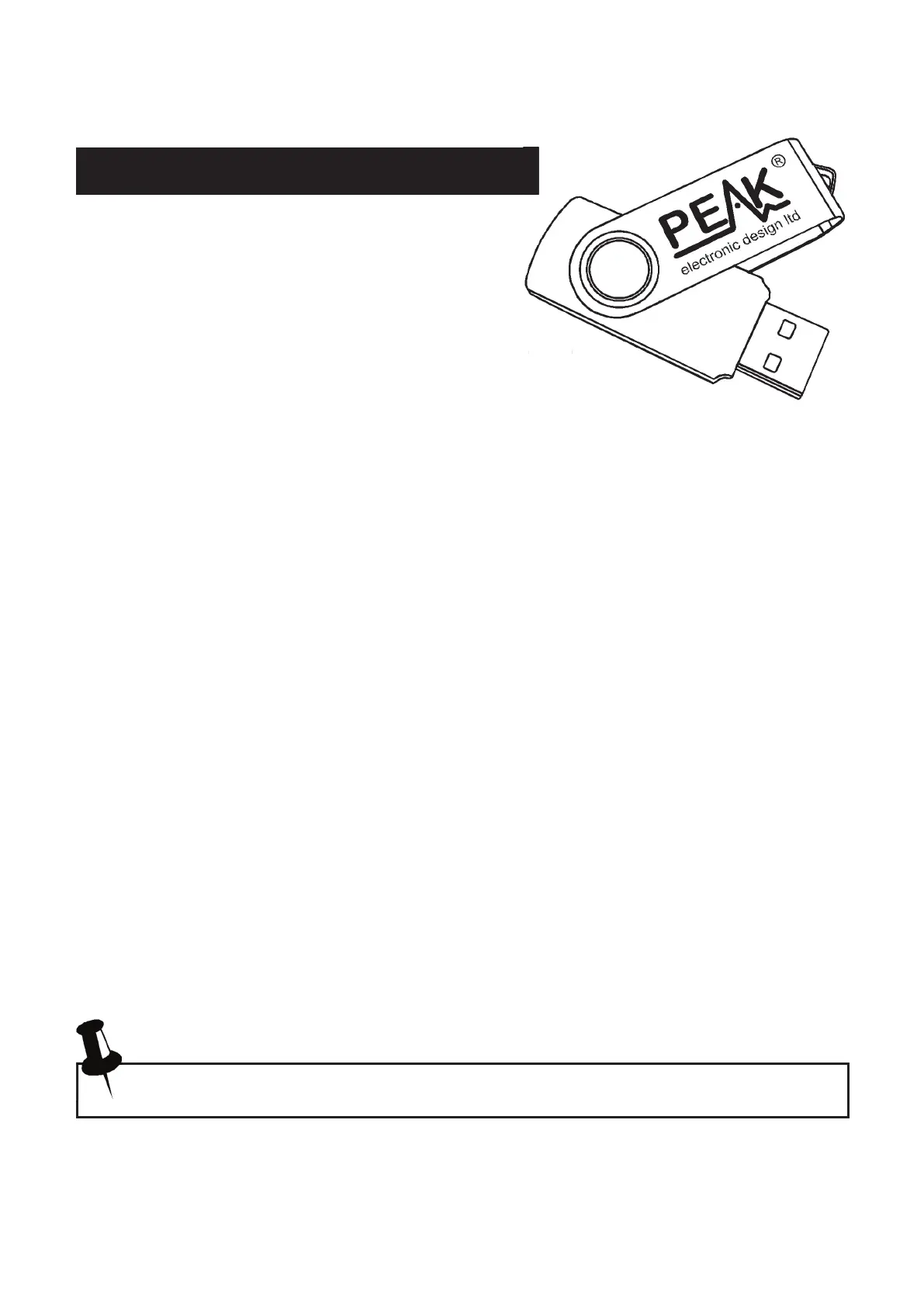
Software is provided on the included USB
flash drive. Alternatively, you can download the
latest PC software package from:
www.peakelec.co.uk/downloads/dcaprosetup.exe
Before you install the software, ensure you have sufficient (administrator)
rights on your machine. Additionally, ensure your PC meets the following
requirements:
Windows XP(SP3), Vista, 7, 8, 10 or later.*
1GB RAM.
1GB Hard Disk free.
Display size 1024 x 600 minimum (typical netbook resolution).
16 bit colour or better.
USB 1.1 or better.
.NET framework 4 (automatically installed if required).
Internet connection required for online updates.
* Verified on UK localisation of Windows 10 at time of this user guide going
to print.
The installation process varies depending on your version of Windows. Select
the appropriate section over the next few pages and follow the step-by-step
instructions carefully.


 To Next Page