Peak Atlas DCA Pro User Guide June 2019 – Rev 1.7
Page 38
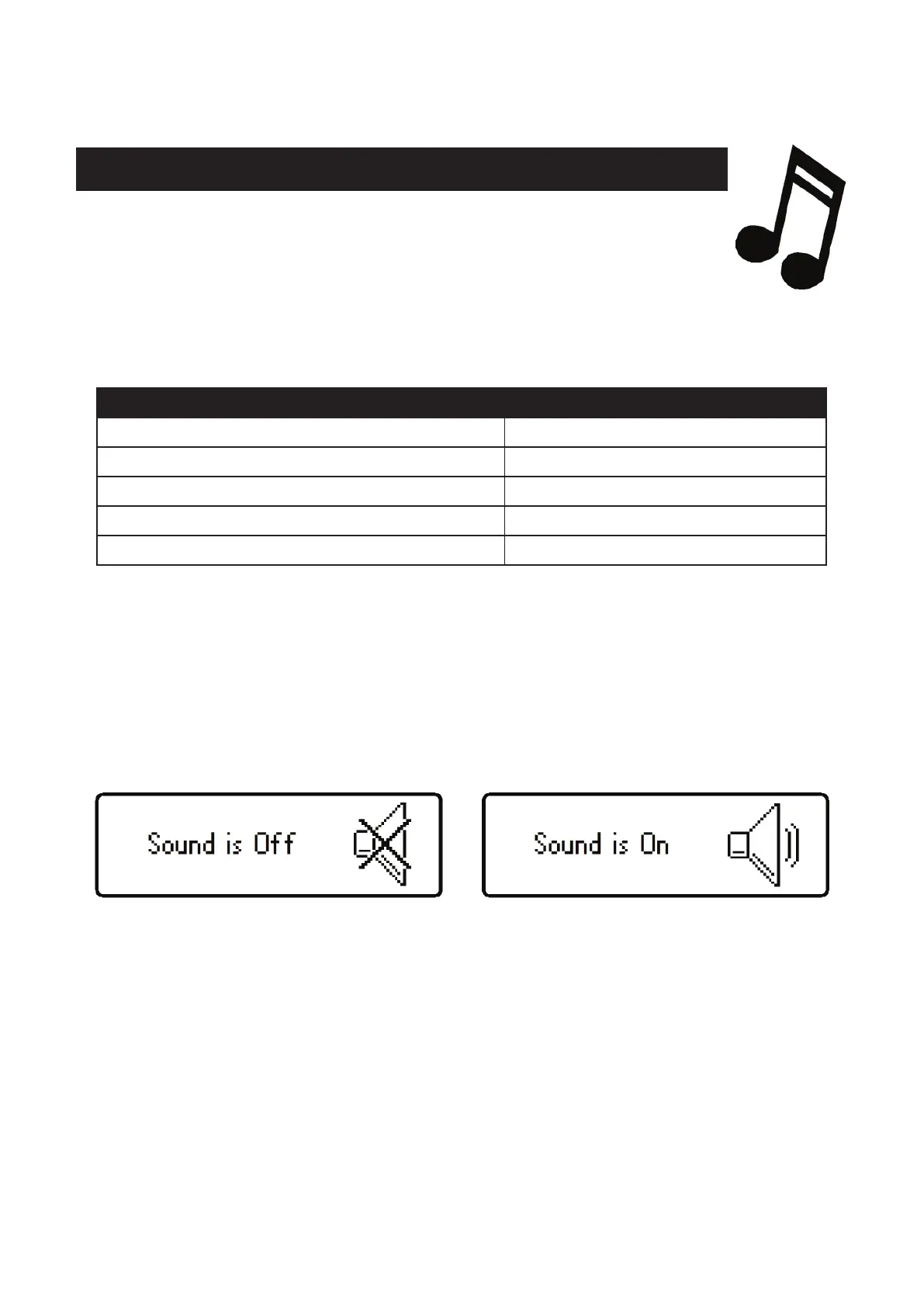
Audible Settings
Your DCA Pro has a built-in sounder for alerting you to various
test results and conditions. Additionally, the sounder produces
short tones to reinforce the tactile feedback when pressing buttons.
Here is a summary of the various tone types:
Power-down, including auto-off.
Faulty, unknown or no part detected.
If you wish, you can switch the audible alerts on or off.
To change the current setting for audible alerts, while the unit is already on,
simply press and hold the on-test button for a few seconds.
The new sound setting will then be confirmed on the screen.
To change back again, simply press and hold the on-test button again for a
few seconds.


 To Next Page