Peak Atlas DCA Pro User Guide June 2019 – Rev 1.7
Page 39
Care of your Peak Atlas DCA Pro
Your DCA Pro should provide many years of service if
used in accordance with this user guide. Care should be
taken not to expose your unit to excessive heat, shock, moisture or electrical
abuse.
Battery Replacement
The battery should be replaced at least every 12 months to reduce the risk of
leak damage.
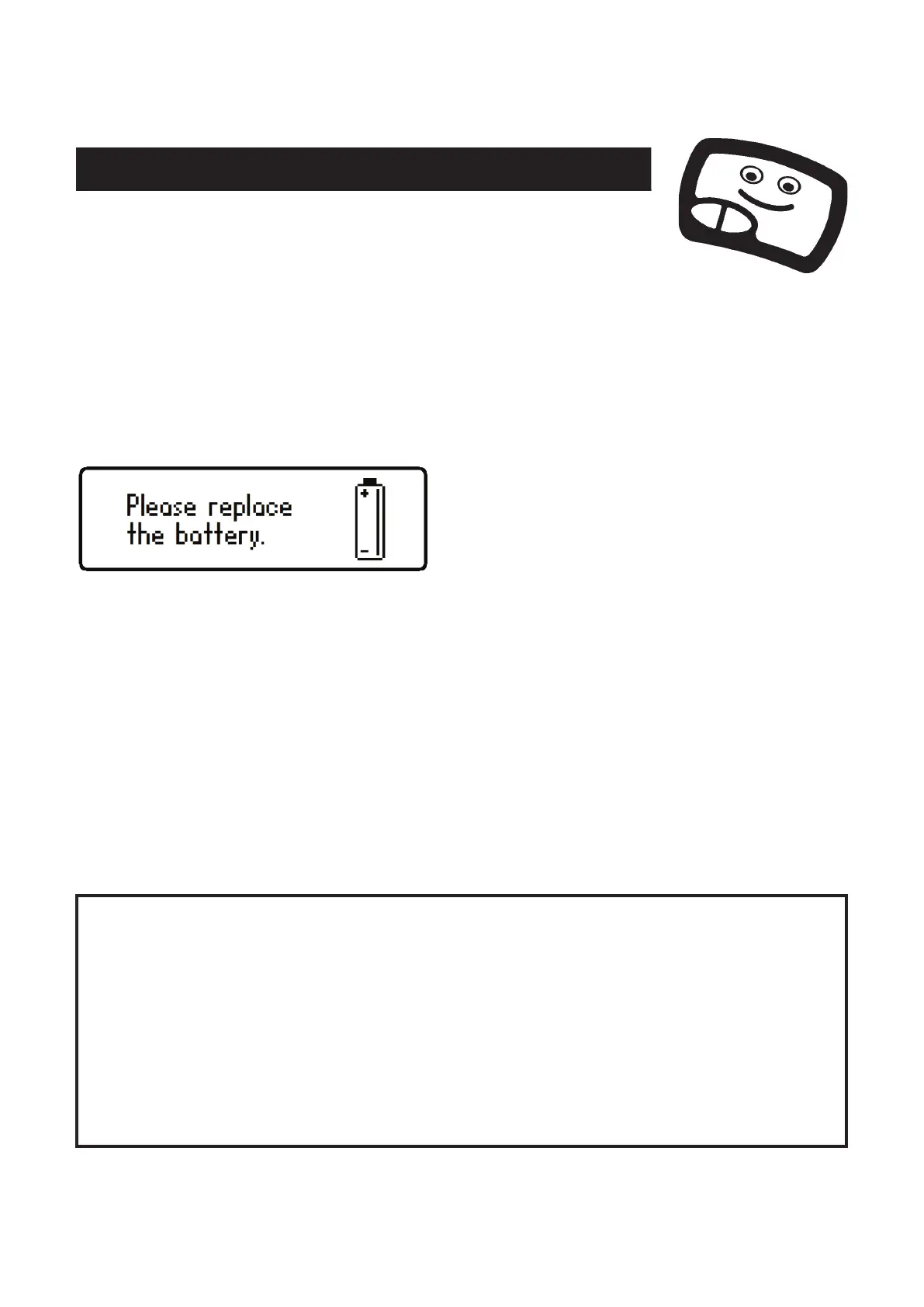
If a low battery warning message
appears, immediate replacement of the
battery is required.
To replace the battery: place the DCA Pro face-down on a smooth surface,
remove the 3 screws, remove the rear cover and change the battery while the
unit is still resting face down.
We recommend using a high quality Alkaline, NiMh or Lithium-Iron-
Disulphide AAA cell (such as LR03 or MN2400 1.5V).
Replace the cover (take care not to pinch the test cables) and carefully tighten
the 3 screws. DO NOT OVER-TIGHTEN THE SCREWS.
is protected against mild overload conditions but
remember that it can be damaged by applying the probes to a
charged component or a component that is in-circuit.
Please note that it is also possible to damage the
if the
device under test has a route to earth and you also have your USB
cable connected to a PC (many PCs have large offset voltages on
their ports relative to earth).


 To Next Page