Peak Atlas DCA Pro User Guide June 2019 – Rev 1.7
Page 34
Analysing Semiconductors – PC mode
When the DCA Pro is connected to the PC and the PC is running the
companion software, the instrument can be used from the PC screen or from
the instrument itself.
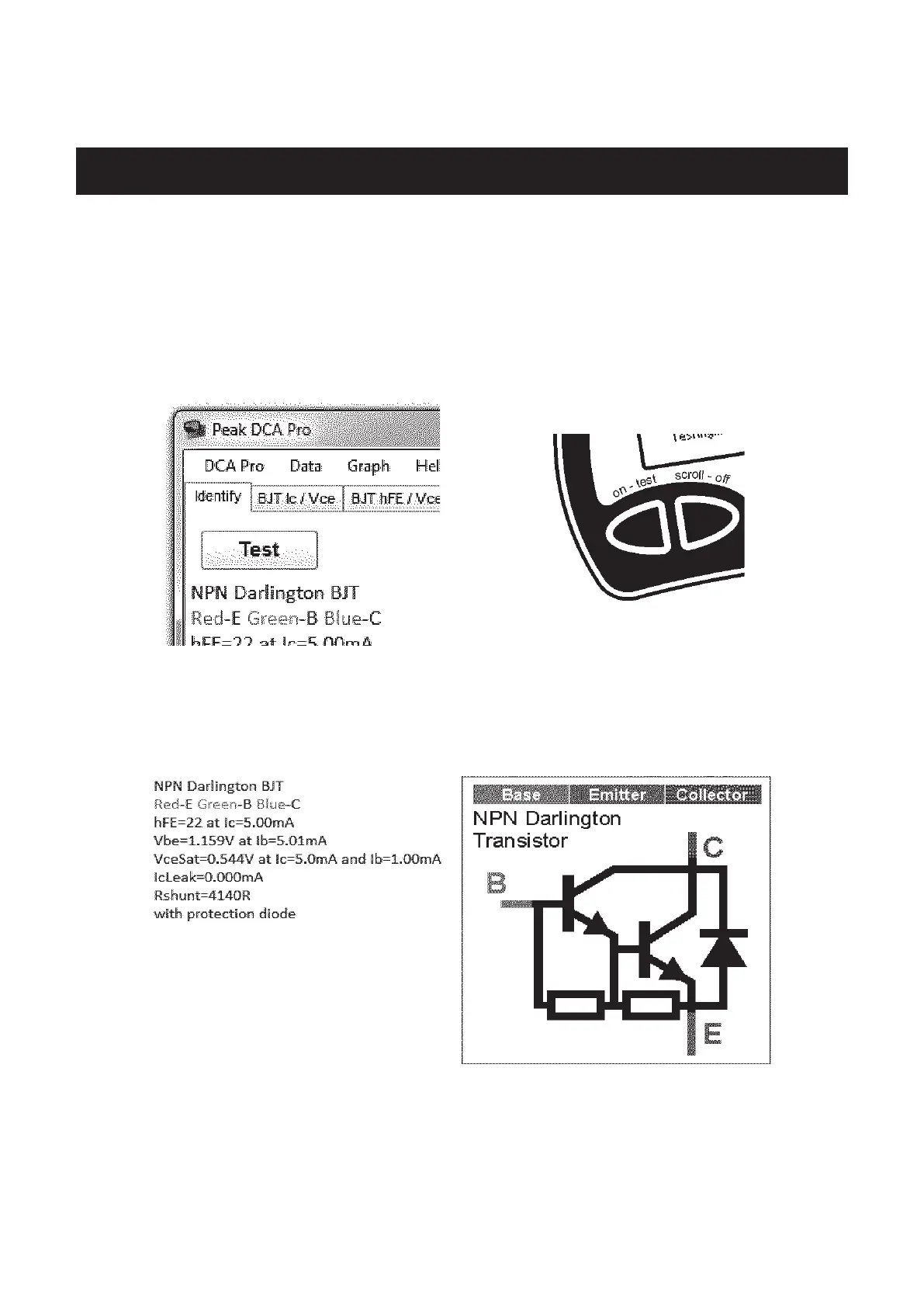
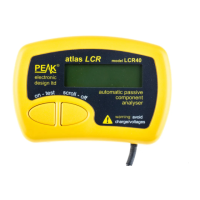
Pressing “Test” in the PC software will initiate a component analysis in just
the same way as pressing “Test” on the instrument itself.
Any test results are automatically passed to the PC software and displayed in a
text window. Additionally, the component schematic and the colour-coded
pinout are also displayed:
Note that the component schematic is displayed in colour to illustrate which
colour test lead is connected to each component lead.


 To Next Page