P550c Operation Manual
5 System setup
www.pearpoint.com | 126
1 From the home screen, press the Create a survey key, see page 194.
2 In the Create survey menu, navigate to Format and select WinCan.
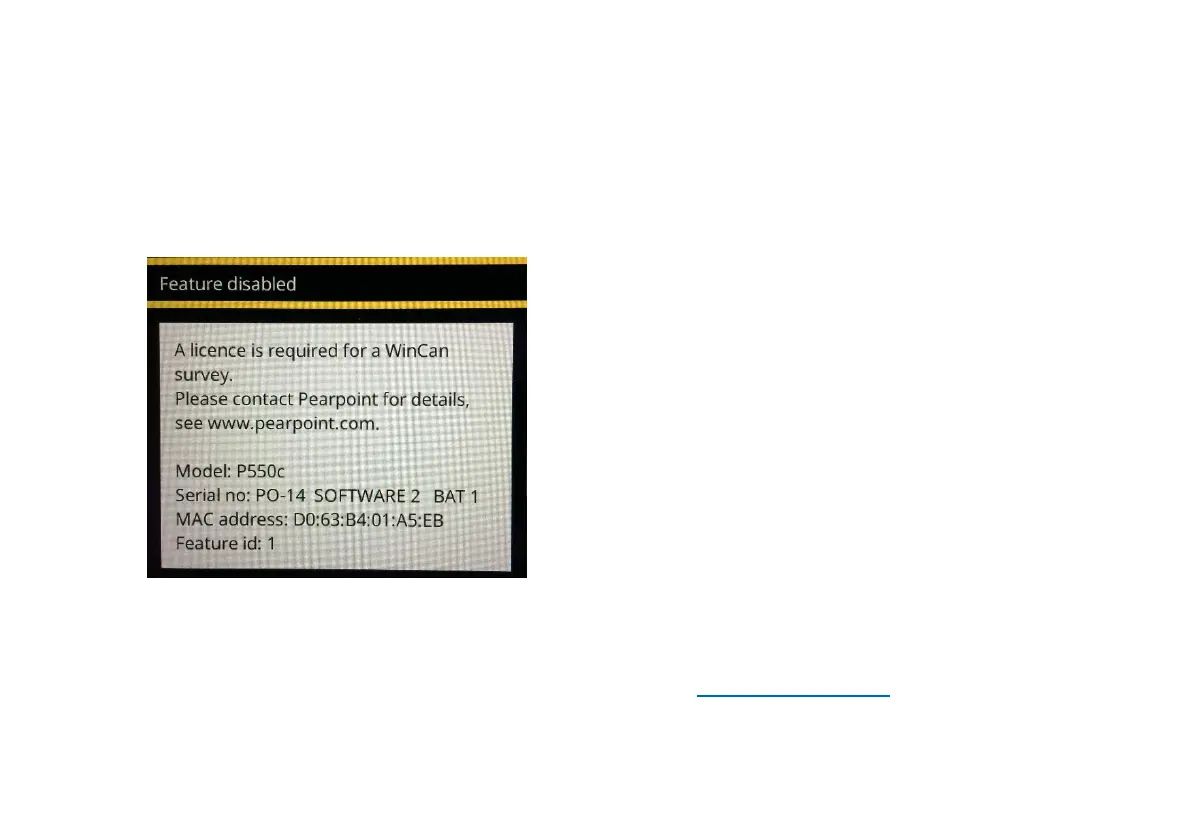
3 Navigate to Continue, and press Select. You will be shown a pop-up containing information specific
to your controller.
Fig. 5.12: Feature disabled pop-up, containing the information required to enable your controller.
4 Email the Model, Serial no, MAC address and Feature id information to your local Pearpoint
representative. You can use the Contact Us form on the www.pearpoint.com website for this
purpose.



 To Next Page