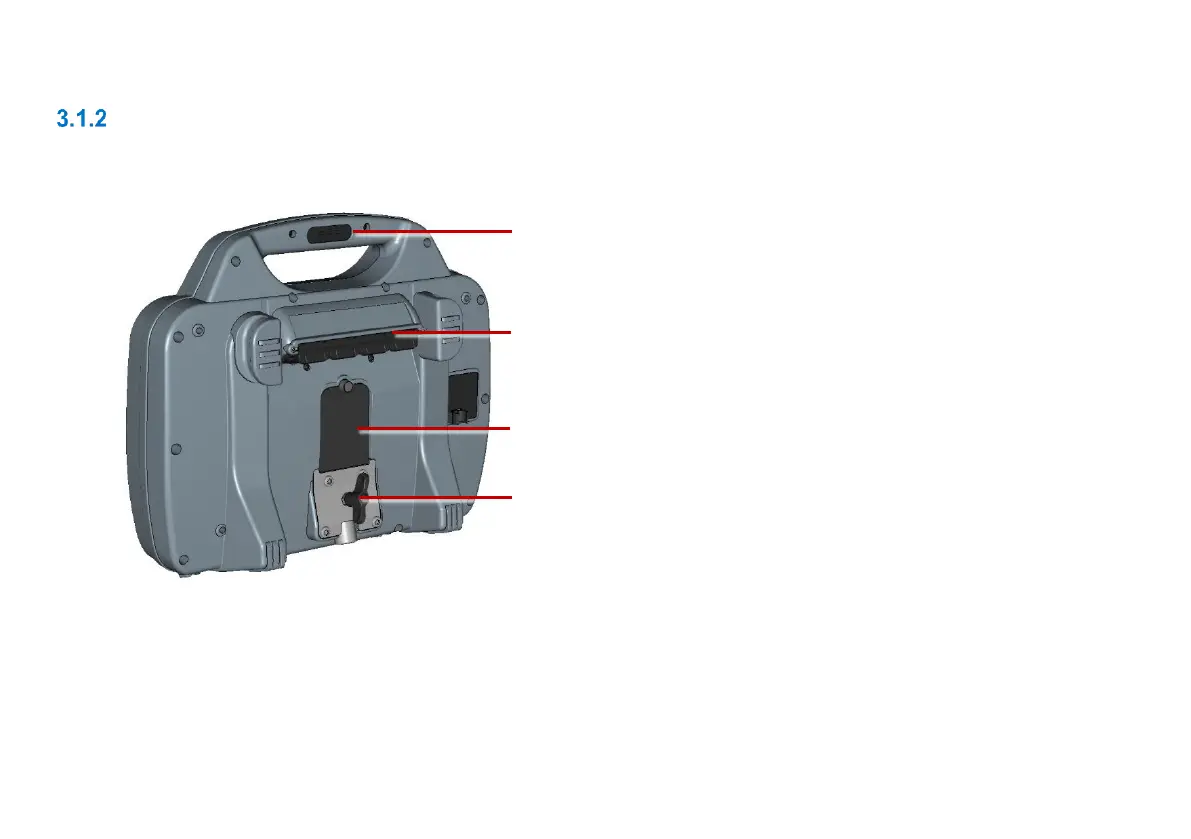
1 Handle-mounted status indicators: On the
back and front of the handle, LEDs indicate
the controller’s WiFi, Power and Battery
Charge status. See page 29.
2 Main connection panel: Includes a socket
for the link cable to the pushrod reel, an
external video input, and Ethernet
connection and the power socket. See page
30.
3 Auxiliary connection panel: Includes an
HDMI output, dual USB ports, and a battery
fuse. See page 31.
4 Controller support clamp: For mounting
the controller onto the drum.



 To Next Page