Chapter 4 Driver Software Functions
3-2. When screen jump to Screen 2, please touch it. If screen 2 has
no touch function, press “S” to skip it.
4. Before proceeding to calibrate, you have to finish the procedure of “Map
touchscreens”.
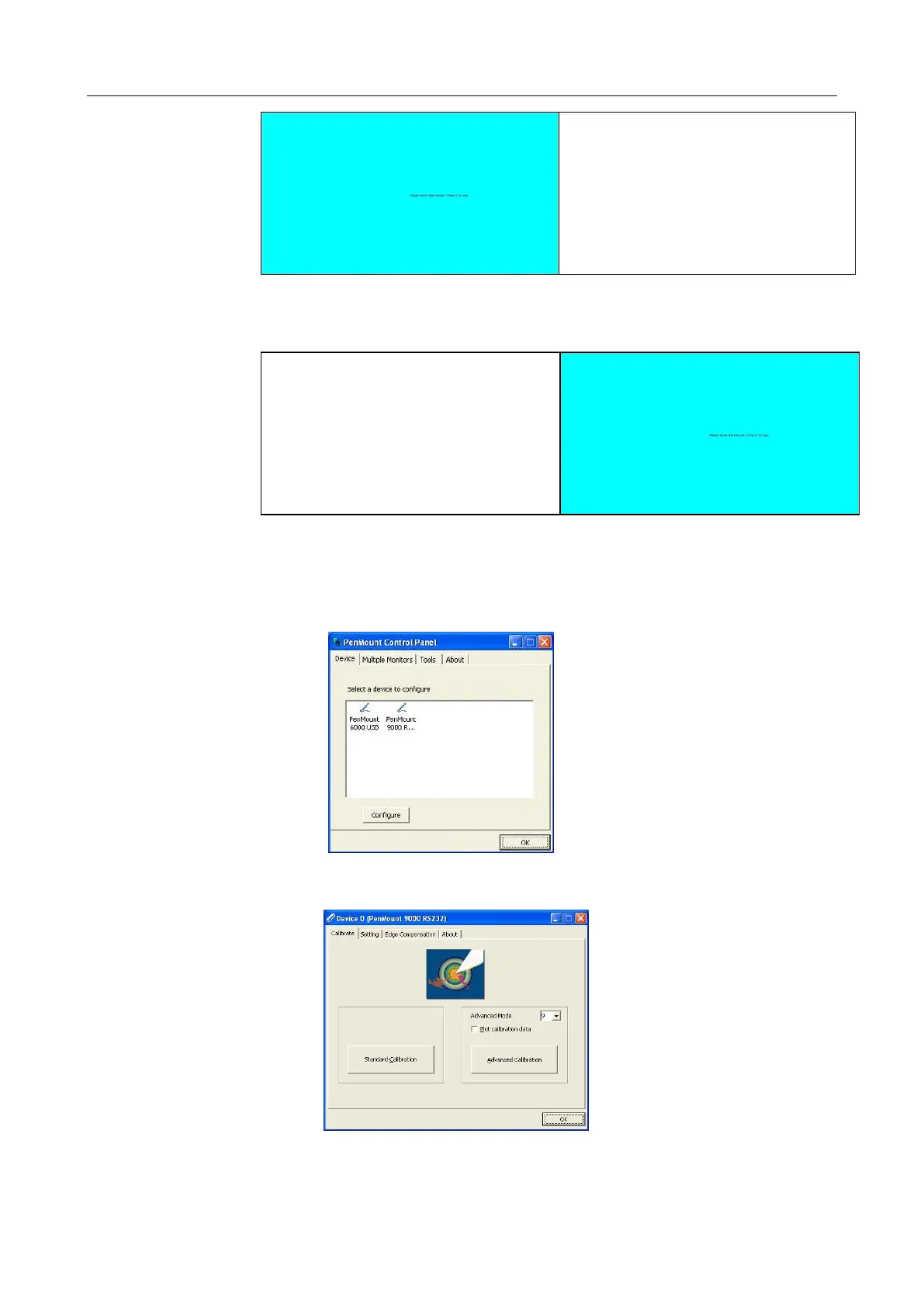
4-1. Please do the calibration for each device in sequence.
4-2. Press each device & start to do Standard Calibration, for instance,
device 0.
4-3. After you press device 0, one of screens will show calibration map.



 To Next Page