Chapter 4 Driver Software Functions
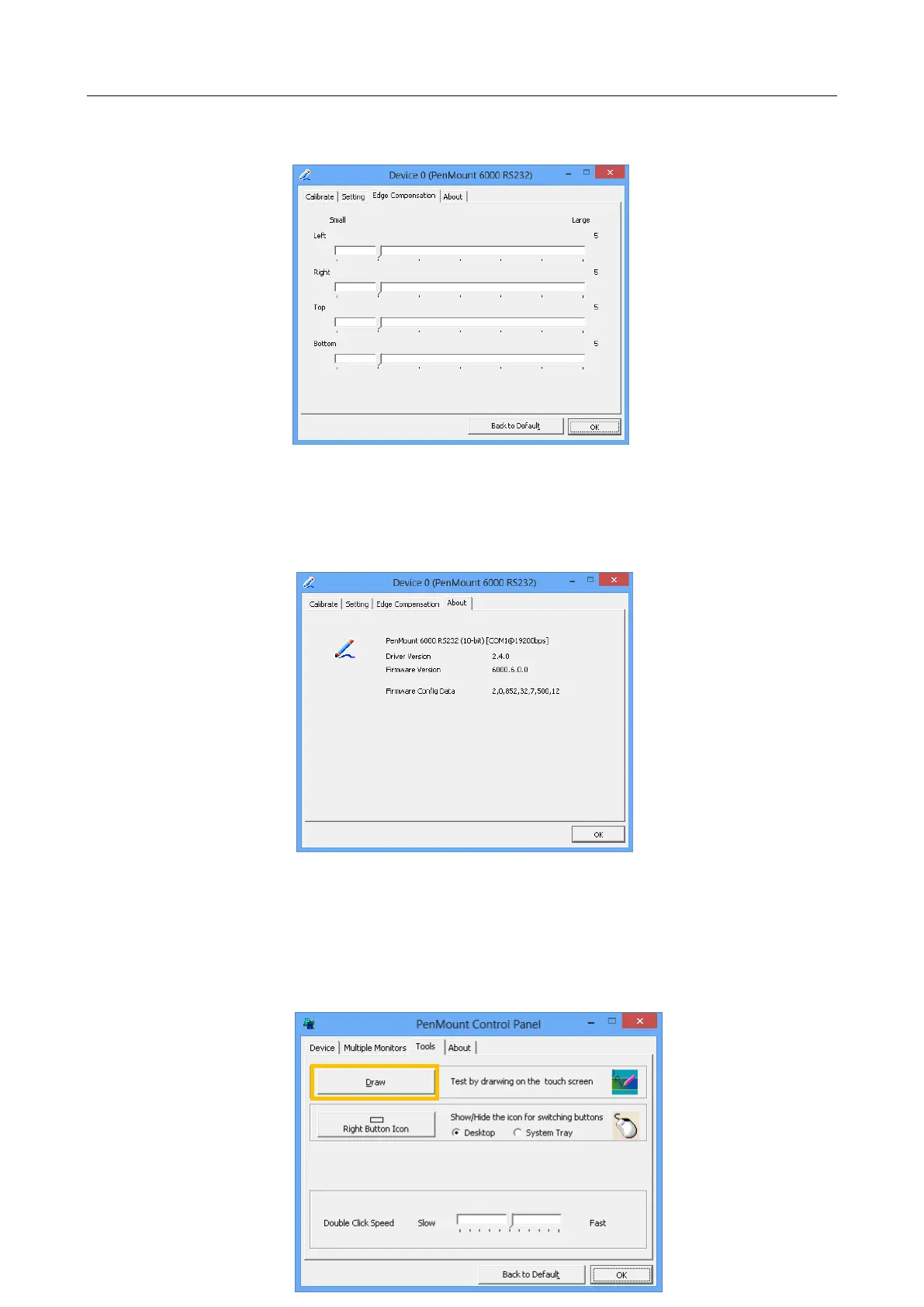
You can adjust the settings from 0 to 30 for accommodating the difference of each touch
panel. The larger the value, the easier that the touch point reaches the edge of screen.
4.7. The Device Information
The “About” Tab in the device configuration table shows information about the PenMount
device, such as baud rate used, firmware version, and firmware configuration data.
4.8. Draw Utility
Tests or demonstrates the PenMount touchscreen operation. The display shows touch
location. Click Draw to start. Touch the screen with your finger or a stylus and the
drawing screen registers touch activity such left, right, up, down, pen up, and pen
down.



 To Next Page