Chapter 4 Driver Software Functions
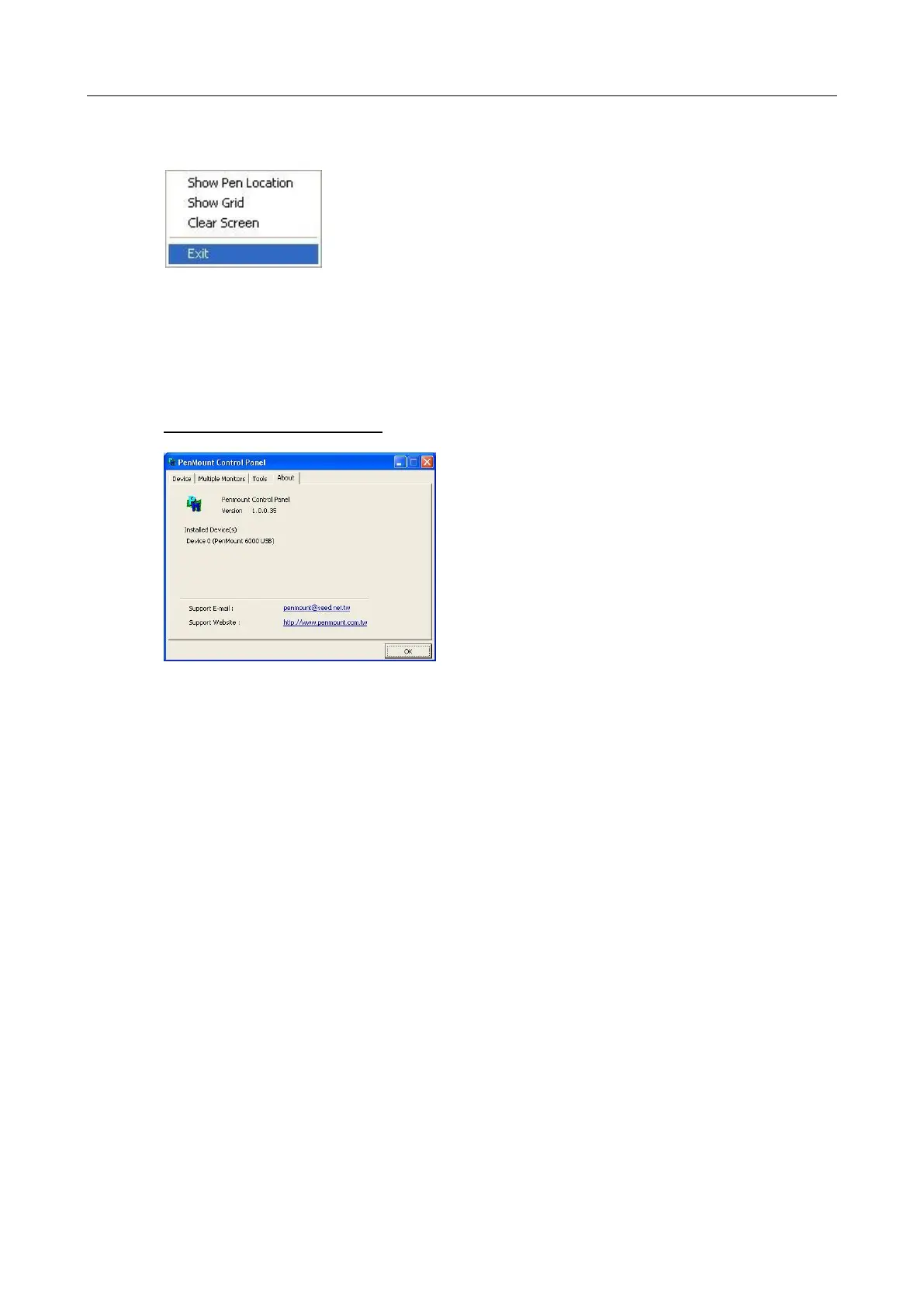
Select Clear Screen to clear drawing.
Select Exit to quit draw function
4.9. The Contact Information
This option shows the exact version of the drivers and controller firmware. Updated
drivers are available for downloading on the PenMount website at
http://www.penmount.com/ .



 To Next Page