Driver Software Functions
39
or ATI and software such as Portrait Pivot Pro. For software operation and features,
please refer to your software manual.
PenMount supports rotation detection of 90, 180 and 270 degrees, and automatically
adjust the touch position. On Windows XP 64 bit systems, however, users still need to
manually turn on the rotation detection support with the instructions described below.
Configure Rotate Function in Windows XP 64bit
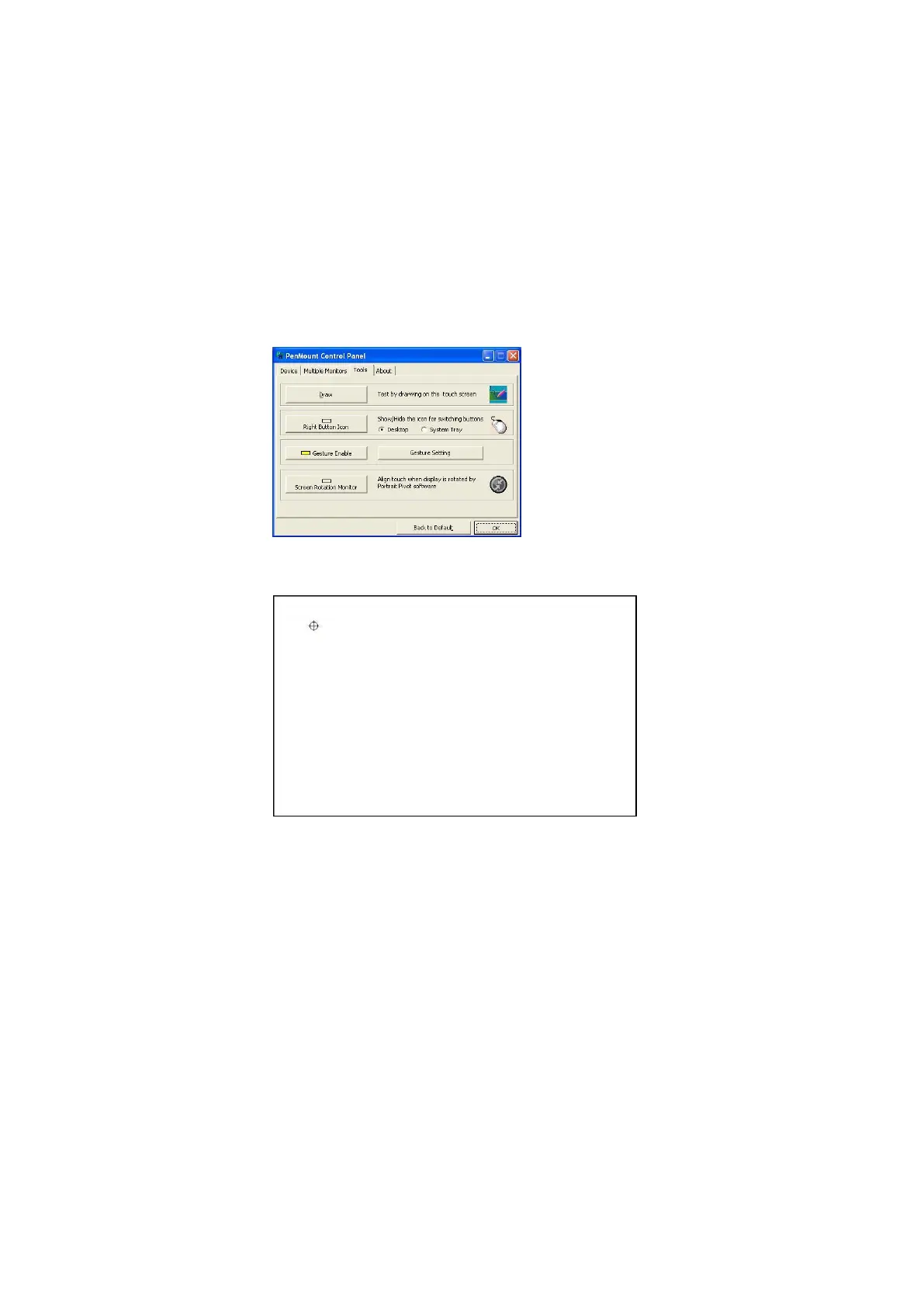
1. There is a “Screen Rotation Monitor” button that appears only in the
PenMount driver utilities for Windows XP 64bit system.
2. On enabling “Screen Rotation Monitor”, you will see a screen like below:
3. Choose rotate function (0°, 90°, 180°, 270°) in the 3
rd
party software. The
calibration screen will appear automatically. Touch this point and rotation
is mapped.
NOTE: Rotate function is disabled if you use Monitor Mapping.
4.5. The Settings Tab
The Settings Tab is available for mouse devices, which user can adjust operation modes,
enable beep sound, and change press and hold settings.



 To Next Page