Chapter 4 Driver Software Functions
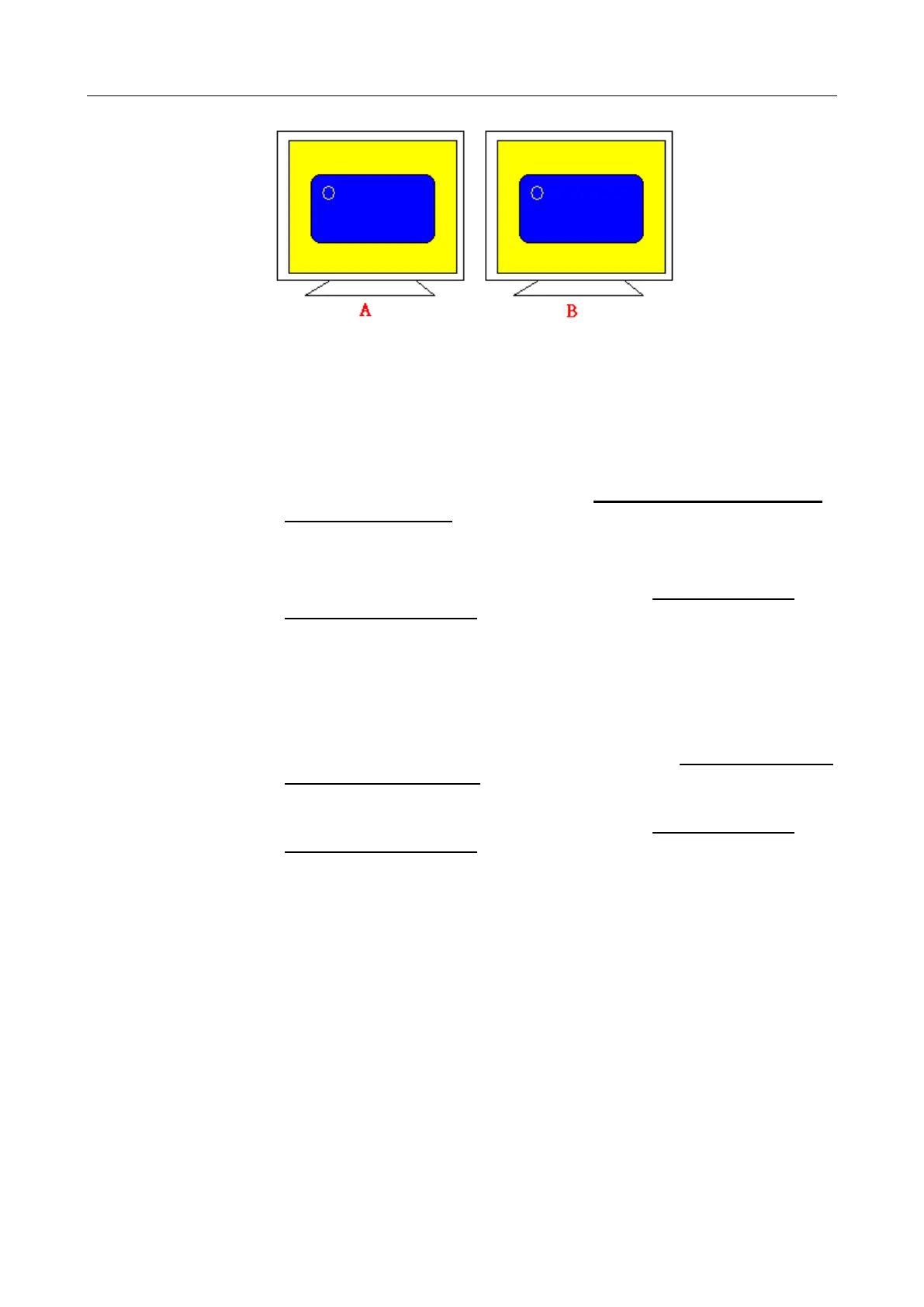
Multiple Devices function displays the same image on two or more monitors.
4.3.2. Requirements
To use Multiple Devices with 6000 Control Boards, you need to do the
following:
To connect with RS-232 ports:
1. Configure your computer hardware. See Chapter 2. Install PenMount
6000 Control Boards.
2. Attach each 6000 board to a different computer’s serial port.
3. Install the PenMount Windows Universal Driver (for
2000/XP/2003/VISTA/7) in each computer – see Chapter 3. Install
Drivers for 6000 Boards for details.
4. Use driver’s Calibration function to calibrate each computer’s
touchscreen. You must calibrate each touchscreen before configuration
is complete.
To connect with USB ports:
1. Configure your computer hardware and the Control Board ID Dipswitch –
refer to your control board’s hardware description in Chapter 2. Install
PenMount 6000 Control Boards.
2. Install the PenMount Windows Universal Driver (for
2000/XP/2003/VISTA/7) in each computer – see Chapter 3. Install
Drivers for 6000 Boards for details.
3. Use driver’s Calibration function to calibrate each computer’s
touchscreen. You must calibrate each touchscreen before configuration
is complete.
Note: Be sure to set the Control Board ID Dipswitches. Do not use the same
setting on different control boards; otherwise the hardware will not
operate correctly.
4.4. Screen Rotation
There are currently a number of software packages on the market that support rotating
monitors 0°, 90°, 180°, and 270°. However you will not be able to use a touchscreen
unless it is matched to the appropriate rotation. Our rotation configuration function allows
you to easily match the touchscreen when you rotate your monitor.
If you use a rotating monitor you will need a display card such as from nVidia, Intel, SMI



 To Next Page