Installing Drivers for 6000 Boards
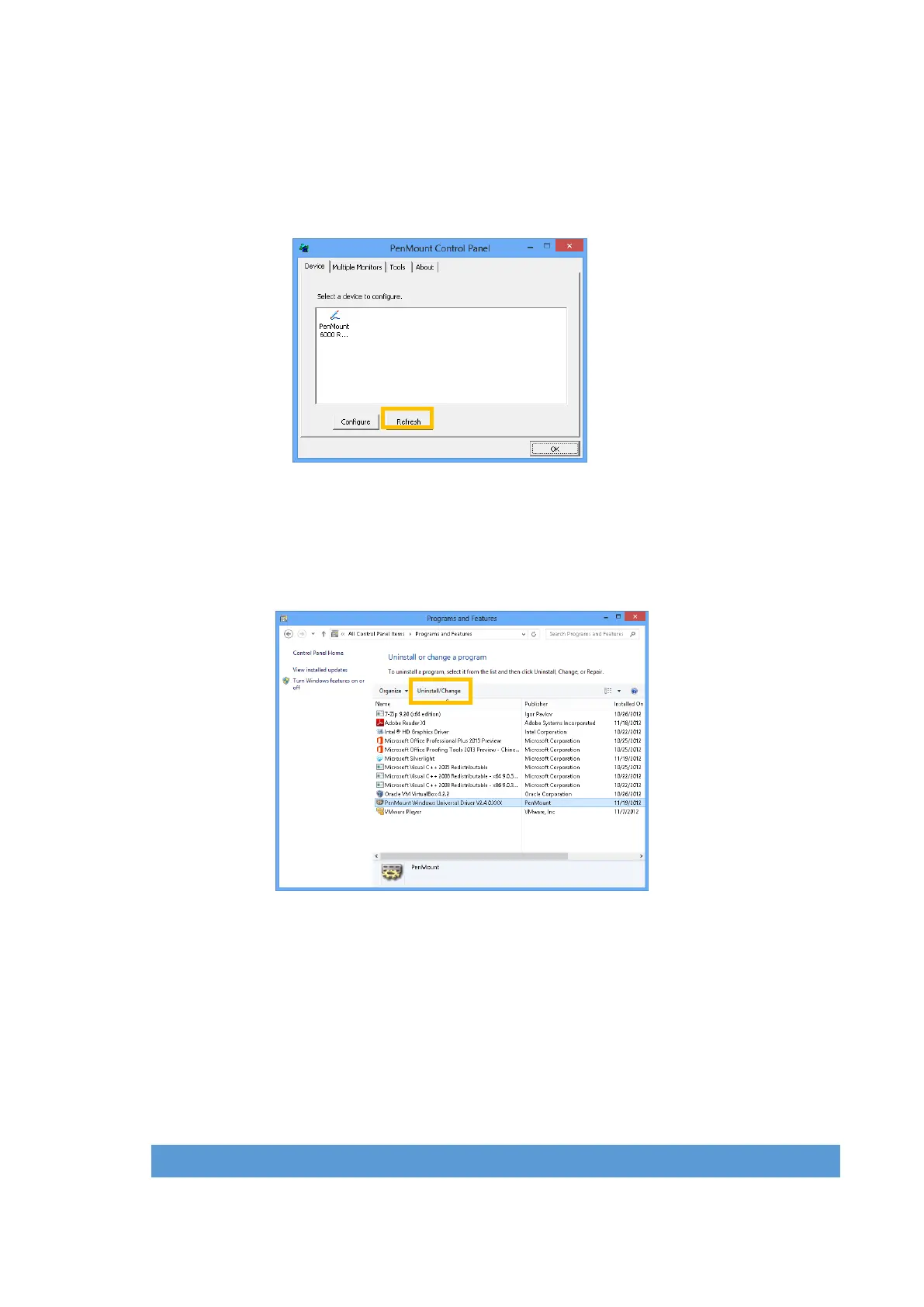
3.2.5. Refresh Device
If a PenMount device is not attached during device driver installation, user can still install
by using the Refresh feature in the PenMount Control Panel.
3.2.6. Uninstall PenMount Windows Universal Driver
1. Go to Control Panel. Click “Add/Remove program”. Select ”PenMount
Windows Universal Driver”, and click on the “Change/Remove” ( Windows
XP ) or “Uninstall/Change” ( Windows 7 / 8 ) button.
2. Select ‘Uninstall’ to remove PenMount Windows Universal Driver.
3.3. Install PenMount X Window Driver on Linux
Before installing PenMount Linux X Window RS-232/USB Driver for PenMount 6000
boards, you must have had Linux X Window installed and running on your computer. You
must also have installed one of PenMount 6200D, 6202B, 6300A or 6500A control
boards.
PenMount Linux X Window RS-232 and USB Drivers for 6000 boards support the
following operating systems:



 To Next Page